

A certificate of completion is a document awarded to a person after successfully completing a course, training program, project, assignment, workshop, or other activity. It provides a formal record that the recipient completed the specified requirements and can be useful for personal, academic, professional, or organizational purposes.
A certificate of completion template provides a ready-made design that you can customize instead of creating a certificate from scratch. You can add the recipient’s name, course or project title, completion date, organization name, instructor, signature, and other relevant information. These free templates can help schools, training centers, businesses, and organizations create professional completion certificates efficiently.
Certificate of Completion Templates
A completion certificate should clearly identify the person who completed the activity and explain what was completed. Depending on the purpose, it may also include the duration of the course or training, issuing organization, certificate number, date, signatures, and other details.
The wording should accurately reflect the achievement. A certificate of completion confirms completion of a particular course, program, task, or activity; it should not imply a qualification or credential that the recipient has not actually earned.
Certificate of Completion Template in Word
A certificate of completion template in Word is convenient for schools, businesses, training providers, and individuals who want an editable certificate. Microsoft Word allows you to replace the sample text, add a logo, change fonts, and personalize the certificate for each recipient.
Keep a blank master copy of the template and create a separate working copy for each certificate. This helps prevent accidentally overwriting the original design or carrying information from one recipient to another.
Printable Certificate of Completion
A printable certificate of completion can be used for classroom courses, employee training, workshops, seminars, professional development programs, volunteer activities, and completed projects.
For a polished result, use good-quality paper or cardstock and check the page size and margins before printing. Review the recipient’s name, course title, dates, and signatures carefully because even a small spelling error can make a completed certificate look unprofessional.
Training Certificate of Completion
A training certificate of completion confirms that an individual completed a specified training program. It may be issued by a company, educational institution, training provider, nonprofit organization, or professional development program.
Include the training title, participant’s name, completion date, training provider, and instructor or authorized signature where appropriate. If the program has a defined duration or number of training hours, those details can also be included.
Course Completion Certificate
A course completion certificate can be awarded after a student or participant successfully completes a course. It may be used for academic classes, online courses, workshops, technical training, or professional development.
Clearly state the name of the completed course and the recipient. If successful completion required specific conditions, make sure those conditions have actually been met before issuing the certificate.
Employee Certificate of Completion
Businesses can use an employee certificate of completion to recognize staff members who complete internal training, onboarding programs, safety courses, workshops, or other professional development activities.
A company logo and consistent branding can give the certificate a professional appearance. You can also include the training department, instructor, completion date, or number of training hours when relevant.
Project Completion Certificate
A project completion certificate can document that a project, assignment, contract-related activity, or defined piece of work has been completed. It may be useful for internal records or as part of a project documentation process.
Include the project name, recipient or responsible party, completion date, organization, and authorized signature where appropriate. For contractual or construction work, use any formal completion documentation required by the relevant agreement or jurisdiction.
Certificate of Completion vs. Certificate of Achievement
A certificate of completion generally confirms that a person completed a specified course, program, training, or activity. A certificate of achievement usually recognizes an accomplishment, performance, result, or notable achievement.
The distinction depends on how the organization uses these terms. Choose wording that accurately describes what the recipient has accomplished rather than using a more prestigious title simply for appearance.
What to Include on a Completion Certificate
A completion certificate may include:
- Recipient’s full name
- Certificate title
- Course, training, or project name
- Description of the completed activity
- Completion date
- Organization or institution name
- Instructor or authorized person’s name
- Signature
- Certificate number, if applicable
- Logo or official seal
Not every certificate requires all of these fields. Use only the information appropriate to the purpose of the certificate.
How to Make a Certificate of Completion
Start by choosing a certificate template that matches the type of completion being recognized. Add the recipient’s name and clearly describe the completed course, program, training, project, or activity.
Customize the organization name, logo, dates, signatures, and other details. Check the spelling and information carefully before printing or distributing the certificate.
For recurring programs, save a clean master template and use copies for individual recipients. This can make certificate preparation faster while maintaining a consistent appearance.
Download Free Certificate of Completion Templates
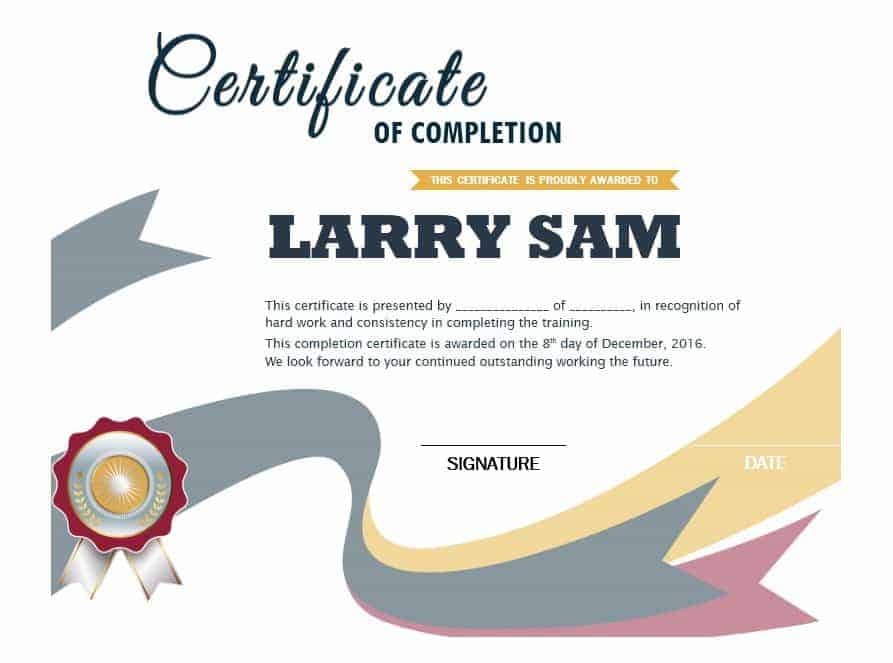
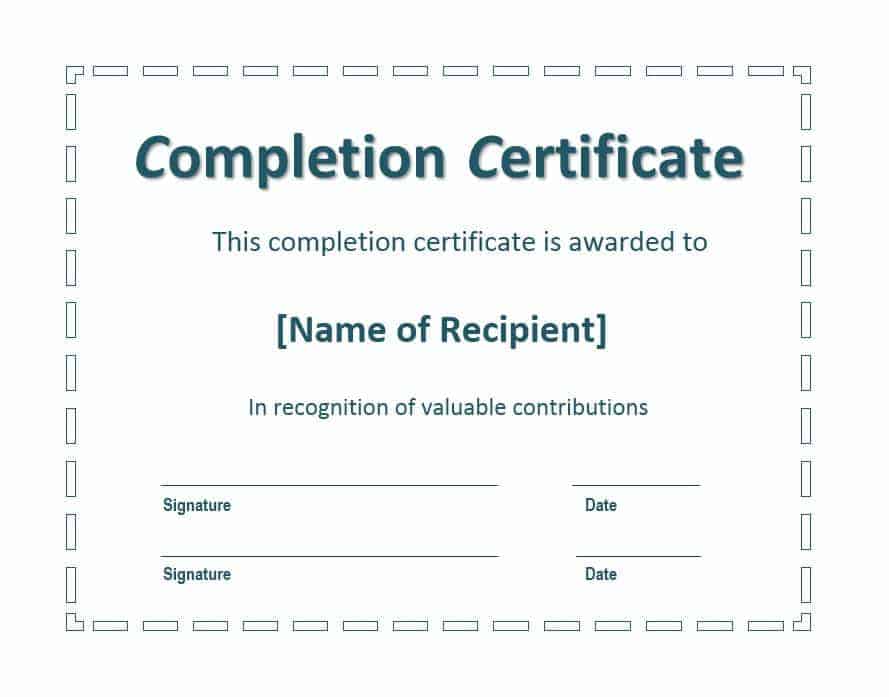
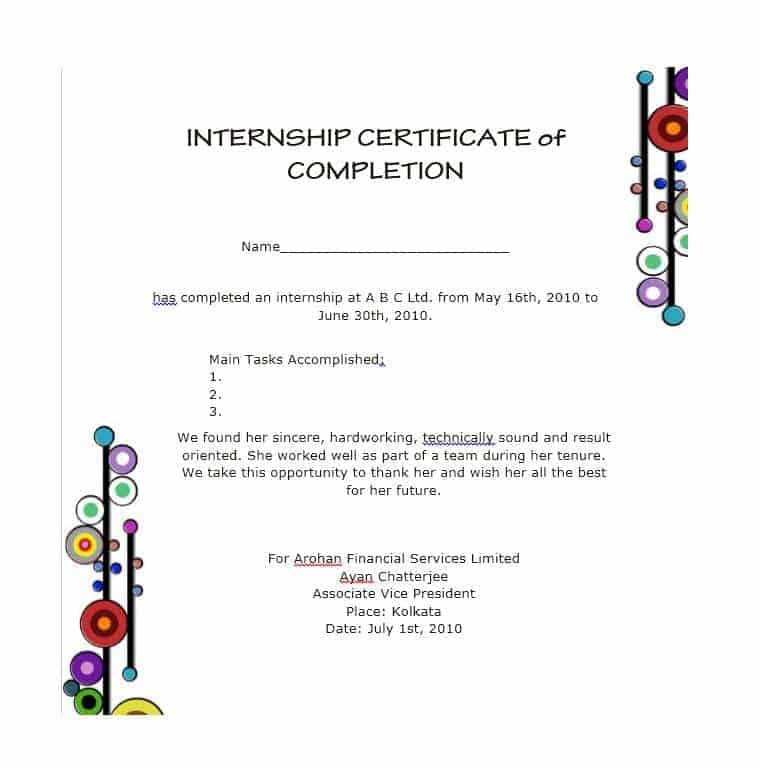
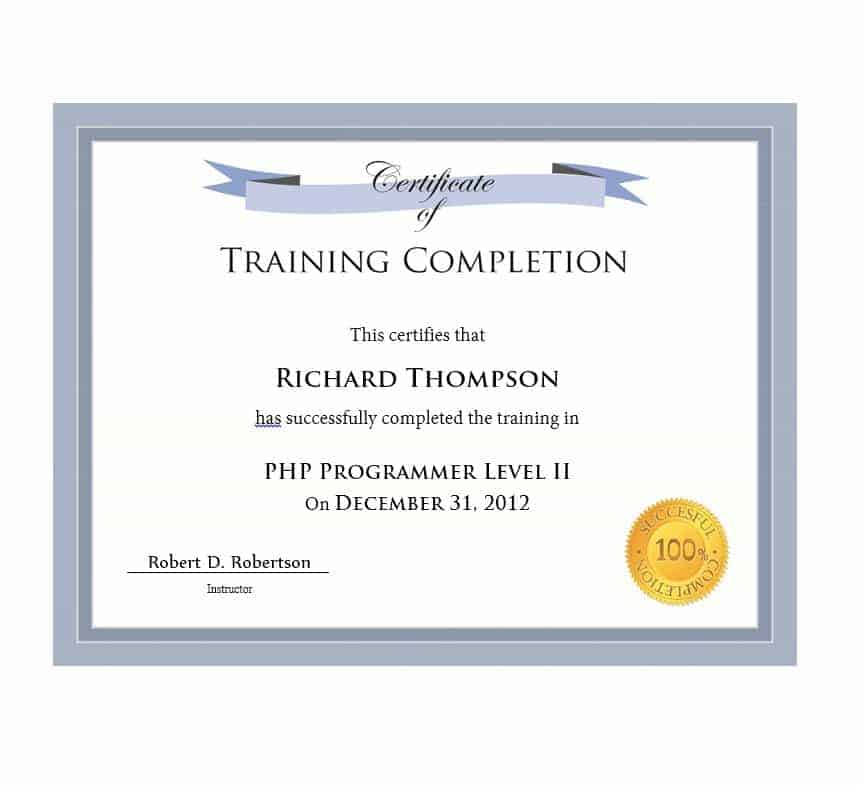
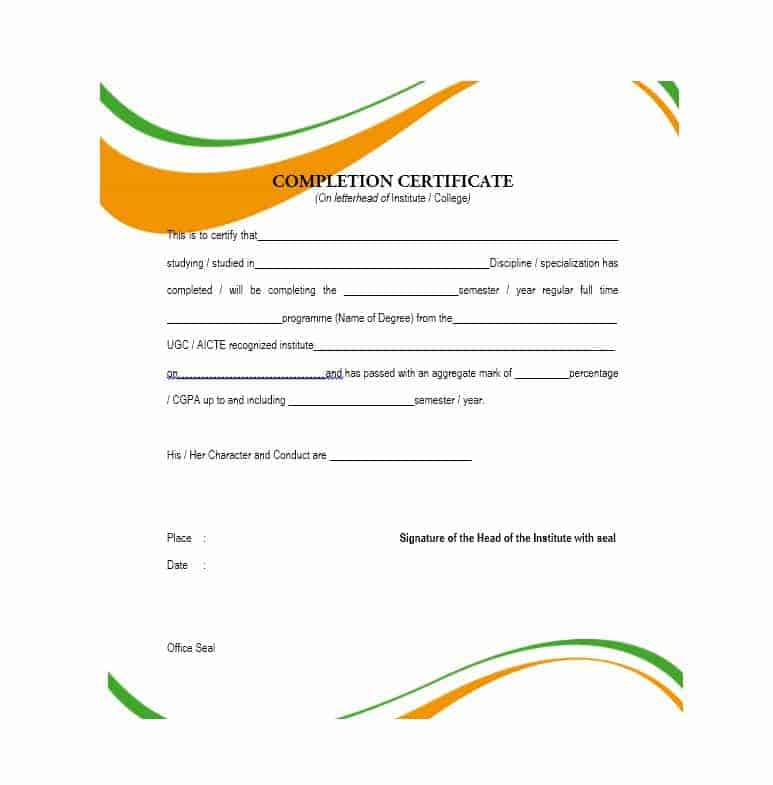
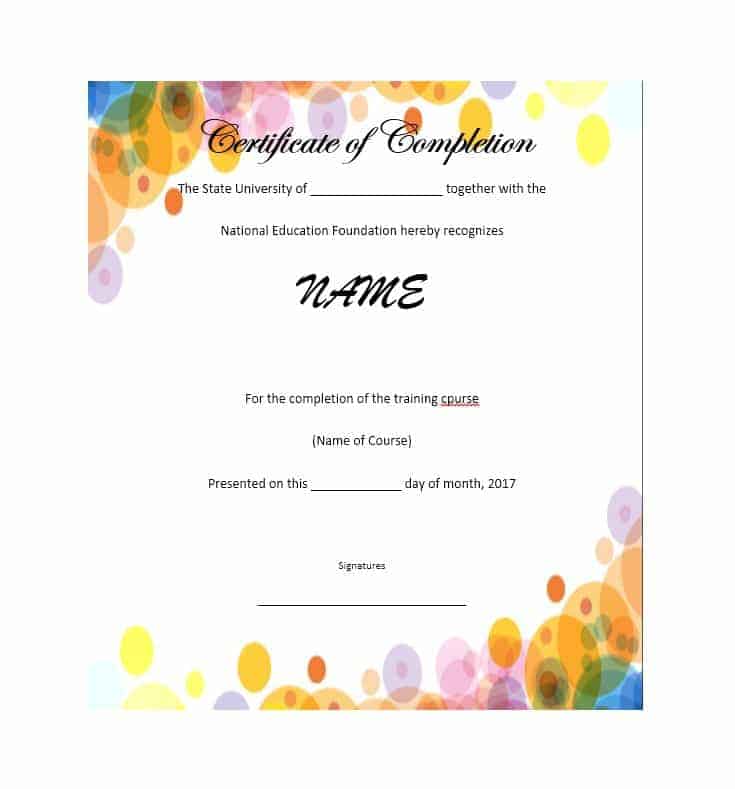
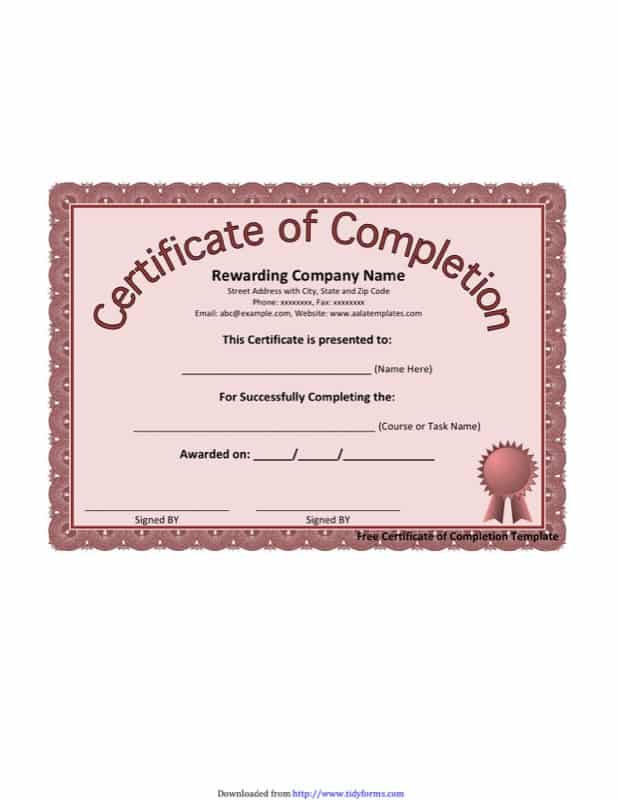
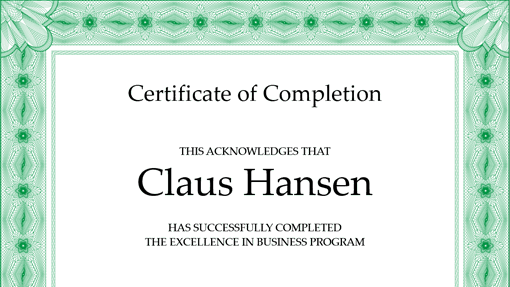
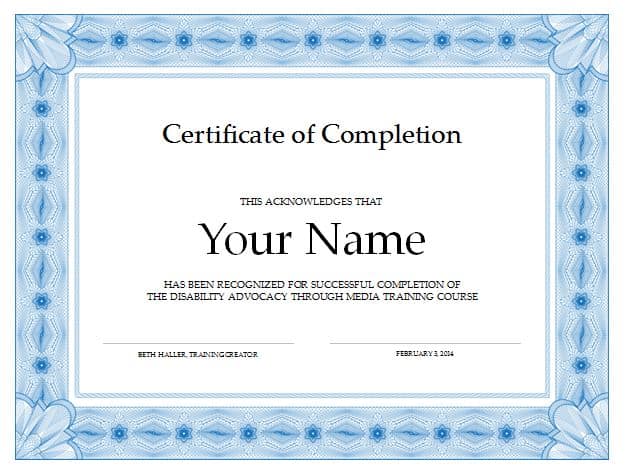
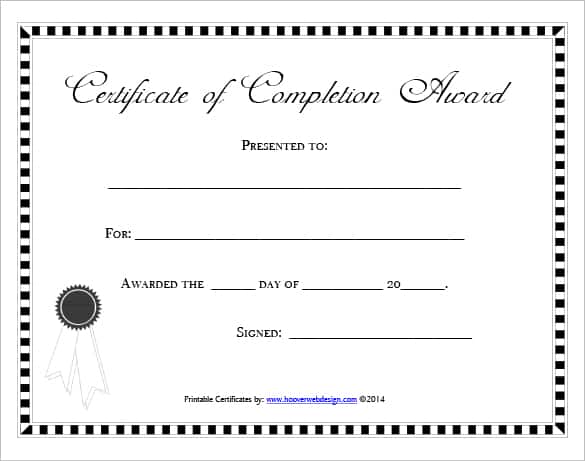
These free certificate of completion templates provide ready-made designs for schools, training centers, businesses, workshops, courses, projects, and professional development programs. The collection includes downloadable templates and numerous additional examples for design and formatting ideas.
Choose a template, customize it with accurate recipient and completion information, and prepare the finished certificate for printing or digital delivery. A clear, professional certificate can provide a useful record of completed training, education, projects, or other activities.
Downloadable Free Certificate of Completion Templates And Formats




FAQs
1. What is a certificate of completion?
A certificate of completion is a document confirming that a person successfully completed a specified course, training program, project, workshop, or other activity.
2. Can I edit a certificate of completion in Word?
Yes. A Word certificate template can be customized with the recipient’s name, course, dates, organization, logo, signatures, and other information.
3. What should a completion certificate include?
It commonly includes the recipient’s name, certificate title, completed activity, completion date, issuing organization, and authorized signature.
4. Can I use a certificate of completion for training?
Yes. Training providers and businesses commonly use completion certificates to document participation and completion of training programs.
5. What is a project completion certificate?
It is a document that records the completion of a specified project, assignment, or defined piece of work.
6. Is a certificate of completion the same as a diploma?
No. A certificate of completion generally confirms completion of a particular program or activity and does not necessarily represent a degree, diploma, or professional license.
7. Can businesses issue certificates of completion to employees?
Yes. Businesses can use them to recognize completion of employee training, workshops, onboarding programs, and professional development activities.
8. Can I print a certificate of completion at home?
Yes. You can print a completed certificate on good-quality paper or cardstock, provided the template is formatted correctly for your printer and page size.



You must be logged in to post a comment.