

A contact list is an organized record of people, businesses, customers, clients, suppliers, employees, or other important contacts. Keeping contact information in a structured format makes it easier to find phone numbers, email addresses, mailing addresses, and other details when they are needed.
A contact list template provides a ready-made format for recording and managing this information. Instead of creating a list from scratch, you can use a template and customize the columns according to your needs. These free contact list templates can be used for personal contacts, business relationships, customers, vendors, employees, emergency contacts, and other groups.
Contact List Templates
A useful contact list should contain the information you actually need. A basic list may include a person’s first and last name, phone number, email address, and address. A business contact list may require additional information such as company name, job title, department, website, or notes.
Using consistent columns makes the list easier to search, update, sort, and maintain. You can also create separate lists for different groups instead of combining unrelated contacts into one large spreadsheet.
Contact List Template in Excel
An Excel contact list template is especially useful when you have many contacts to manage. Excel allows you to arrange information in columns, sort records alphabetically, filter contacts by category, and search for specific information.
You can create columns for name, company, job title, phone, email, address, category, and notes. Adding filters to the header row can make it much easier to find customers, vendors, employees, or other specific groups.
Contact List Template in Word
A contact list template in Word is useful when you want a simple document that can be printed or shared. Word tables can organize names and contact details in a clean format without requiring spreadsheet formulas.
A Word contact list may work well for smaller lists, printed directories, classroom contacts, event participants, or office reference sheets. For large or frequently updated databases, Excel may be more convenient.
Business Contact List
A business contact list can help companies organize information about customers, clients, suppliers, vendors, partners, contractors, and other professional contacts.
Useful fields may include contact name, company, position, telephone number, email address, website, business address, category, and notes. Keeping business contact information organized can make follow-ups and routine communication more efficient.
Customer Contact List
A customer contact list records information about existing or potential customers. Depending on the business, it may include customer name, company, phone number, email, address, customer type, and notes.
Keep only the information that is necessary for your business purpose and follow appropriate privacy and data-handling practices. Update outdated contact details regularly so employees are not relying on incorrect information.
Employee Contact List
An employee contact list can provide staff members or authorized administrators with important workplace contact information. It may include employee names, departments, job titles, work phone numbers, email addresses, and other appropriate details.
For sensitive personal information, access should be limited to people who need it. A workplace directory does not need to contain every piece of personal information about an employee.
Emergency Contact List
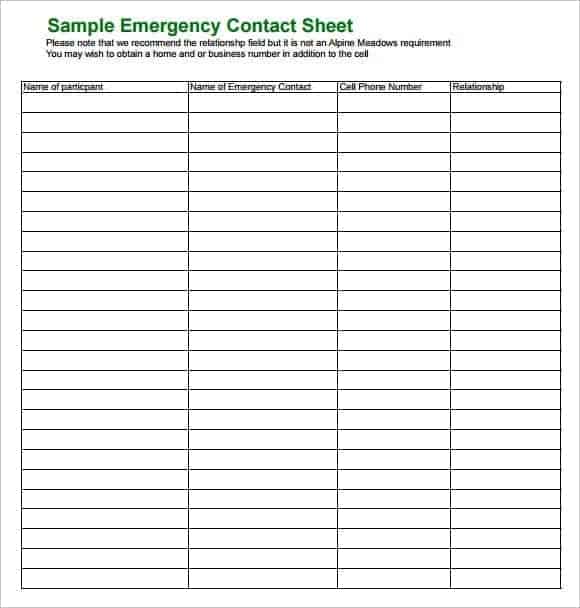
An emergency contact list provides quick access to important telephone numbers and contact information during an urgent situation. It may include emergency services, building management, security, key staff, family contacts, or other relevant numbers.
Keep emergency information easy to find and review it periodically. Telephone numbers and responsible personnel can change, so an outdated emergency list may not be useful when it is needed most.
Contact List for Vendors and Suppliers
Businesses can use a vendor contact list to organize supplier and service-provider information. Useful fields may include vendor name, primary contact, telephone number, email address, address, account information, and notes.
A centralized supplier list can make it easier to contact the right person when placing orders, resolving delivery issues, requesting quotations, or discussing account matters.
Contact List for Events
An event contact list can help organizers manage speakers, guests, vendors, volunteers, sponsors, staff, and other participants. The list can include names, roles, contact details, arrival information, and notes.
Separate contacts into categories when an event involves many people. This makes it easier to identify the person responsible for a particular task or area.
Printable Contact List
A printable contact list is useful when you need a physical reference document. It can be kept in an office, home, reception area, binder, or other convenient location.
Before printing, make sure the columns fit on the page and that phone numbers and email addresses are easy to read. For lists containing frequently changing information, consider maintaining a digital master copy as well.
How to Make a Contact List
Start by deciding what type of contacts you want to organize and what information you need to record. Choose a template with columns that match those requirements.
Enter each contact consistently and check spelling, telephone numbers, email addresses, and other important details. If you are using Excel, enable filters and consider sorting the list by name, company, category, or another useful field.
Review the list regularly and remove or update outdated records. A contact list becomes much more useful when it remains accurate and current.
Download Free Contact List Templates
These free contact list templates in Excel and Word provide convenient formats for organizing personal and professional contacts. They can be customized for customers, clients, employees, vendors, suppliers, event participants, emergency contacts, and other groups.
Choose the format that best suits your needs, add the columns you require, and keep the information updated. For larger contact lists, Excel provides useful tools for sorting, filtering, searching, and maintaining records.
Downloadable Contact List Templates And Formats
This contact list template provides a structured format for recording names and important contact information. It can be customized for personal contacts, business contacts, customers, employees, or other groups.
Add the columns that are most useful for your needs, such as phone number, email address, company, job title, address, and notes. Keeping the same format for every entry makes the list easier to search and maintain.
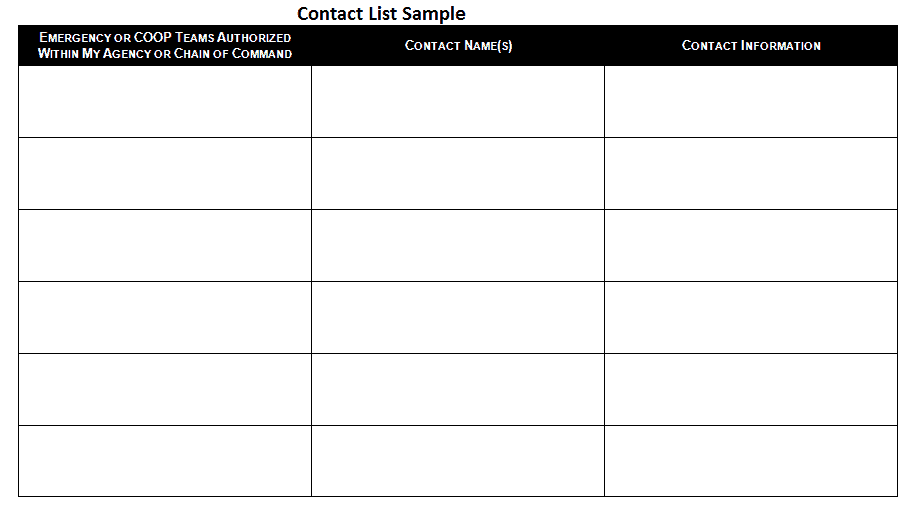

This contact list template provides another organized layout for maintaining contact information. It can be adapted for personal directories, office records, customer lists, or other contact-management purposes.
Use clear column headings and enter information consistently. If maintained in Excel, filters can make it easier to locate contacts by name, company, or category.
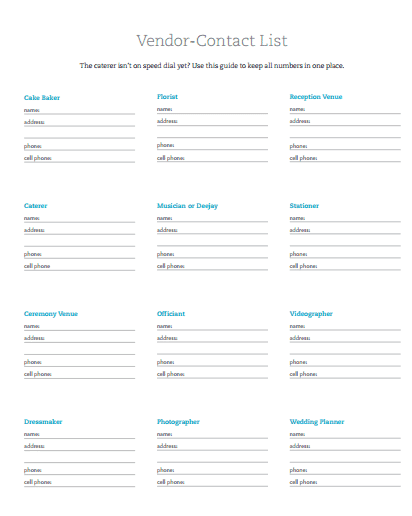
This contact list template offers a simple structure for recording contact details in one convenient document. It can be customized with fields for names, telephone numbers, email addresses, addresses, and additional notes.
A consistent contact list can reduce the time spent searching for frequently needed information. Review the list periodically to keep contact details accurate.
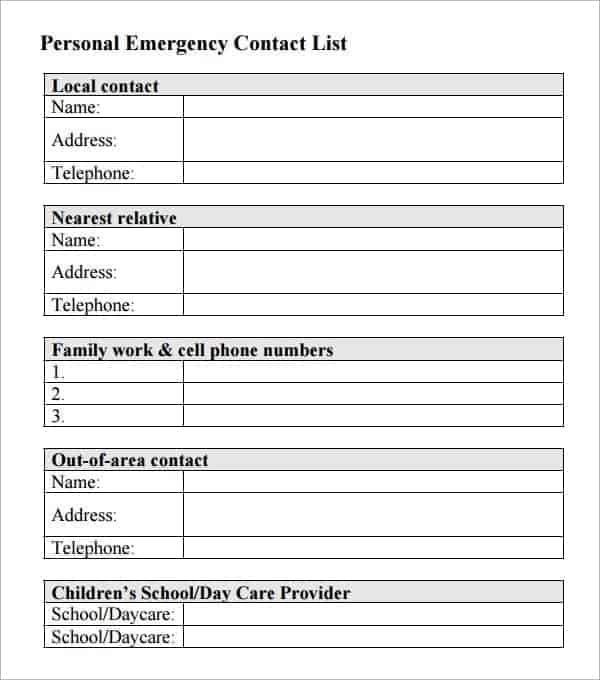
This contact list template provides a practical format for managing multiple contacts. It can be used for businesses, organizations, events, customer records, or personal contact directories.
Customize the columns according to the purpose of the list. Avoid collecting unnecessary personal information and keep sensitive information accessible only to authorized users.
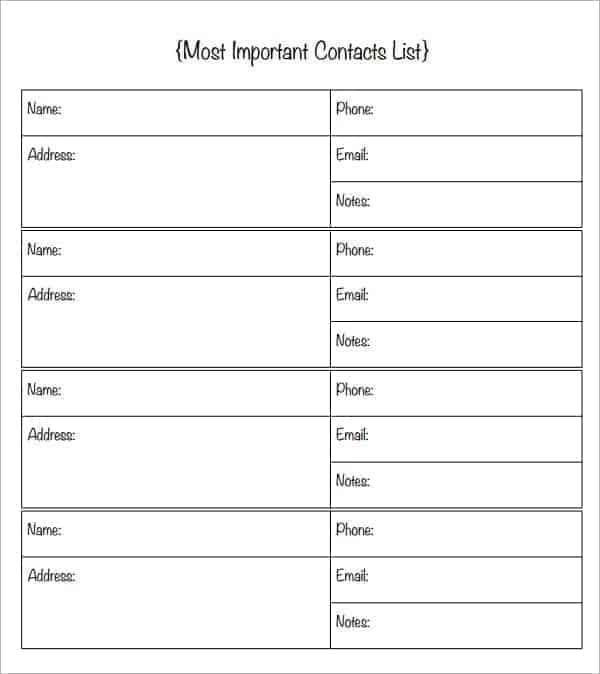
This contact list template provides another format for organizing contact information in a structured table. It can be adapted for clients, customers, vendors, suppliers, employees, or personal contacts.
Add categories or notes if you need to distinguish different types of contacts. In Excel, sorting and filtering can make large lists easier to manage.
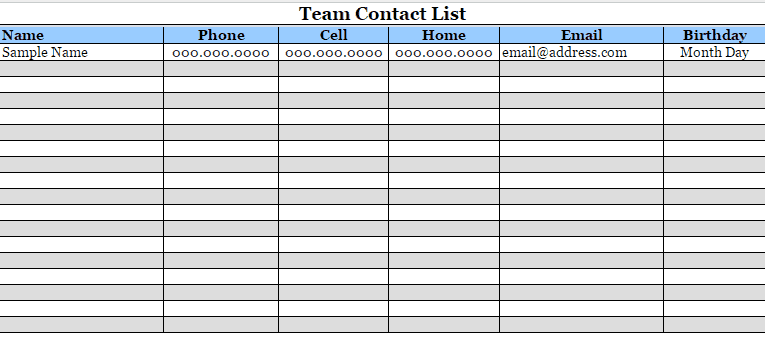
This contact list template provides a convenient starting point for creating a customized contact directory. It can help organize names and communication details in a consistent format.
Replace the sample information with your own contacts and add any relevant fields. Check telephone numbers and email addresses carefully when entering or updating records.
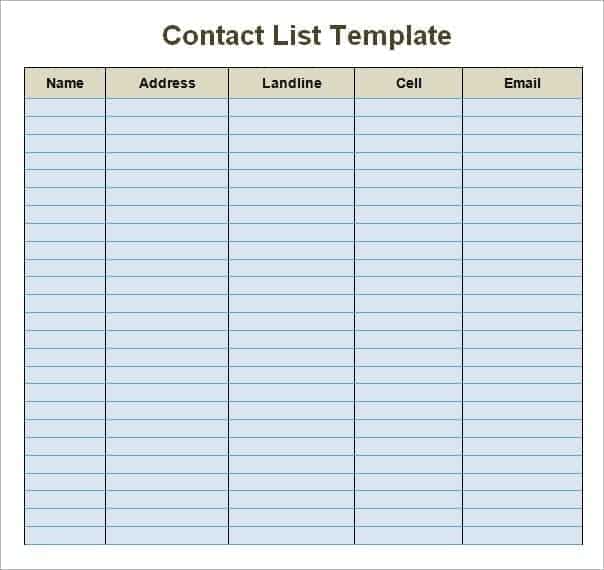
This contact list sample demonstrates how contact information can be arranged in an organized format. It can provide ideas for choosing appropriate columns and structuring a contact directory.
Use the example as a guide and customize it for your specific purpose. A simple format is often sufficient when only basic contact details need to be tracked.
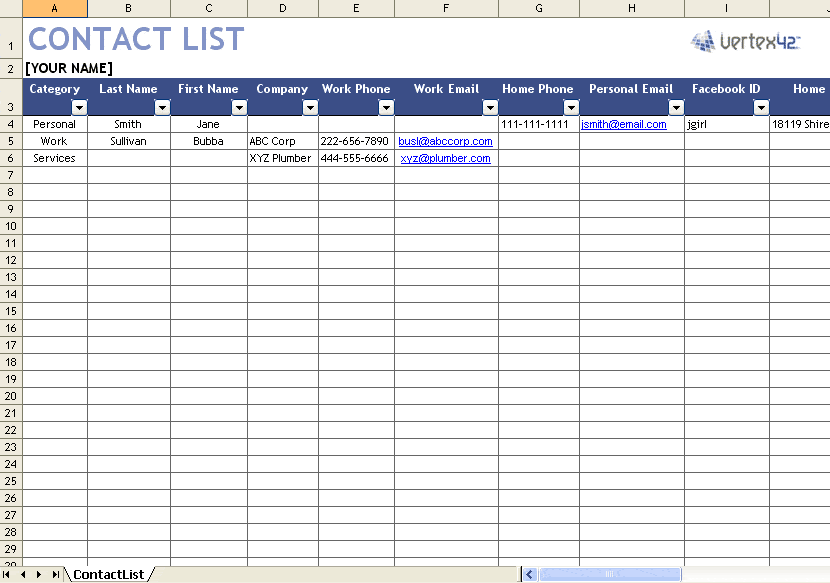
This contact list sample provides another example of how names and contact information can be organized. It can help users develop a consistent format for maintaining a personal or professional directory.
Adapt the fields to your needs and remove unnecessary columns. Keep the list updated so it remains a reliable reference.
FAQs
1. What is a contact list?
A contact list is an organized record containing information such as names, phone numbers, email addresses, companies, and other relevant contact details.
2. Can I create a contact list in Excel?
Yes. Excel is particularly useful for contact lists because you can sort, filter, search, and organize large numbers of contacts.
3. Can I make a contact list in Word?
Yes. Word can be used to create simple contact lists and printable directories using tables.
4. What should a contact list include?
Common fields include name, phone number, email address, company, job title, address, category, and notes.
5. What is a business contact list?
A business contact list organizes professional contacts such as customers, clients, suppliers, vendors, partners, and contractors.
6. What is an employee contact list?
An employee contact list contains appropriate workplace contact information for staff, such as names, departments, job titles, work phone numbers, and email addresses.
7. Can I print a contact list?
Yes. Contact lists created in Word or Excel can be formatted and printed for use as a physical directory or reference sheet.
8. How often should a contact list be updated?
Review it regularly and update or remove outdated information whenever contact details, roles, companies, or other relevant information changes.



You must be logged in to post a comment.