

Just an envelope cover your business letter or document to make it more professional, a fax cover sheet also work as envelope of the fax that provides additional details and info to the recipient about fax. It is the best platform to get free fax cover sheet templates for both business and private use that can help an individual person or businessman to make faxes more professional and easily understandable. Basically fax cover sheet is the part of fax that provides useful information to the recipient about who gets the fax as well as what is included in the fax etc. Related templates: letterhead templates, mail merge templates, contact list templates and visiting card templates.
What Is a Fax Cover Sheet?
A fax cover sheet is the first page sent with a fax. It tells the recipient who the fax is from, who it is for, how many pages to expect and what the document is about. Because fax machines are often shared in offices, clinics and other workplaces, the cover sheet helps the fax reach the right person and signals whether the contents are confidential or urgent. A fax cover sheet template provides these fields in a neat, professional layout.
Components of fax cover sheet templates
Fax is an old part of electronic communication but still considered as a powerful and most effective way to convey confidential business information and details to concerned persons and entities. Elements of the fax cover sheet may include name of the sender, name of the recipient, date of the fax, little bit information about the contents of fax and company name etc. It can be made easily in any word procession computer program such as MS word but an unfamiliar person may fail to do so due to insufficient knowledge about the fax and cover sheet.
Here you can see wide range of fax cover sheet templates produced by professionals. Purpose of templates is to help individual people and business owners to guide about making fax cover sheets personally in office. After choosing an appropriate template or format a user can simply modify elements of the template as per business needs such as company logo, name of the business and other details about the fax. Once the template edited successfully, it can be saved in storage of computer or laptop for later use. After that it will provide the ready outline and structure of the cover sheet with pre done formatting to simply get print out in time of needs.
Printable and Editable Fax Cover Sheet Template
The free fax cover sheet templates on this page include editable Word sheets and printable PDF sheets. With a Word version, you can type your company name, logo, address and phone numbers once and save the file as your standard fax template. Before each fax, you only need to fill in the recipient, date, page count and message. Printable PDFs can be completed by hand when you need to send something quickly.
Why Fax Is Still Used
Even with email and online file sharing, fax remains part of the workflow in some offices and sectors. It is a simple way to send printed documents, handwritten notes and signed forms directly to another machine or fax number without scanning them first. Many people now use online fax services, which send and receive faxes through a computer, and a cover sheet is just as useful in that case.
What to Include on a Fax Cover Sheet
- Sender details: name, company, phone number, fax number and email address.
- Recipient details: name, company, phone number and fax number.
- Date the fax is sent.
- Number of pages, including or excluding the cover sheet (state which).
- Subject or reference: a short description of the document.
- Status checkboxes: such as urgent, for review, please reply or please comment.
- Message or comments: brief instructions or context for the recipient.
- Confidentiality notice: a short statement asking anyone who receives the fax by mistake to notify the sender.
Types of Fax Cover Sheets
A standard business fax cover sheet includes the company logo and full contact details. A confidential fax cover sheet places a clear confidentiality statement near the top, which is common for legal, financial and medical documents. A basic or blank fax cover sheet keeps only the essential fields, while personal designs are useful for sending forms to schools, landlords or service providers.
How to Fill Out a Fax Cover Sheet
Enter the date, then the recipient’s name and fax number exactly as provided, and double-check the number before sending. Add your own contact details so the recipient can reply or report problems. Count the pages and write the total, noting whether the cover sheet is included.
Write a clear subject line and a short message, such as what the document is and what action you need. Tick any status boxes that apply, then place the cover sheet on top of the pages and send the fax. Keep the transmission report or confirmation for your records.
Tips for Sending Faxes Professionally
- Use a template with your logo and details already filled in.
- Keep the message short; the main document should hold the details.
- Mark sensitive documents clearly as confidential and confirm the recipient is expecting them.
- Use dark, clear fonts so the text stays readable after transmission.
- Call or email to confirm receipt of important faxes.
Downloadable Fax Cover Sheet Templates And Formats
Below are free fax cover sheet templates in Word: editable business, confidential, medical, personal and law office fax cover sheets. Download a fax cover sheet template, add your contact details and keep it ready for every fax you send.
Business Fax Cover Sheet Template (Word)
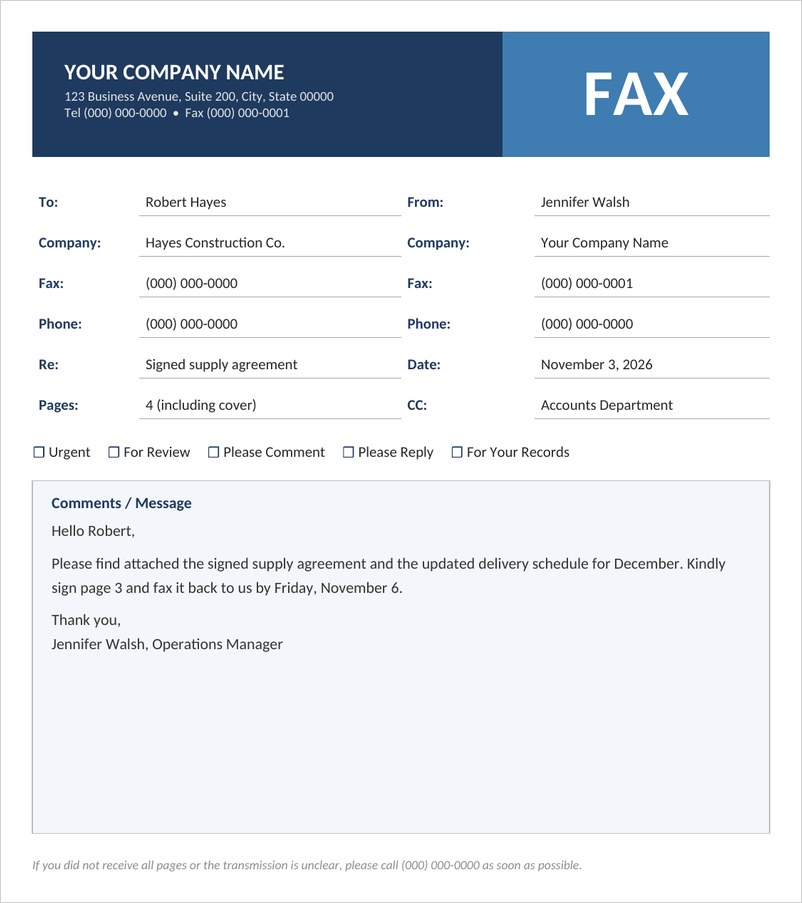
A professional business fax cover sheet with company header, to and from details, page count, action checkboxes and a message area, ready to edit and print.

Confidential Fax Cover Sheet Template (Word)
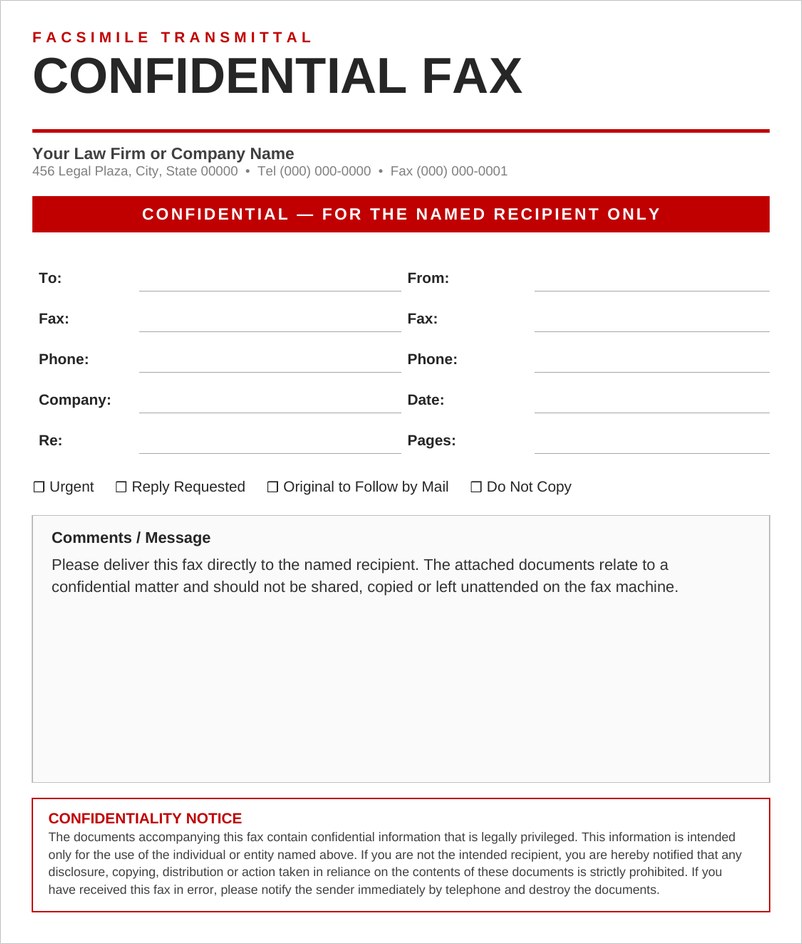
A confidential fax cover sheet for law firms and offices with a red confidential banner, recipient fields, handling checkboxes and a full confidentiality notice.
Medical Fax Cover Sheet Template (Word)
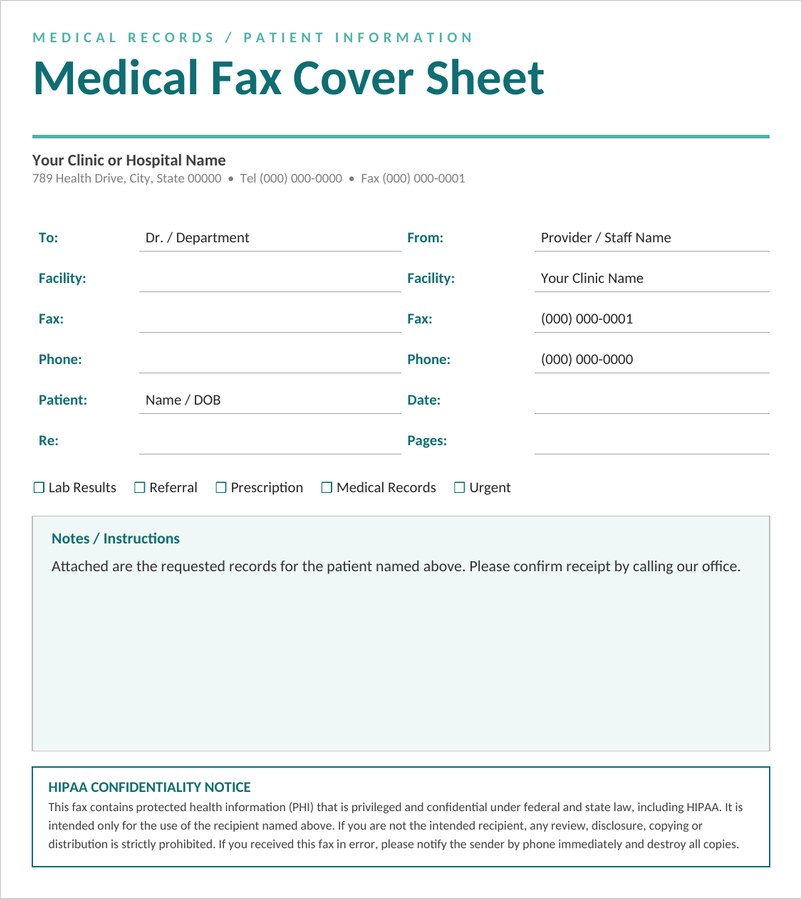
A HIPAA-friendly medical fax cover sheet for clinics, hospitals and pharmacies, with patient reference, record type checkboxes and a protected health information notice.
Personal Fax Cover Sheet Template (Word)
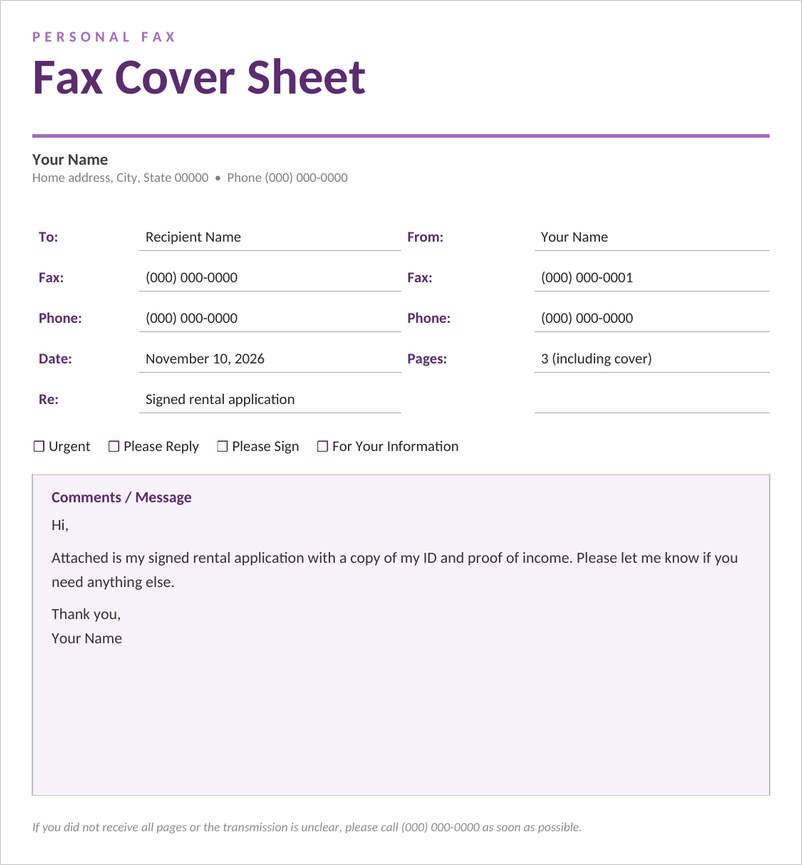
A simple personal fax cover sheet for home use, with your name and contact details, recipient fields, page count, quick checkboxes and a friendly message area.
Law Office Fax Cover Sheet Template (Word)
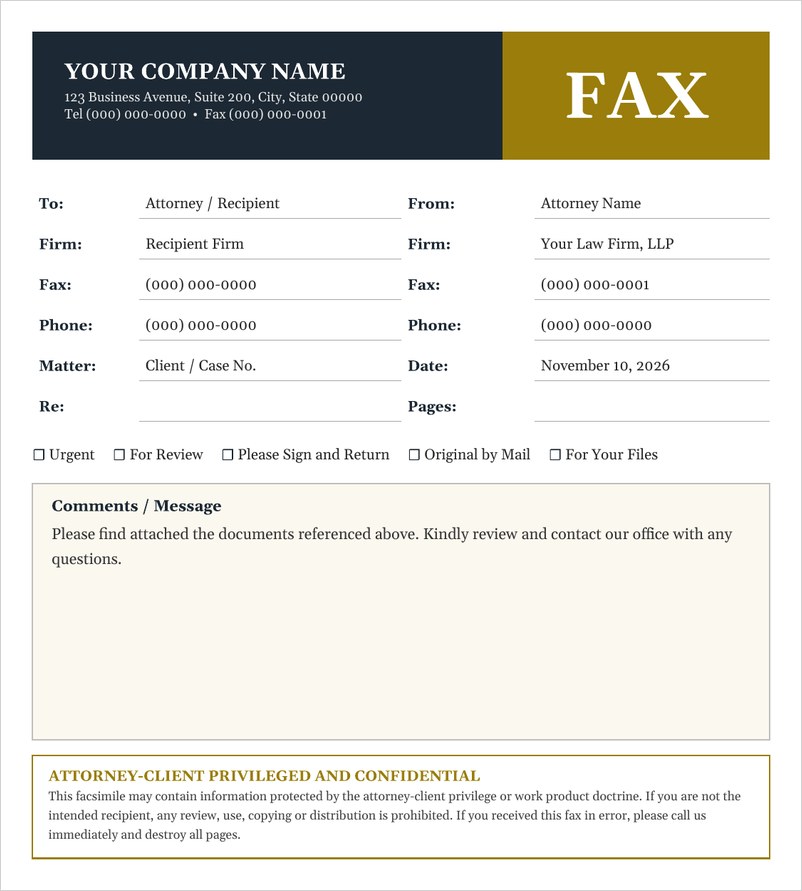
A law office fax cover sheet with firm header, matter and case number fields, handling checkboxes and an attorney-client privileged confidentiality notice at the bottom.
Frequently Asked Questions
What should a fax cover sheet include?
Include the sender’s and recipient’s names and fax numbers, the date, number of pages, a subject, a short message and, if needed, a confidentiality notice.
Is a fax cover sheet required?
It is not always required, but it is widely used because it helps the fax reach the right person and explains what is being sent.
Do I include the cover sheet in the page count?
Either is acceptable. Simply state whether the total includes the cover sheet so the recipient can check that all pages arrived.
Can I use a fax cover sheet with an online fax service?
Yes. Many online fax services let you attach your own cover page, so you can upload a completed template.
Can I edit the fax cover sheet template in Word?
Yes. The business, confidential and medical fax cover sheets are Word documents, so you can add your logo, contact details and preferred fields, then save the file for repeated use. The PDF sheets can be filled in with a PDF editor or by hand.

You must be logged in to post a comment.