

A visiting card is a small printed card used to share personal or professional contact information. It commonly includes a person’s name, job title, company name, telephone number, email address, website, and business address. A well-designed visiting card makes it easy for potential customers, clients, colleagues, and business contacts to save important information. Related templates: free executive summary templates, letterhead templates and organization chart templates.
A visiting card template provides a ready-made layout that you can customize without designing a card from scratch. You can add your name, designation, company logo, contact details, website, social media information, and other relevant details, then prepare the card for printing. These templates can be useful for professionals, entrepreneurs, freelancers, small businesses, sales representatives, and service providers.
Visiting Card Templates
A visiting card should communicate essential information quickly while presenting a professional image. The most important details should be easy to find, and the design should not be overcrowded with unnecessary text.
A simple layout can often be more effective than a complicated design. Use a readable font, consistent branding, and sufficient space around the information. Your card should remain easy to read even when someone looks at it only briefly.
Visiting Card Template in Word
A visiting card template in Word makes it easy to customize a card using familiar editing tools. You can replace the sample name, company, designation, telephone number, email address, and other information with your own details.
You can also adjust fonts, text size, alignment, colors, and images. If you are creating cards for several employees, keeping the same basic design can help maintain consistent company branding.
Business Visiting Card
A business visiting card is commonly exchanged during meetings, conferences, networking events, sales visits, and other professional interactions. It provides customers and prospects with a convenient way to remember how to contact you.
Include your company name, logo, your name and position, telephone number, email address, website, and other important business information. Avoid including so much information that the card becomes difficult to read.
Professional Visiting Card
A professional visiting card should reflect your role and the image you want to communicate. A consultant, designer, lawyer, real estate agent, salesperson, or freelancer may use a slightly different style depending on their industry.
Choose typography and imagery that suit your profession while keeping the card practical. Your contact information should remain the primary focus rather than decorative elements.
Visiting Card for Small Business
Small businesses can use visiting cards as a low-cost marketing tool. A card can help customers remember a business after a face-to-face conversation and provides a convenient way to share contact information.
Add your business name, logo, service description, phone number, website, and email address. If your business has a physical location, include the address when it is useful for customers.
Personal Visiting Card
A personal visiting card can be used to share contact information outside a formal business setting. It may include your name, phone number, email address, website, or other information you want people to have.
Keep the design appropriate for how the card will be used. You do not necessarily need to include every possible contact method.
What to Put on a Visiting Card
A visiting card may include:
- Full name
- Job title or designation
- Company name
- Company logo
- Phone number
- Email address
- Website
- Business address
- Social media handles
- QR code
The best combination depends on your profession and audience. Include only information that is useful to the person receiving the card.
Visiting Card Design Tips
A good visiting card balances appearance with readability. Use a clear hierarchy so that the person’s name and company are easy to identify, followed by the most important contact information.
Choose colors that complement your brand and maintain good contrast between text and background. Avoid using too many fonts or decorative elements because they can make a small card look cluttered.
If you use a logo or photograph, make sure it remains sharp when printed. Low-resolution images can make an otherwise professional card appear poorly designed.
Printable Visiting Card
A printable visiting card template can be used to create cards at home or prepare artwork for professional printing. Before printing, check the card dimensions, margins, alignment, and image quality.
Print a test copy before producing a large batch. This gives you an opportunity to check whether the text is readable and whether colors, logos, and other elements appear as expected.
Visiting Card Printing
Professional printing can provide a more polished result, especially when producing a large quantity. Printing services may offer different paper weights, finishes, corners, and other options.
If you send your design to a printer, check its specifications before finalizing the file. The required dimensions, bleed, safe area, and preferred file format can vary between printing services.
Visiting Card vs. Business Card
The terms visiting card and business card are often used to describe essentially the same type of small card containing professional contact information. The terminology varies by region and context.
Regardless of the name, the purpose is similar: make it easy for someone to remember you and contact you later. A well-organized design can make the card more useful and memorable.
How to Make a Visiting Card
Start by selecting a visiting card template that matches your profession or business. Replace the sample information with your name, designation, company, contact details, and logo.
Review the card at its actual printed size. Check spelling, telephone numbers, email addresses, website URLs, and alignment before printing.
If you need cards for multiple people, create a consistent master design and change only the individual information. This creates a professional and recognizable company identity.
Download Free Visiting Card Templates
These free visiting card templates in Word provide ready-made designs for creating personal and professional contact cards. You can customize the name, designation, company, logo, phone number, email address, website, and other details to suit your requirements.
Choose a template, replace the sample information, customize the design if needed, and print a test copy before ordering or producing multiple cards. A clear and professional visiting card can make networking easier and provide customers with a convenient way to stay in contact.
Downloadable Visiting Card Templates:
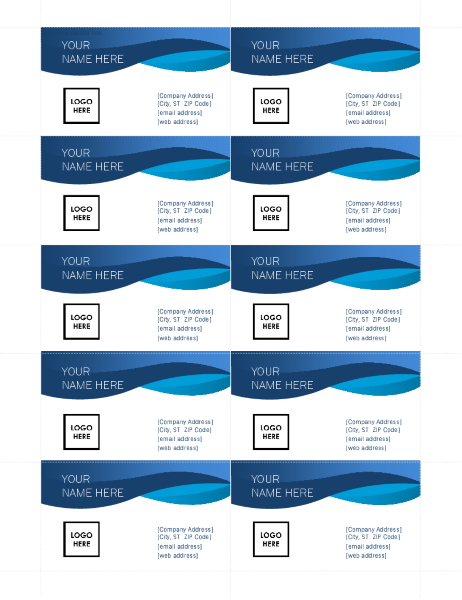
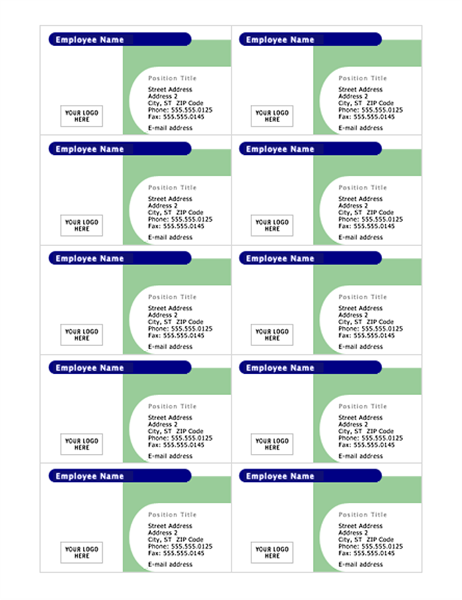
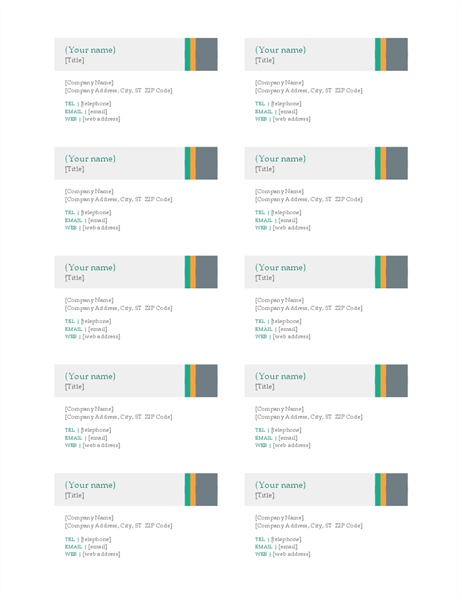
Visiting Card Template
This visiting card template provides a ready-made layout for creating a personal or professional contact card. It can be customized with a person’s name, designation, company name, telephone number, email address, website, and other relevant information.
The template can be adapted for employees, freelancers, entrepreneurs, sales professionals, and small businesses. Add a company logo and maintain consistent branding when the card is being used for business purposes.

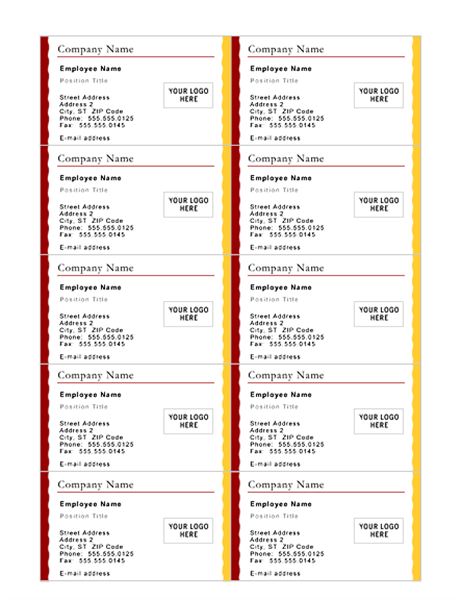
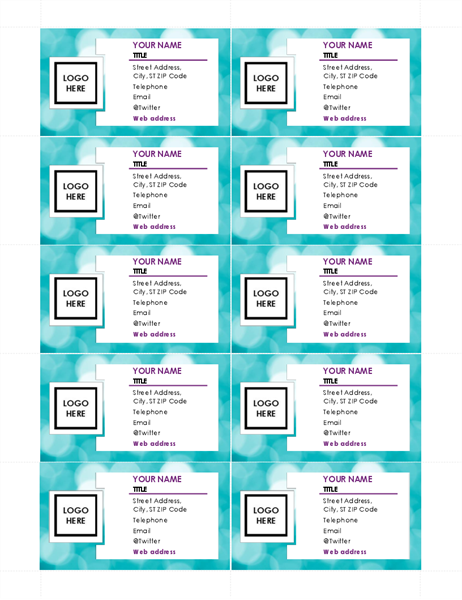
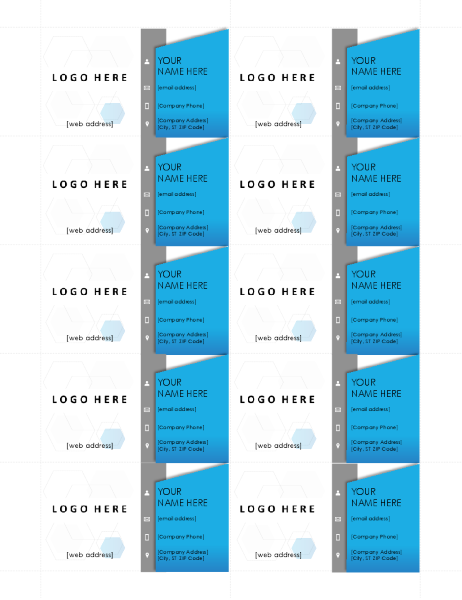
Printable Visiting Card Template
This printable visiting card template provides a convenient format for preparing contact cards for personal or professional use. Replace the sample information with your own name, company, designation, and contact details before printing.
Check the card size, margins, text readability, and image quality before producing multiple copies. A test print can help identify layout problems before the final printing.


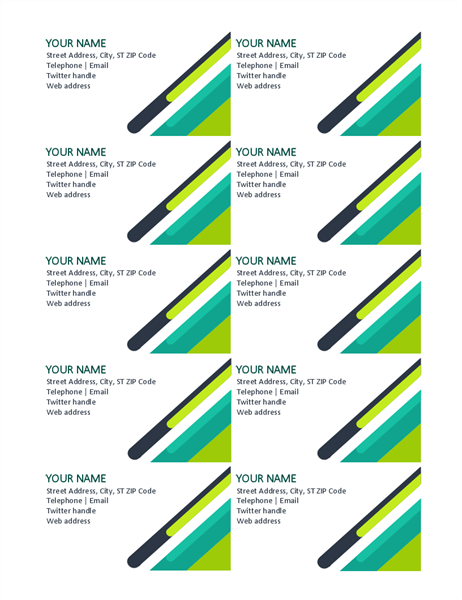
Name Card Templates
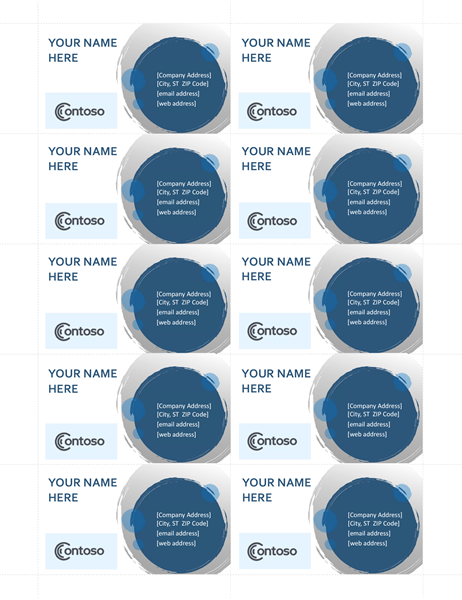
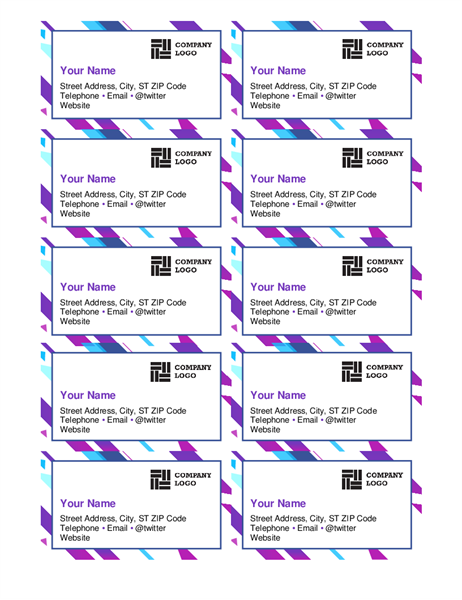
In many countries a visiting card is called a name card. It is the same small card carrying your name, designation, company, contact details and address, and it does more than share a phone number. A well-designed name card reflects how professional you are and tells people what you or your company can do for them.
Below are more free name card templates, along with ID card and badge layouts that use the same card format.
Business Name Card Template (Word)
A two-up name card layout with an organization logo, name and position, plus lines for street address, office, home, fax and cell numbers, email and website. It uses IEEE branding, so replace the logo and details with your own unless you are an IEEE member.

Simple Name Card Template (Word)
A clean rounded card in teal with your name, street, city and phone number in white text, easy to edit for personal contact cards.

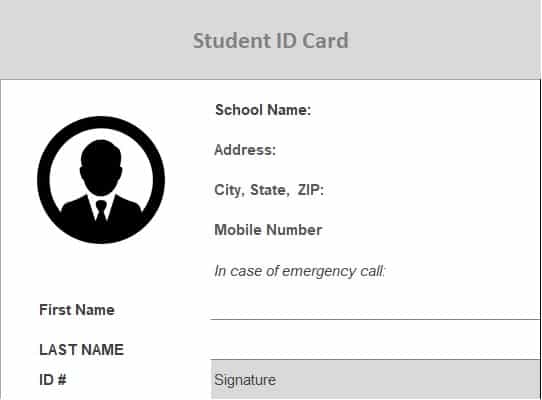
Student ID Card Template (Excel)
A student ID card with a photo placeholder, school name and address, emergency contact number, student name, ID number and signature line.
University ID Card Template (Excel)
A university ID card with a photo circle, student name, issue and expiry dates, birthday, department and barcode.

Student ID Card Template with QR Code (Word)
A gray ID card with an institution name and logo, student ID, joining date, name, photo area and a QR code.

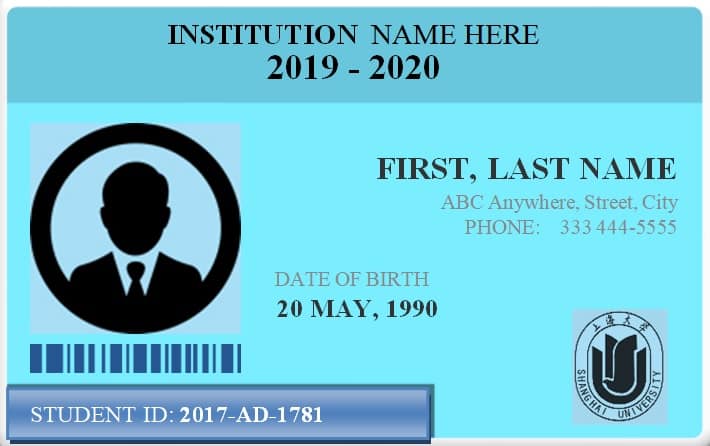
Institution ID Card Template (Word)
A light blue ID card with the institution name, academic year, photo area, name, address, phone, date of birth, student ID and barcode.
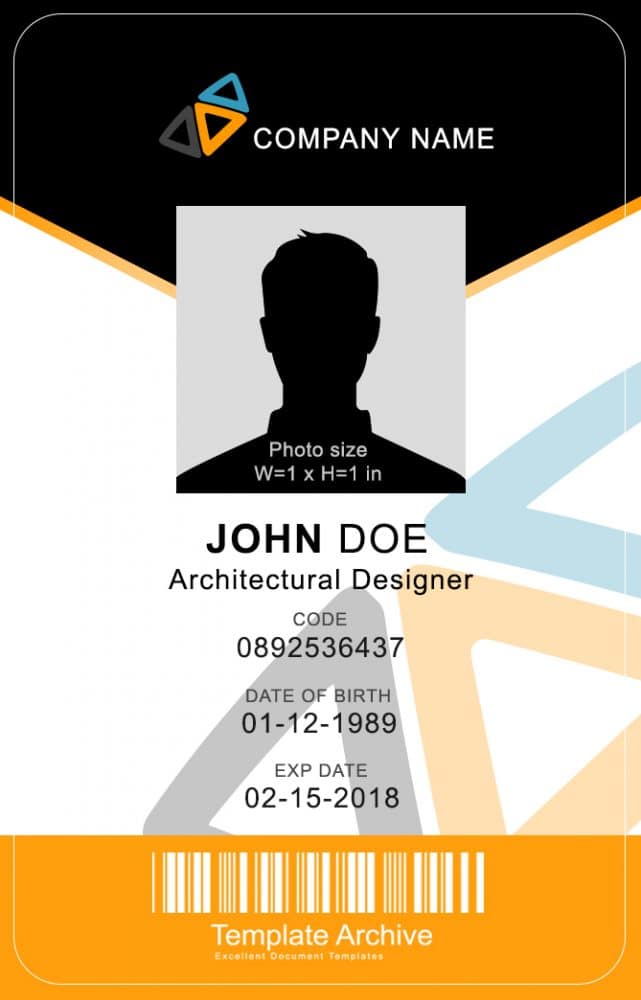
Vertical Employee ID Badge Template (Word and PSD)
A vertical ID badge with a company logo, photo area, name, job title, ID code, date of birth, expiry date and barcode. The ZIP includes Word and Photoshop versions.
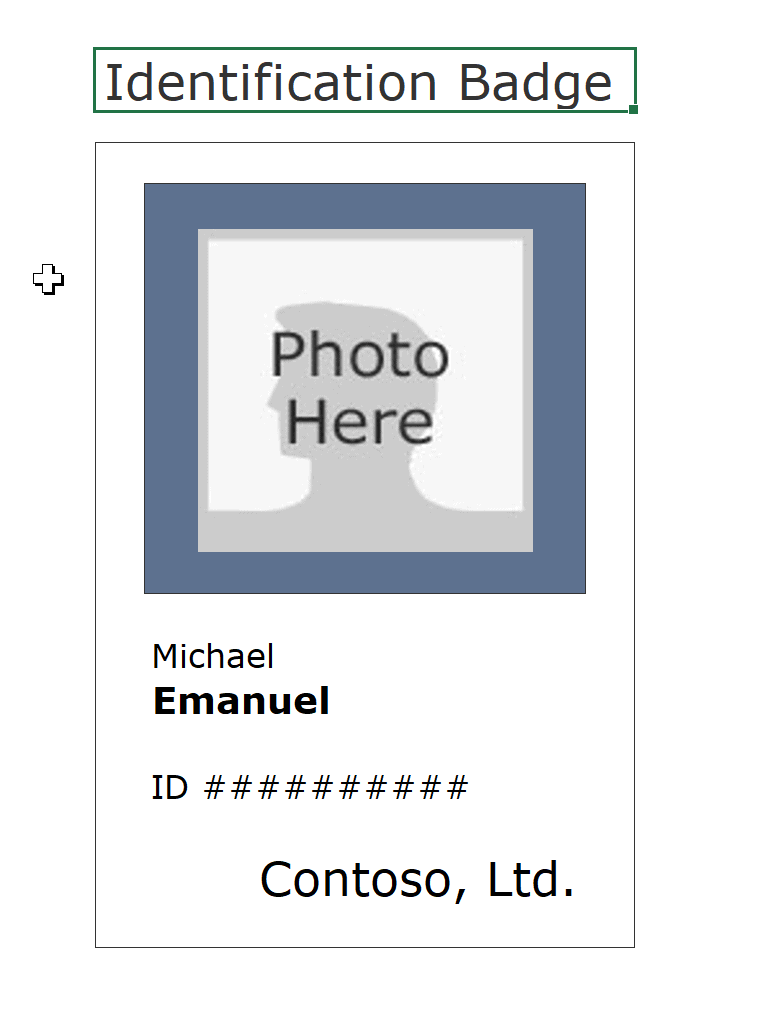
Identification Badge Template (Excel)
A portrait identification badge with a photo area, the holder’s name, ID number and company name.
FAQs
1. What is a visiting card?
A visiting card is a small printed card containing personal or professional contact information such as a name, company, telephone number, and email address.
2. Can I make a visiting card in Word?
Yes. A Word visiting card template can be customized with your name, company, designation, logo, and contact information.
3. What should a visiting card include?
Common details include your name, job title, company name, phone number, email address, website, logo, and business address.
4. Is a visiting card the same as a business card?
In many contexts, yes. Both terms commonly refer to a small card used to share professional contact information.
5. Can I print visiting cards at home?
Yes. You can print visiting cards at home if you have suitable paper, a printer, and a correctly sized template.
6. Should I put my social media accounts on a visiting card?
You can include professional social media information when it is relevant to your work and useful to the people receiving the card.
7. Can I add a QR code to a visiting card?
Yes. A QR code can link to a website, digital profile, portfolio, contact page, or other online resource.
8. What makes a good visiting card design?
A good design is clear, readable, professionally branded, and focused on essential contact information without unnecessary visual clutter.


You must be logged in to post a comment.