

There is a memo template available in editable form and is best writing solution to prepare memo for a business establishment or company. It is free to download and also very easy to customize in MS word. Memo is a short written message or note sent by an employee or department to another within the same business organization. It can serve as a written note assigning something to be remembered, something to be done or as a reminder of previous correspondence etc. It is the best and effective way to share or communicate useful and confidential business details and information to other employees or department of the company. Related templates: letterhead templates, meeting minutes templates, organization chart templates, incident report templates and fax cover sheet templates.
What Is a Memo?
A memo, short for memorandum, is a brief written message used to share information within an organization. Memos announce decisions, explain policy changes, give updates, request action or summarize meetings. They follow a simple, standard format so readers can see who sent the message, who it is for and what it is about at a glance. A memo template provides that format ready to use.
Features of memo template
Almost all businesses and companies are using memos to inform a particular individual or group of people about a specific matter such as an event, policy or change in business operations etc. It is generally used as an alternative of a traditional letter for effective internal communication. These can be used for wide range of purposes within the organization to make internal communication better and efficient. An authority or particular department may need to write a memo when it comes to provide details about an incident or matter to head or department or any other higher authority.
Memo is very easy to put together if you have some basic writing skills. Its core purpose is to convey basic information and details about a matter or issue so try to include only relevant and essential details in it. There is no standard format to prepare memo hence one can use memo template to write them effectively in professional manner. Basic elements of the template can be modified easily such as name of the sender, recipient’s name, company logo and main body of the memo etc.
Free Memo Template in Word
The free memo templates on this page include Word and PDF formats. A Word memo can be saved with your company name and logo in the header, so every memo you send looks consistent. Most memos today are sent by email or as PDF attachments, but printed memos are still used on noticeboards and in some offices.
Standard Memo Format
A business memo format usually has two parts: a heading block and the body. The heading block contains:
- To: the names, roles or groups receiving the memo.
- From: the sender’s name and title.
- Date: when the memo is issued.
- Subject: a short, specific description of the topic.
- CC: anyone else who should receive a copy, if needed.
The body then follows, usually without a formal greeting or closing signature, although some organizations add the sender’s initials or a contact line at the end.
How to Write a Memo
Start with a clear subject line, such as “Office Closure on Friday” rather than “Update.” In the opening paragraph, state the purpose of the memo directly so readers know immediately why it matters to them.
Use the next paragraphs to give the key details: what is happening, when, why and who is affected. Bullet points or short headings help when there are several points or steps. Finish with what you need readers to do, any deadline, and who to contact with questions. Keep the tone professional and neutral, and keep the memo as short as the topic allows, often a single page.
Types of Memos
- Information memo: shares news, updates or reminders.
- Request memo: asks for action, input or approval.
- Policy or procedure memo: explains a new or changed rule.
- Meeting memo: announces a meeting or summarizes decisions.
- Report memo: presents short findings or recommendations.
- Confirmation memo: records an agreement or decision in writing.
Memo vs. Letter vs. Email
A memo is mainly for internal communication and uses a set heading format. A business letter is usually sent outside the organization, includes addresses, a greeting and a signature, and often appears on letterhead. An email can serve as either, but many organizations still use a memo format for formal announcements and records, often attached to an email as a PDF.
Memo Example Structure
A simple memo announcing a change might open with the purpose: “Starting next month, expense claims will be submitted through the new online form.” The second paragraph explains what is changing and when, the third lists the steps staff need to follow, and the final line names the contact person for questions. Following this order of purpose, details, actions and contact keeps memos short and easy to act on, whatever the topic.
Tips for Clear Memos
- Put the main point in the first paragraph.
- Write a specific subject line.
- Use short paragraphs, headings and bullet points.
- Avoid jargon and keep the tone professional.
- Proofread names, dates and figures before sending.
- Keep a copy for your records.
Downloadable Memo Templates And Formats
Below are free memo templates in Word, including business, confidential, meeting announcement, policy update and simple interoffice memos. Download a memo template, add your company details and save it for future announcements.
Business Memo Template (Word)
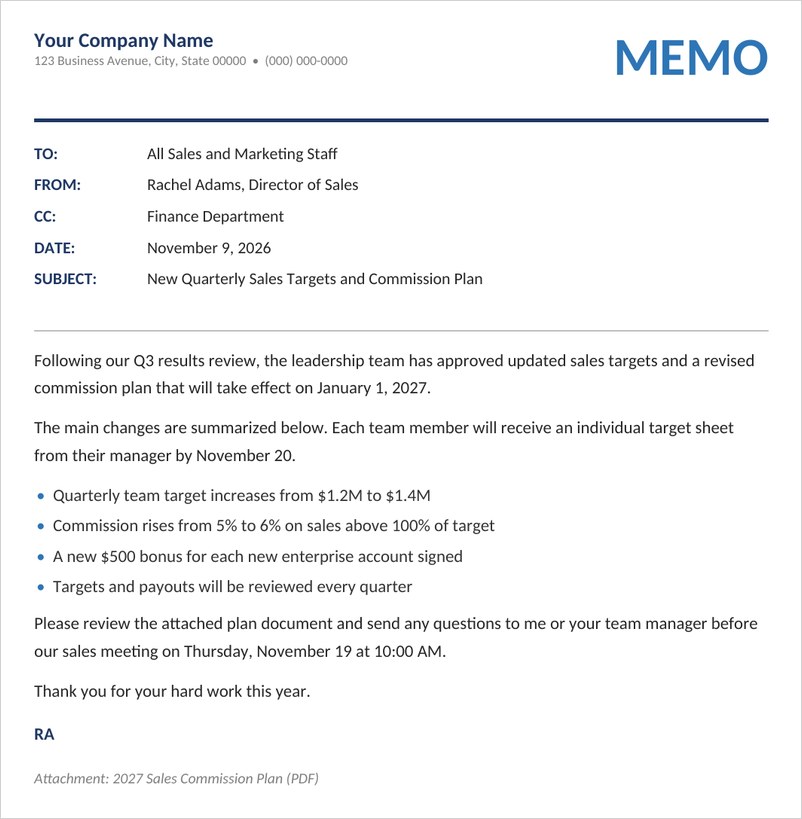
A professional business memo with company letterhead, to, from, cc, date and subject lines, a clear message with bullet points and an attachment note.

Confidential Memo Template (Word)
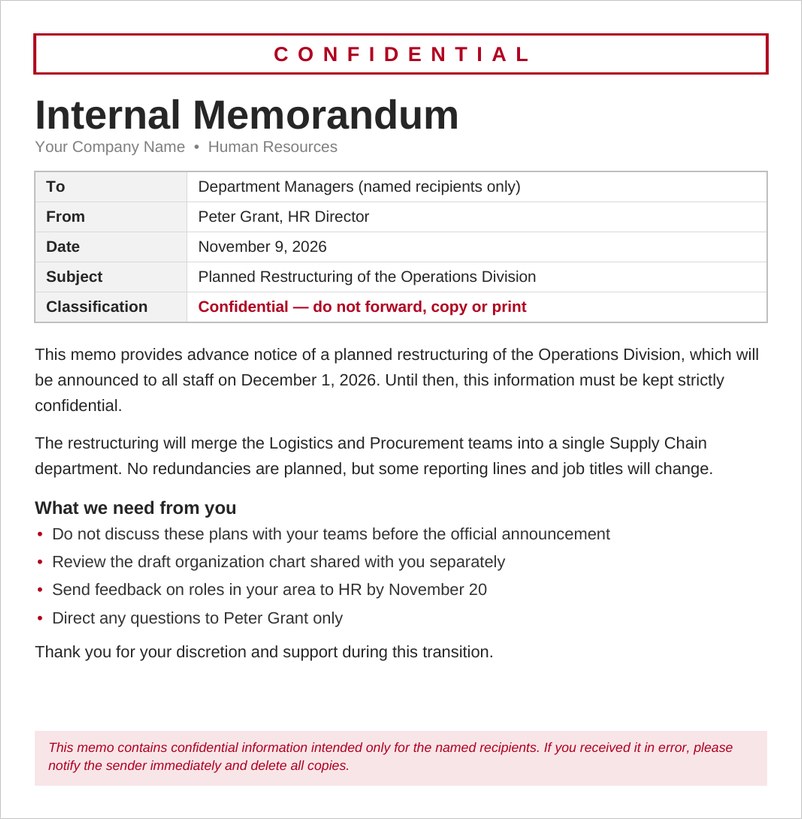
A confidential internal memorandum with a red confidential banner, classification field, structured header table, action list and confidentiality footer notice.
Meeting Announcement Memo Template (Word)
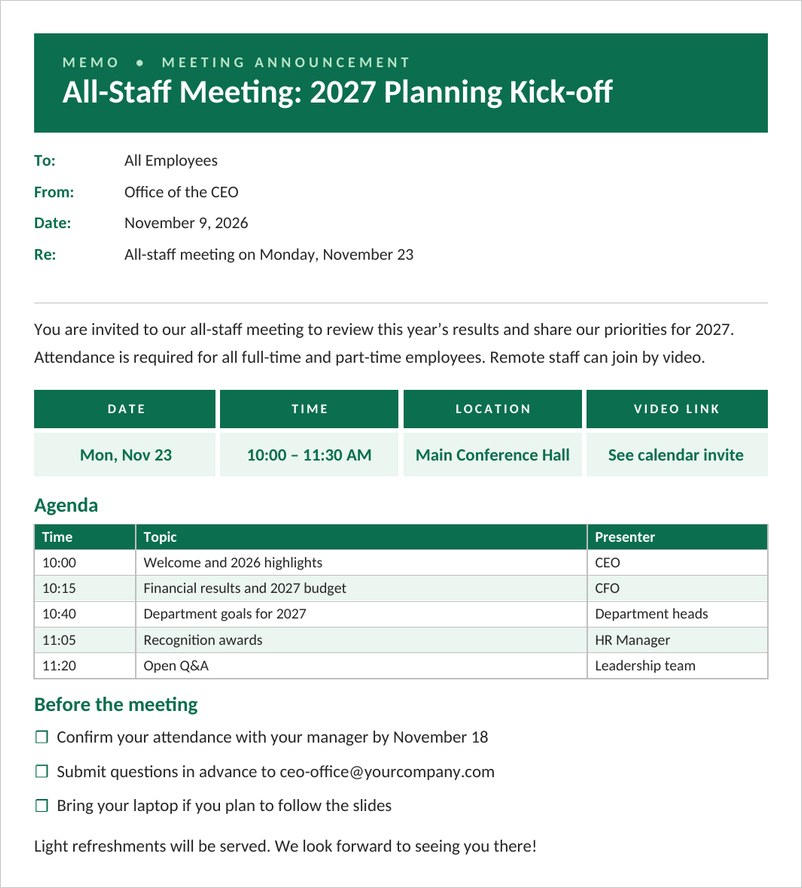
A meeting announcement memo with date, time, location and video link boxes, an agenda table and a before-the-meeting checklist for staff.
Policy Update Memo Template (Word)
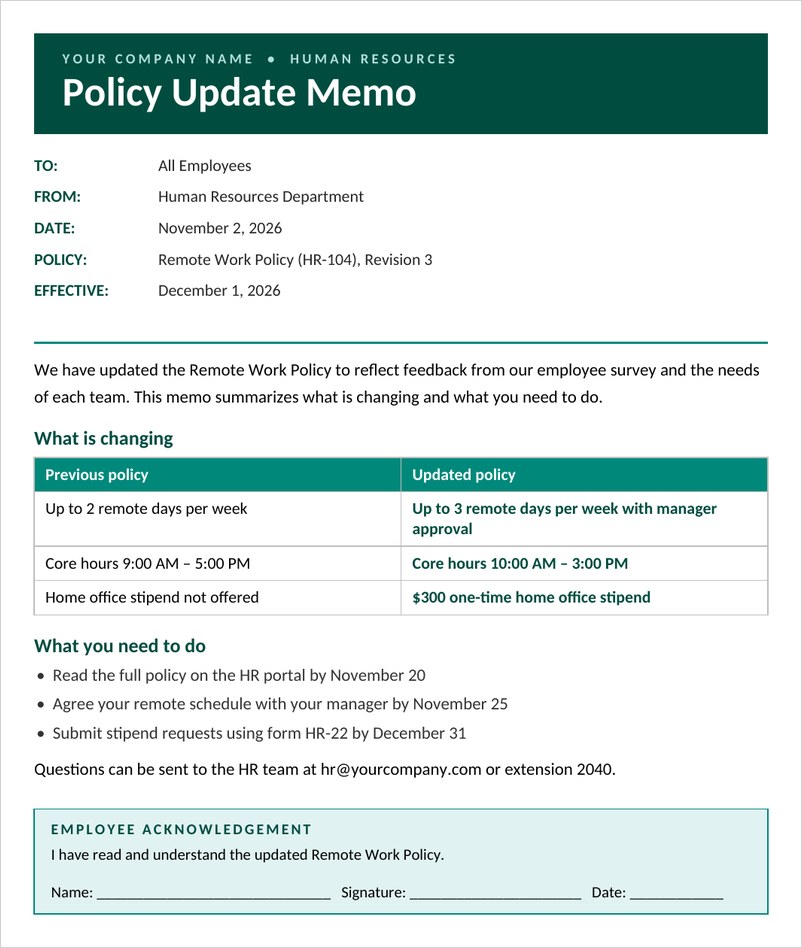
A policy update memo for HR and managers with effective date, a before and after comparison table, action steps for employees and an acknowledgement signature box.
Simple Interoffice Memo Template (Word)
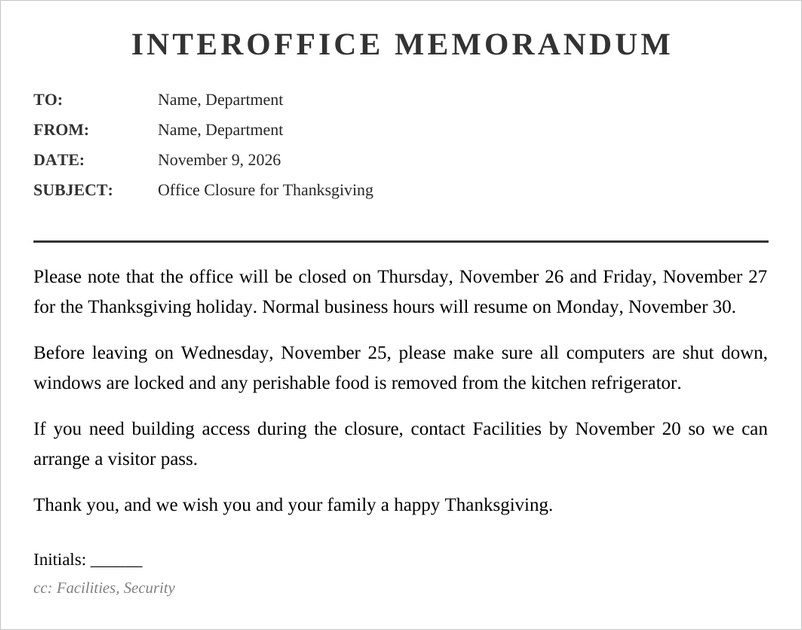
A classic simple interoffice memo with to, from, date and subject lines and a clean body for office announcements, shown with a Thanksgiving closure notice.
Frequently Asked Questions
What is the format of a memo?
A memo usually starts with To, From, Date and Subject lines, sometimes with CC, followed by a short body that states the purpose, the key details and any action needed.
How long should a memo be?
Most memos are short, often a page or less. Longer topics may be better as a report with a memo summarizing the key points.
Does a memo need a signature?
Memos usually do not have a formal signature, though some organizations add the sender’s initials next to their name or a contact line at the end.
What is the difference between a memo and a letter?
A memo is mainly for internal communication and uses a heading block, while a letter is usually external, includes addresses and a greeting, and is signed.
Who should receive a memo?
Send the memo to everyone directly affected, and copy anyone who needs to be informed but does not need to act. For company-wide announcements, address it to all staff or the relevant departments.
Can I send a memo by email?
Yes. Many organizations paste the memo into an email or attach it as a PDF to keep a formal record.


You must be logged in to post a comment.