

A restaurant menu is more than a list of food and drinks. It introduces customers to the dishes a restaurant offers, communicates prices and options, and contributes to the overall dining experience. A well-organized menu can make it easier for customers to browse meals and choose what they want to order. Related templates: free missing poster templates, free missing cat poster templates, free tri fold templates and free coupon templates.
A restaurant menu template provides a ready-made layout that restaurant owners, cafés, food businesses, caterers, and home-based food sellers can customize with their own dishes, prices, descriptions, and branding.
TemplatesDoc offers 21+ free restaurant menu templates that can be used as a starting point for creating a professional menu without designing one from scratch. The current page includes downloadable templates as well as additional restaurant menu samples.
What Is a Restaurant Menu Template?
A restaurant menu template is a pre-designed document that helps organize food and beverage items into an easy-to-read format.
A menu may include:
- Restaurant name and logo
- Food categories
- Dish names
- Descriptions
- Prices
- Beverages
- Special offers
- Contact information
- Ordering information
The layout should match the restaurant’s style while keeping the information easy for customers to understand.
Free Restaurant Menu Template
A free restaurant menu template can save time and design costs, especially for new restaurants and small food businesses. You can replace the sample content with your own dishes and prices and customize the design to match your brand.
The template can be used for dine-in menus, takeaway menus, café menus, food stalls, catering services, and other food businesses.
Restaurant Menu Template in Word
A restaurant menu Word template is a practical option for users who want an editable document. Microsoft Word allows you to change food names, prices, descriptions, headings, fonts, and other information.
Word is particularly useful for restaurants that frequently update their menus or need a simple printable format without specialized graphic-design software.
Restaurant Menu Template in Excel
An Excel restaurant menu template can be useful when menu items and prices need to be maintained in a structured spreadsheet. Excel makes it easy to organize categories, item names, prices, and other information.
For a highly visual printed menu, however, Word or dedicated design software may provide more flexibility.
Types of Restaurant Menus
Different food businesses may need different menu formats.
Restaurant menu: Lists appetizers, main courses, desserts, beverages, and other offerings.
Café menu: Usually focuses on coffee, tea, breakfast items, snacks, desserts, and light meals.
Takeaway menu: Designed to show customers available meals and prices for orders to take away.
Fast-food menu: Usually emphasizes clearly categorized meals, combos, sides, and beverages.
Catering menu: Presents food packages or selections available for events and private functions.
Special menu: Can be created for seasonal dishes, holidays, promotions, or limited-time offers.
À la Carte and Set Menus
Most restaurants choose one of two basic formats. An à la carte menu lists each dish separately with its own price, grouped into categories such as starters, mains and desserts, so guests can build their own meal. A set menu (also called a fixed-price or prix fixe menu) offers a few chosen courses for one price, which is popular for lunch deals, events and holidays.
Whichever format you use, show prices clearly so customers can order within their budget. Also mention extra services such as home delivery, takeaway or catering along with your contact details. These small details turn the menu into a marketing tool as well as a list of dishes.
What Should a Restaurant Menu Include?
A professional menu should provide enough information to help customers make a decision without becoming unnecessarily crowded.
Start with clear food categories such as appetizers, main dishes, desserts, and beverages. List each item with an easy-to-read name and price. Short descriptions can help explain unfamiliar dishes or highlight important ingredients.
If your restaurant offers vegetarian, vegan, spicy, allergen-related, or other dietary options, use clear and accurate labels where appropriate.
How to Create a Restaurant Menu
Creating a menu from a template is simple:
- Choose a suitable template for your restaurant or food business.
- Add your restaurant name and logo.
- Organize food into categories.
- Enter dish names and descriptions.
- Add accurate prices.
- Include beverages and special offers.
- Review spelling and pricing carefully.
- Print or save the final menu for customers.
Before printing a large quantity, test the menu to make sure the text, prices, images, and margins look correct.
Tips for a Professional Restaurant Menu
Keep the design easy to scan. Avoid adding too many fonts, colors, or decorative elements that make the menu difficult to read.
Use consistent formatting for food names, descriptions, and prices. Highlight important specials without overwhelming the rest of the menu.
Your menu should also reflect your restaurant’s identity. A casual café, family restaurant, fine-dining establishment, and fast-food business may all benefit from very different visual styles.
Download Free Restaurant Menu Templates
Whether you need a restaurant menu template, café menu template, food menu template, takeaway menu, printable restaurant menu, restaurant menu Word template, or menu design template, a ready-made format can provide a useful starting point.
Choose a template that fits your business, replace the sample items with your own menu, add your branding, and check every price and description before publishing.
A good restaurant menu should combine clear information, easy navigation, accurate pricing, and a design that reflects your food business.
Get Downloadable Free Restaurant Menu Templates
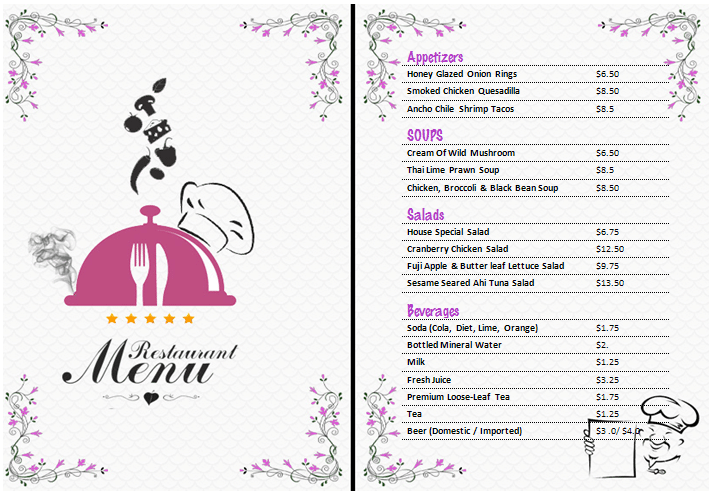
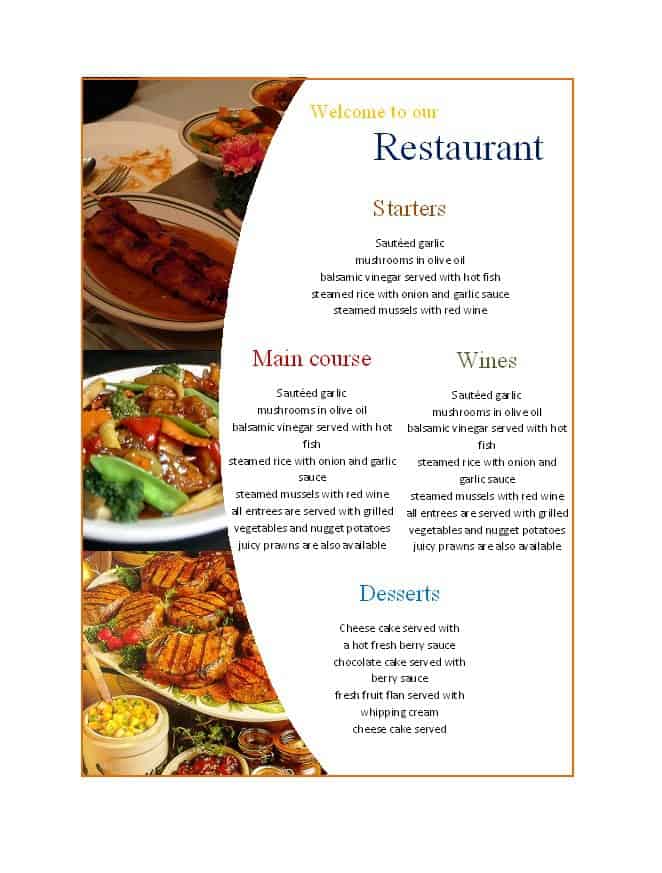
1. Free Restaurant Menu Template
This restaurant menu template provides a ready-made format for organizing food and beverage offerings. It can be customized with the restaurant name, logo, menu categories, dish descriptions, and prices.
It can be used by restaurants, cafés, food businesses, and other establishments that need a printable or digital menu.

2. Restaurant Menu Template
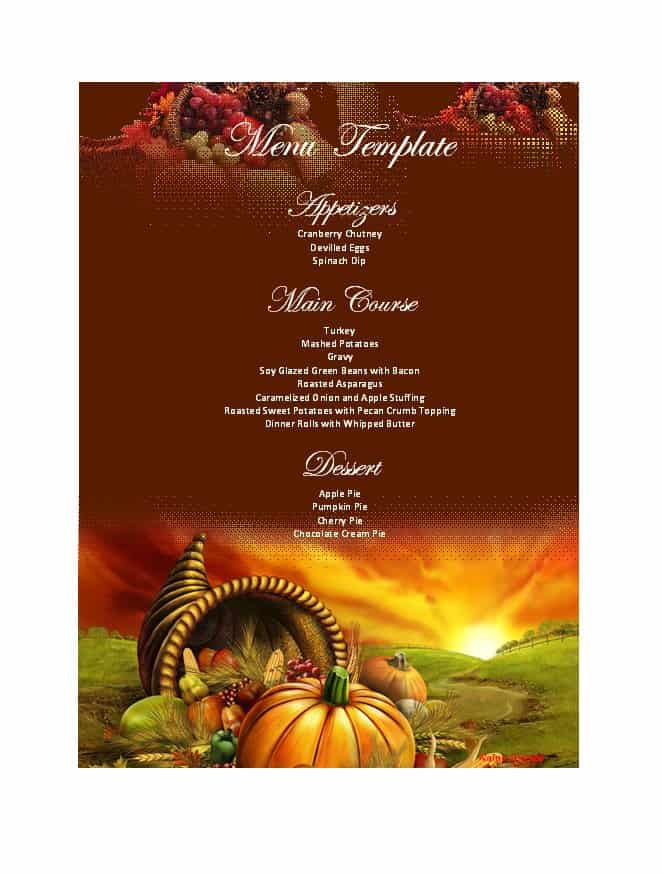
This restaurant menu template provides a structured starting point for presenting dishes and beverages to customers. Restaurant owners can replace the sample information with their own menu items and pricing.
3. Restaurant Menu Sample
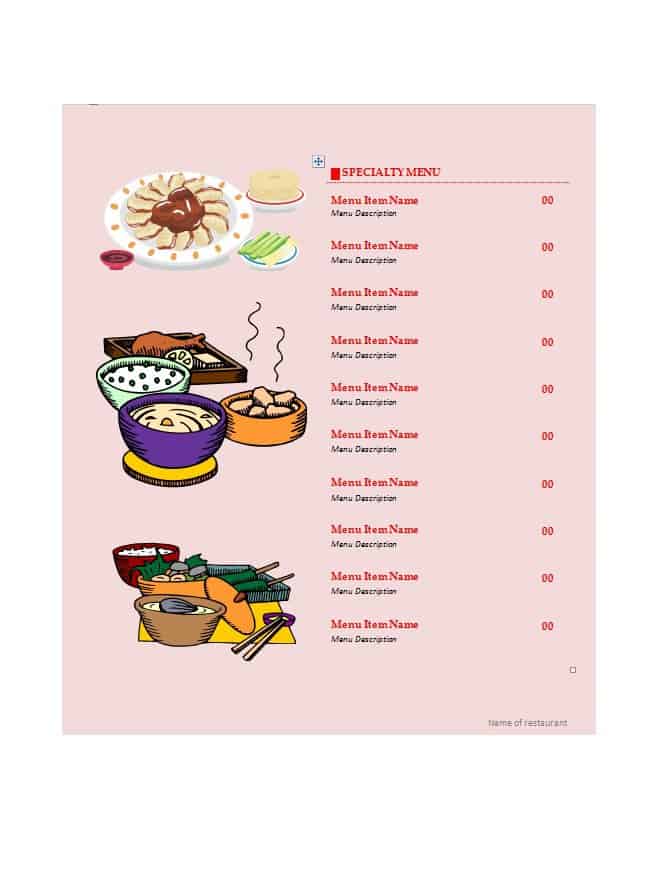
This restaurant menu sample demonstrates a possible format for organizing food choices and pricing in a customer-friendly document.
It can be used as inspiration when creating a customized restaurant or café menu.
4. Printable Restaurant Menu
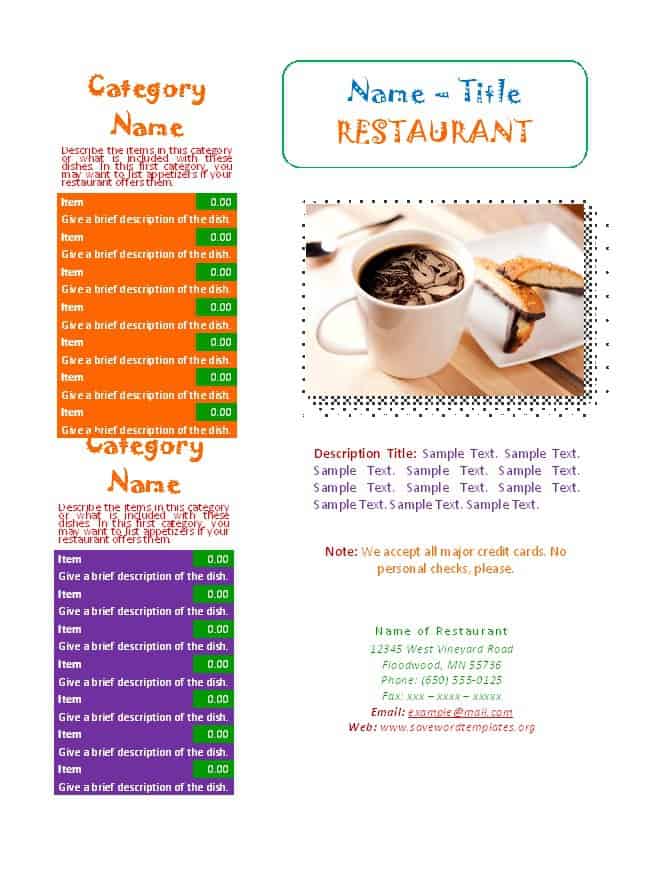
This printable restaurant menu format can be customized and prepared for physical display or customer use.
The content can be adapted for different types of restaurants, cafés, takeaway businesses, and food services.
5. Restaurant Menu Design
This restaurant menu example provides a reference for presenting food categories, dishes, descriptions, and prices in an organized format.
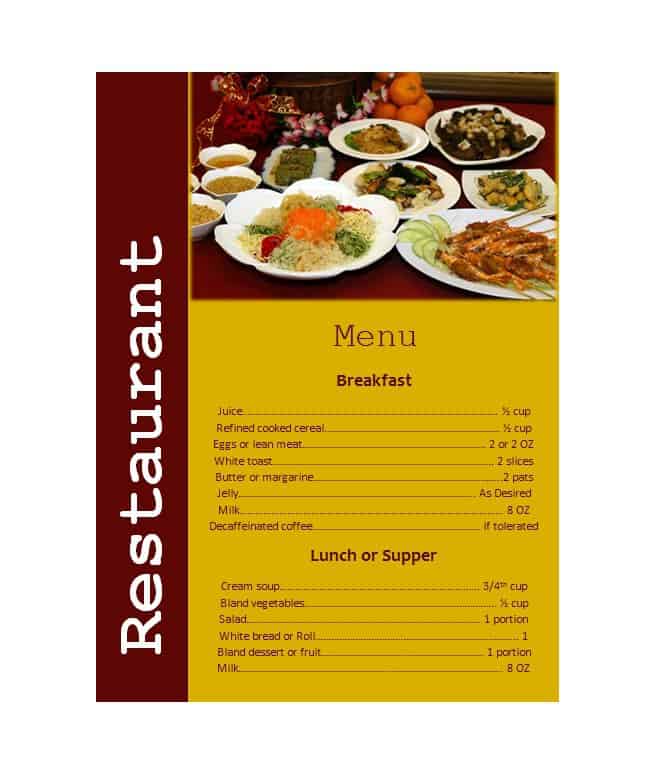
7. Food Menu Template
This food menu template provides a reusable structure for listing meals, dishes, categories, and prices.
Frequently Asked Questions
1. What is a restaurant menu template?
A restaurant menu template is a ready-made document that can be customized with a restaurant’s food items, prices, descriptions, categories, logo, and other information.
2. Can I edit a restaurant menu template in Word?
Yes. A restaurant menu Word template can be edited with Microsoft Word. You can change food names, descriptions, prices, headings, fonts, and other content.
3. What should a restaurant menu include?
A restaurant menu commonly includes food categories, dish names, descriptions, prices, beverages, special offers, and restaurant branding or contact information.
4. Can I create a restaurant menu in Excel?
Yes. Excel can be used to organize menu items, categories, and prices. It can be particularly useful for maintaining menu information that changes frequently.
5. What is the difference between a restaurant menu and a takeaway menu?
A restaurant menu is generally designed for customers dining at the restaurant, while a takeaway menu focuses on food available for takeaway or delivery and may include ordering information.
6. How can I make a restaurant menu look professional?
Use clear categories, readable fonts, consistent formatting, accurate prices, concise descriptions, and a design that matches your restaurant’s branding. Avoid overcrowding the page.
7. Can I print a restaurant menu template?
Yes. After customizing the template, you can print it on suitable paper or save it as a PDF for digital distribution.
8. Can a café use these menu templates?
Yes. Café owners can customize a restaurant menu template for coffee, tea, breakfast, snacks, desserts, beverages, and other café offerings.


You must be logged in to post a comment.