

A free brochure template for Microsoft Word is a quick way to create professional marketing material without design software. Choose a layout below, replace the sample text and images with your own, and print it or share it as a PDF.
Regardless of the growing popularity of advanced marketing initiatives, brochures lets you to market something in short budget with great results so download the word brochure template right now and start making brochures in MS word. Brochure is the part of traditional printing media marketing that conveys your informative message or any other details about your business or company quickly. If you are a business or company with short budget for marketing and advertisement, then brochure designing is a suitable option for you to establish brand identity of your business as well as to expand its customer base by spreading basic business details and information about products offered. We do hope that you like these free word brochure templates. Related templates: tri fold brochure templates, company profile templates, letterhead templates and visiting card templates.
What Is a Brochure?
A brochure is a printed or digital document that introduces a business, product, service, place or event. It is usually folded into panels and combines short text, images and contact details so readers can understand the offer quickly and keep the brochure for later. Businesses hand brochures out at reception desks, trade shows and events, include them in mail, or share them online as PDF files.
More about word brochure templates
As it is mentioned above that brochures distribution is a cost effective way of marketing, you can control overall budget for brochure designing and printing by choosing the type of printing, paper and size of brochures etc. Well designed and detailed brochures enable a business or company to reach targeted audience easily. Overall design and layout of the brochure should be attractive to get your brochures noticed and read by maximum number of readers. Portability is one of the great advantages of brochures because people can carry them or put them in the pocket to read in free time.
Brochures have different types and one can use any suitable type of brochures to advertise something efficiently. You can easily find printing companies and professional designers in market to get your brochures designed and printed but if you really want to cut the cost of brochure designing down, we suggest you to get help from our word brochure template. It is specially created to provide you a proper format for designing gorgeous looking brochures yourself. Editing of the word brochure template will be easier in MS word program.
Word Brochure Template
A Word brochure template is set up with the correct page size, columns and fold lines, so the panels line up when the sheet is printed and folded. You can replace the placeholder text, swap in your logo and photos, and change the colors to match your brand. Because Word is widely available, colleagues can update the brochure later without special software.
Common Brochure Folds and Layouts
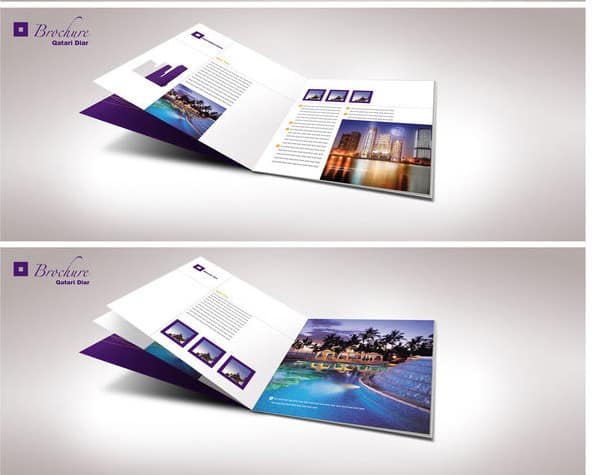
- Bi-fold: one sheet folded in half to create four panels, suitable for menus, programs and simple product overviews.
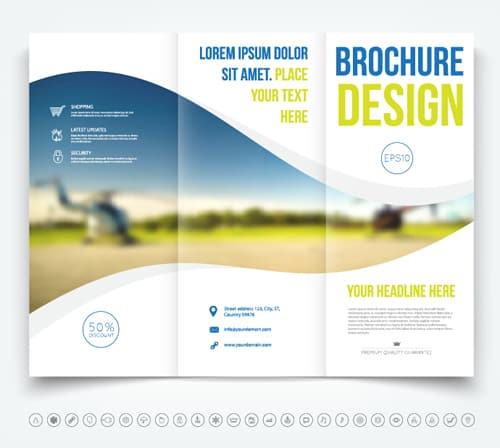
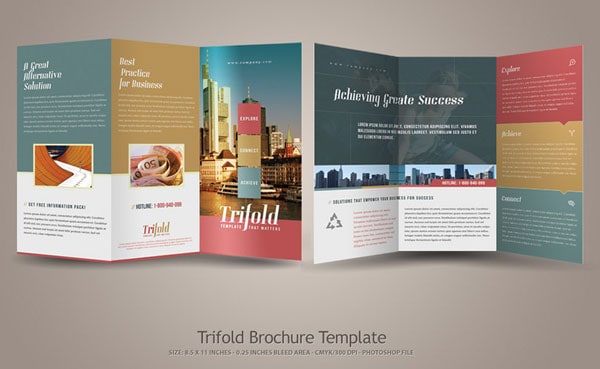
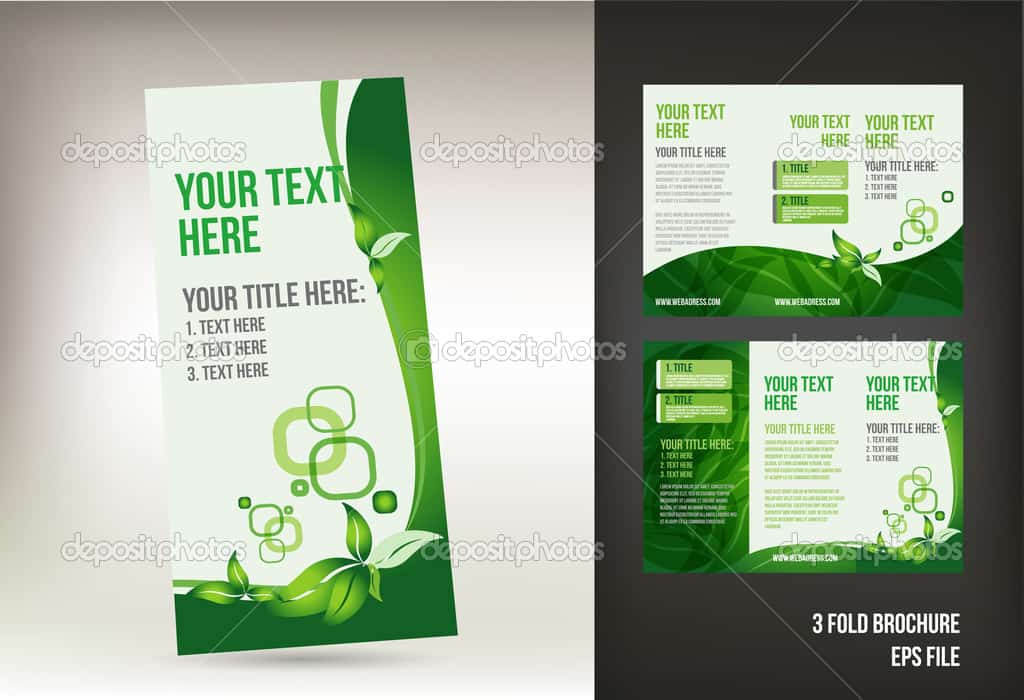
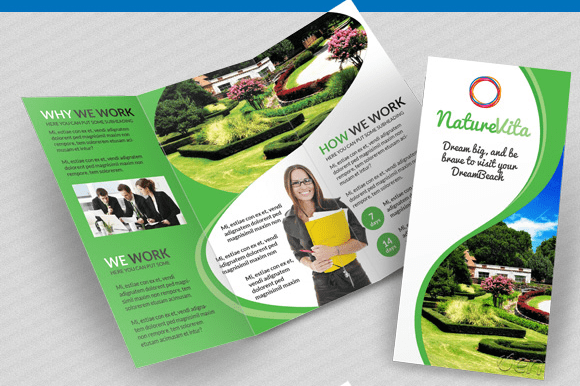
- Tri-fold: one sheet folded into three sections to create six panels, the most popular layout for business brochures.
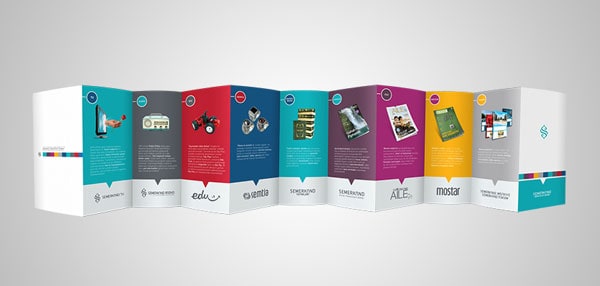
- Z-fold: a sheet folded back and forth like the letter Z, which opens out to show content in sequence.
- Gate fold: two outer panels fold toward the center, useful for a dramatic reveal or product launch.
- Booklet: several pages stapled or bound together for catalogs or detailed guides.
Most templates are designed for Letter or A4 paper. Check the page size before printing, especially if you are using a professional print service.
What to Include in a Brochure
A clear business brochure usually includes:
- A front cover with your logo, a strong headline and an eye-catching image.
- A short introduction to the business or event.
- Key products or services, with benefits explained in plain language.
- Supporting images, icons or a simple map.
- Testimonials or examples of work, if you have permission to use them.
- A clear call to action, such as call, visit, book or order.
- Contact details, website, address and social media links.
How to Make a Brochure in Word
Start by deciding who the brochure is for and what you want readers to do after reading it. Write the content first, keeping each panel focused on one idea, then open the brochure template and paste the text into the matching sections.
Replace the sample images with your own high-resolution photos and logo. Keep fonts consistent and limit yourself to two or three colors. Print a test copy on ordinary paper and fold it to make sure every panel appears in the right order, then proofread spelling, phone numbers and web addresses before printing the final run.
Tips for an Effective Brochure
- Use headings and short paragraphs so readers can skim.
- Focus on benefits for the reader, not only features.
- Leave white space so the design does not feel crowded.
- Put the call to action and contact details where they are easy to find.
- Use heavier paper and a quality printer for a professional finish.
Brochure Ideas by Purpose
Brochure templates can be adapted for many uses, including company profiles, real estate listings, travel and tourism guides, school and college prospectuses, medical and health information, restaurant menus, event programs, product catalogs and nonprofit fundraising. Choose a layout that matches how much content you need to share.
Downloadable Word Brochure Templates And Formats:
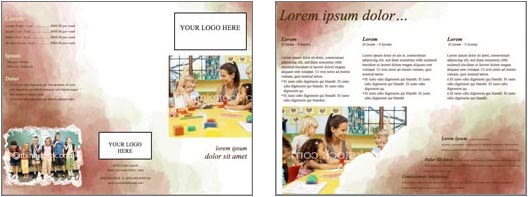
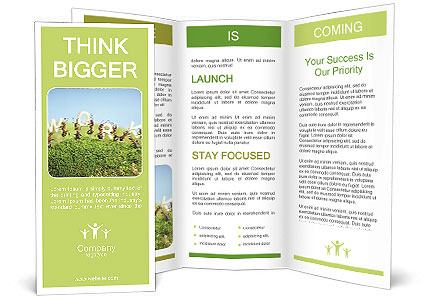
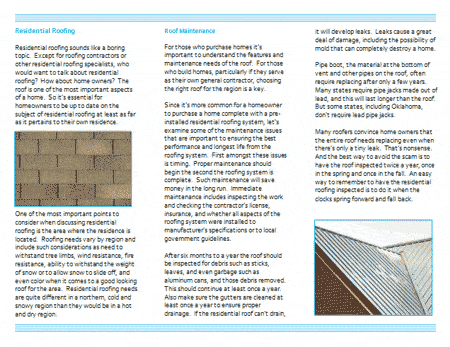
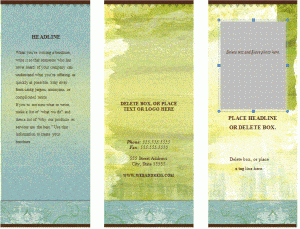
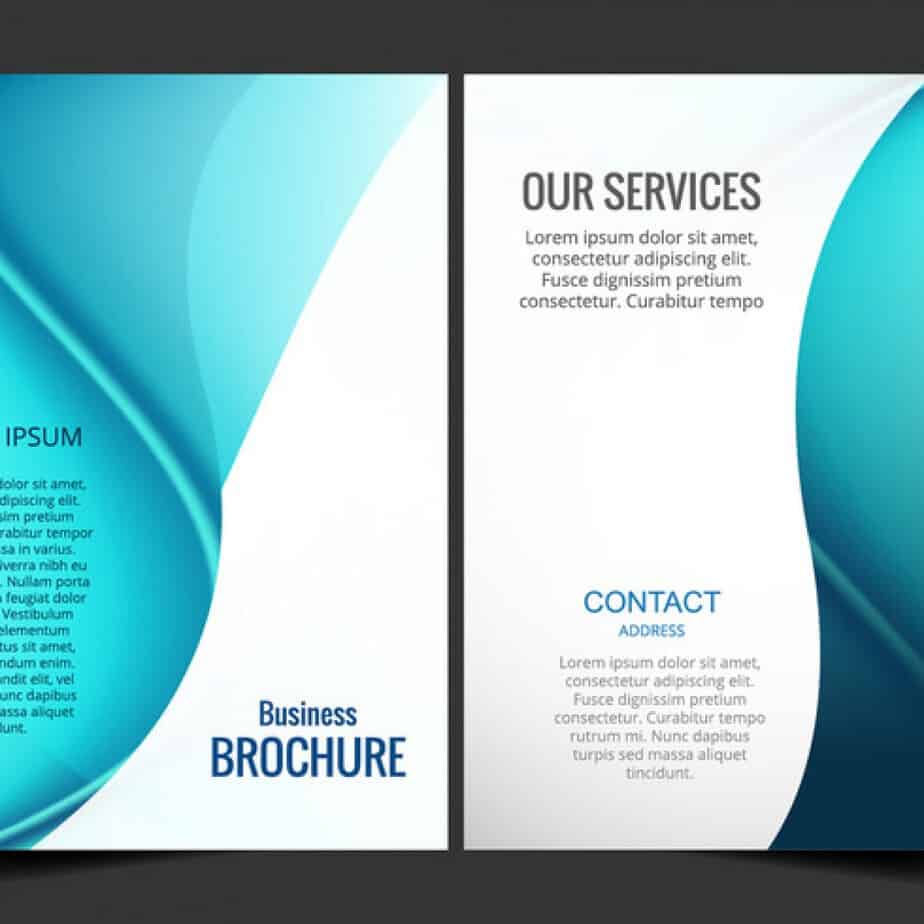
Below you will find free brochure templates for Word, including blank and business designs. Download a brochure template, edit it in Microsoft Word, and print it at home or send it to a print shop.

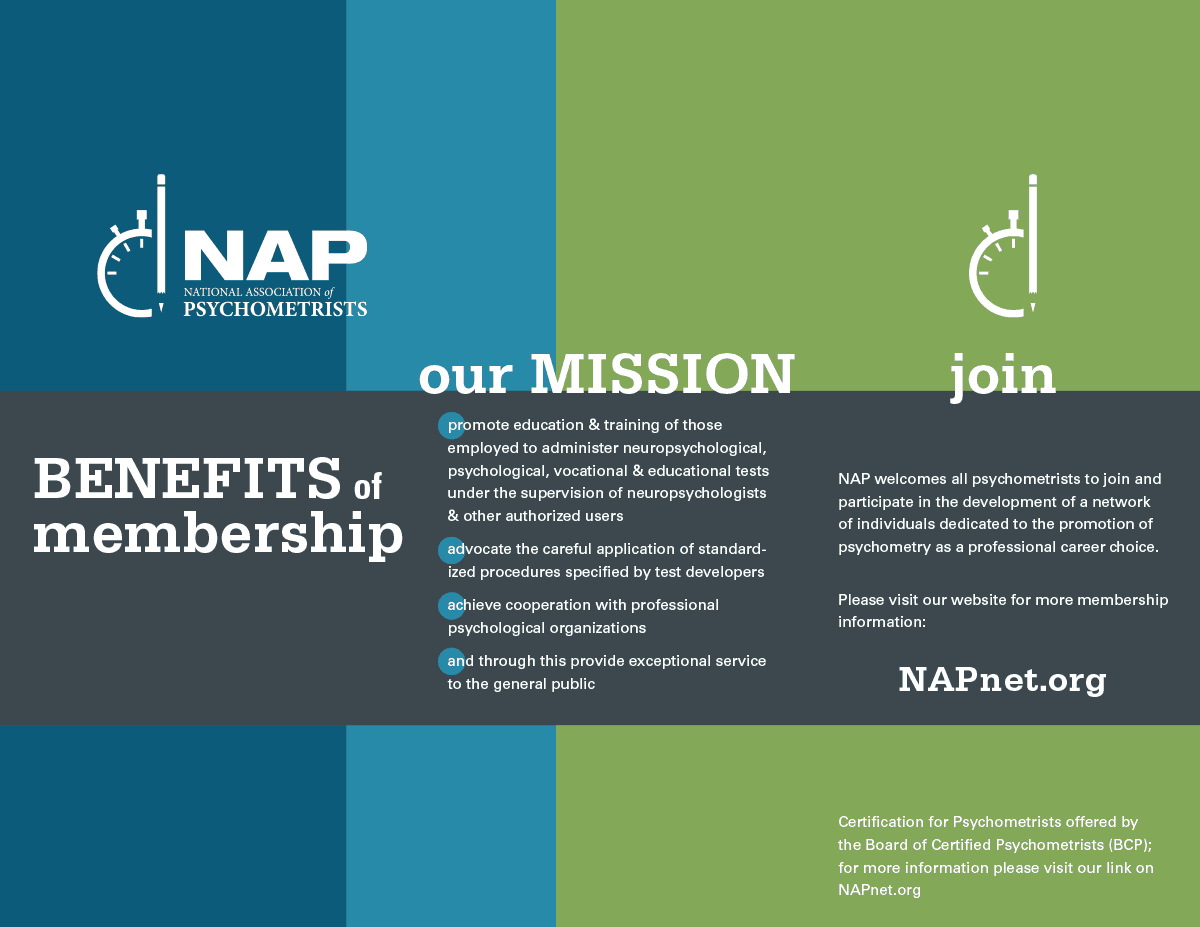
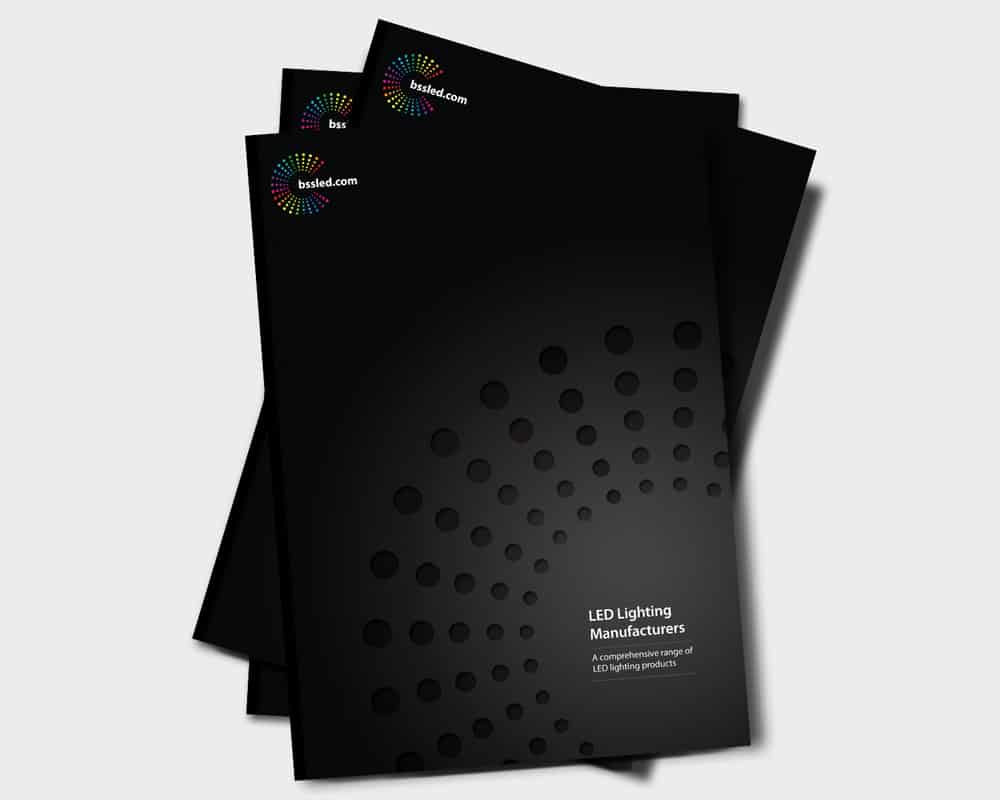
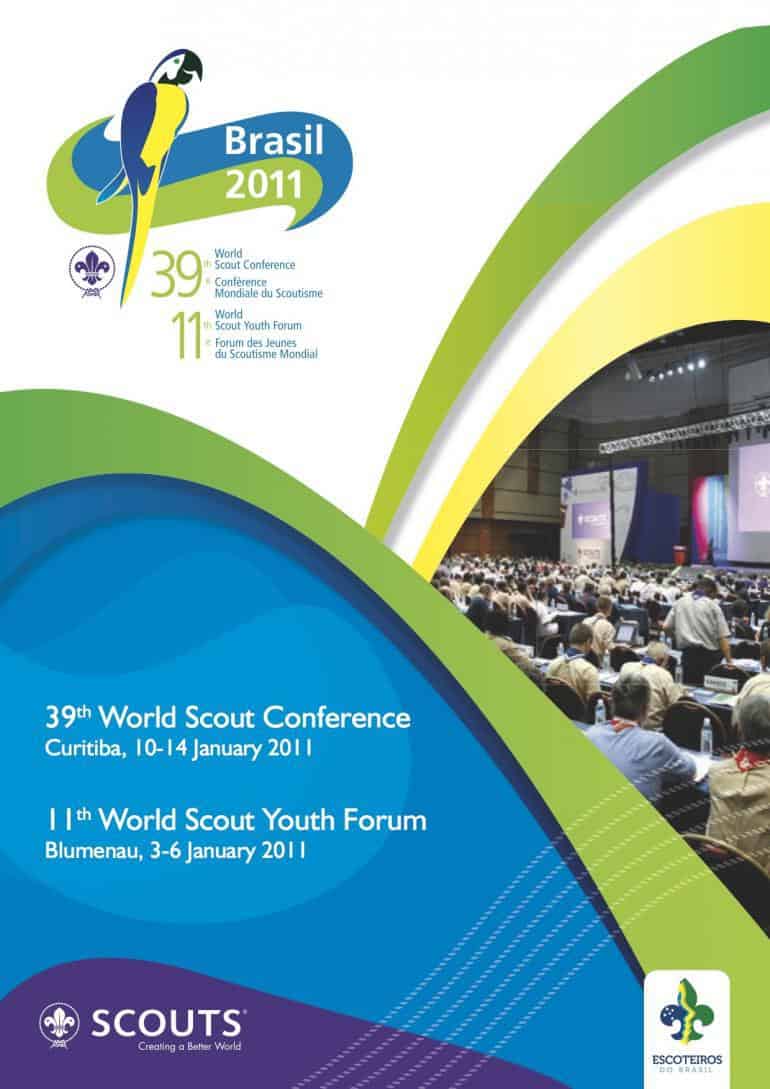
More Examples Of Word Brochure Template Are Added Here





Frequently Asked Questions
How do I make a brochure in Microsoft Word?
Open a Word brochure template, replace the sample text and images with your own, adjust colors and fonts, then print a test copy and fold it to check the panel order before printing the final version.
What is the difference between a brochure and a pamphlet?
The terms are often used interchangeably. Brochures are usually associated with promoting a business or product, while pamphlets are often used to share information about a single topic or cause.
What is the most common brochure fold?
The tri-fold, which turns one sheet into six panels, is the most widely used format for business brochures.
What paper size should I use for a brochure?
Letter and A4 are the most common sizes. Check the template’s page setup and confirm the size with your printer before printing.
Can I save my Word brochure as a PDF?
Yes. Use Save As or Export in Word to create a PDF that you can email, upload to your website or send to a print shop.

