

A project log is a simple project management document used to record important activities, tasks, events, issues, decisions, and progress throughout the life of a project. It gives project managers and team members a central place to document what has happened, what needs attention, and what actions are still outstanding. Related templates: free executive summary templates, letterhead templates, company profile templates and organization chart templates.
A project log template provides a ready-made structure for keeping these records organized. Instead of creating a project log from scratch, you can use a template and customize it with project activities, dates, responsible team members, status updates, issues, and other information relevant to your project.
Project Log Templates
A project log can be useful from project initiation through completion. It provides a running record of important events and can make it easier to review the history of a project.
Depending on the type of project, a log may include the date, activity or event, description, person responsible, status, issue, action required, priority, deadline, and completion date. Not every project requires all of these fields, so the template should be adapted to the team’s workflow.
Project Log Template in Word
A project log template in Word is useful when you need an editable document for recording project activities and updates. You can customize the headings, add project information, and adjust the table according to the size and complexity of the project.
Word works particularly well for project logs that need to be printed, shared as reports, or maintained as a straightforward chronological record. Keep entries concise so the log remains easy to scan.
Project Log Template in Excel
An Excel project log template is useful when a project contains many activities, issues, tasks, or events. A spreadsheet allows information to be arranged in rows and columns and makes it easier to sort or filter entries.
You can create columns for dates, activities, owners, status, priority, deadlines, and notes. Excel can also be useful when the project team wants to maintain a searchable log that grows throughout the project.
Project Activity Log
A project activity log records what happens during project execution. It can include completed tasks, meetings, milestones, communications, decisions, changes, problems, and other significant events.
Keeping activity records up to date helps the project team understand what has already happened and what still needs to be addressed. It can also provide useful information when preparing project status reports.
Project Issue Log
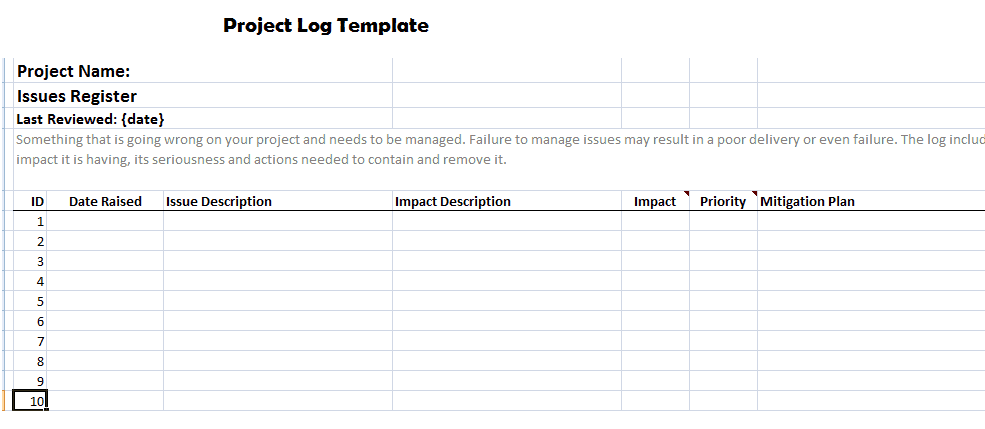
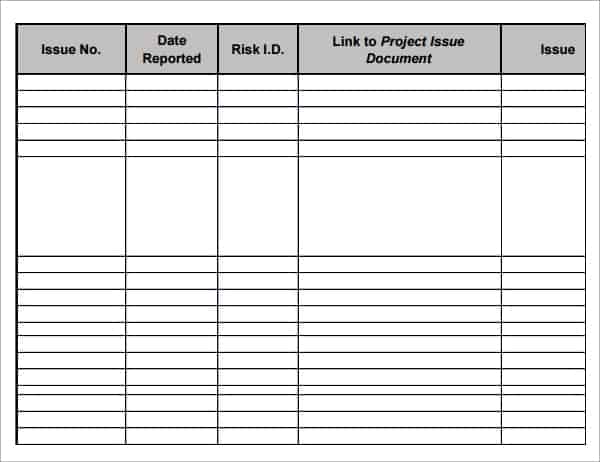
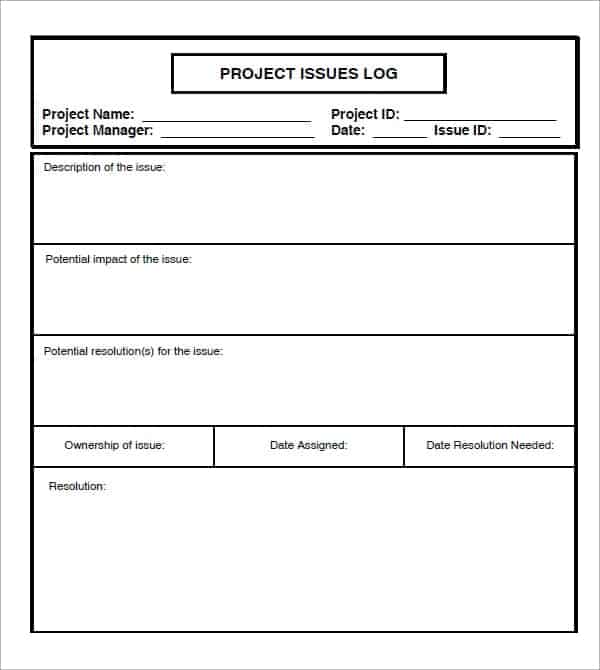
A project issue log focuses specifically on problems that could affect project progress, cost, quality, or delivery. Each issue can be recorded with its description, priority, owner, target resolution date, and current status.
Separating issues from routine activities can make serious problems easier to identify. Update the issue log whenever an issue is assigned, escalated, resolved, or otherwise changes.
Project Risk and Decision Log
A project may also benefit from maintaining records of important risks and decisions. A risk log can document potential problems, their likelihood or impact, mitigation actions, and responsible owners.
A decision log records significant project decisions, including what was decided, when it was decided, who participated, and why the decision was made. These records can provide valuable context later in the project.
Project Log vs. Project Status Report
A project log and project status report serve different purposes. A project log is generally an ongoing record of activities, issues, events, and other project information, while a status report summarizes the project’s current overall position.
The log may contain detailed information that does not need to appear in every status report. Project managers can use information from the log when preparing regular updates for stakeholders.
How to Use a Project Log
Start by selecting the information that your project team needs to track. Add columns for dates, activities, responsible people, status, issues, actions, deadlines, or other relevant information.
Update the log regularly rather than waiting until the end of the project. Use consistent terminology and keep descriptions factual and concise. Review the log during project meetings to identify overdue actions, unresolved issues, and important changes.
Benefits of a Project Log
A well-maintained project log can improve organization and visibility. Team members can quickly see recent activities, outstanding actions, and important events without searching through multiple emails or documents.
It can also provide a historical record of the project. This can be helpful when reviewing decisions, investigating delays, preparing reports, or documenting lessons learned after the project is completed.
Download Free Project Log Templates
These free project log templates provide practical formats for recording project activities, tasks, events, issues, and progress. The templates can be customized for construction projects, business projects, IT projects, school projects, event planning, and other types of work.
Choose a format that fits your project, add the fields your team needs, and update the log regularly. A simple and consistently maintained project log can become a valuable part of your overall project management process.
Downloadable Project Log Templates:
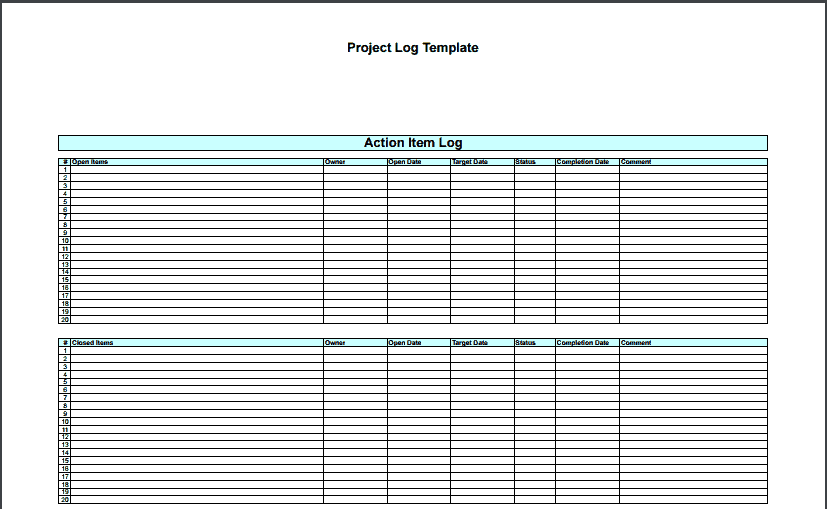
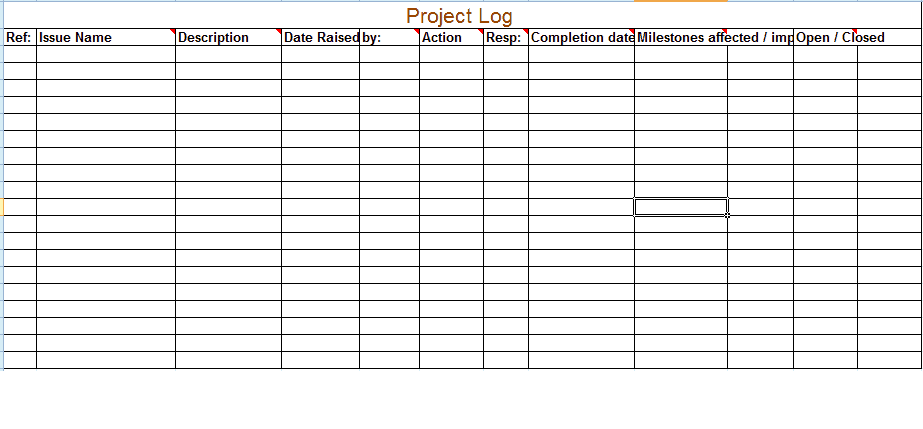
This project log template provides a structured format for recording activities and important events throughout a project. It can help project managers keep track of what has been completed, what is currently underway, and which activities still require attention.
Customize the template with project-specific columns such as date, task, responsible person, status, priority, and notes. Regular updates can make the log a useful reference during project meetings and progress reviews.

More Examples Of Project Log Templates
FAQs
1. What is a project log?
A project log is a document used to record project activities, events, issues, decisions, tasks, and progress throughout a project.
2. What should a project log include?
Common fields include date, activity, description, responsible person, status, priority, action required, deadline, and notes.
3. Can I create a project log in Excel?
Yes. Excel is useful for project logs because information can be organized in rows and columns and sorted or filtered as needed.
4. Can I use a project log template in Word?
Yes. A Word project log template can be edited and customized for different projects and reporting requirements.
5. What is a project activity log?
A project activity log records tasks, meetings, milestones, communications, decisions, and other important activities that occur during a project.
6. What is a project issue log?
A project issue log records problems that may affect project progress and tracks their owners, priority, actions, deadlines, and resolution status.
7. How often should a project log be updated?
It should be updated regularly, ideally whenever an important activity, issue, decision, or project event occurs.
8. What is the difference between a project log and a status report?
A project log is an ongoing detailed record, while a status report provides a higher-level summary of the project’s current progress and condition.



You must be logged in to post a comment.