

An organization chart, also called an organizational chart or org chart, is a visual diagram that shows how a company, business, department, or organization is structured. It can show managers, employees, departments, reporting relationships, and levels of authority in an easy-to-understand format.
An organization chart template provides a ready-made structure for creating this diagram without designing it from scratch. You can add employee names, job titles, departments, and reporting relationships to create a clear view of your organization’s hierarchy.
TemplatesDoc provides 41+ free organization chart templates and examples that can be used as a starting point for businesses, offices, schools, nonprofits, and other organizations.
What Is an Organization Chart?
An organization chart is a visual representation of the structure of an organization. It helps employees and other stakeholders understand who reports to whom and how different departments or positions are connected.
A basic organizational chart may show:
- Company leadership
- Managers and supervisors
- Departments
- Employees
- Reporting relationships
- Job titles
- Organizational levels
For larger companies, separate charts can be created for individual departments such as sales, finance, human resources, marketing, and operations.
Free Organization Chart Template
A free organization chart template saves time by providing a predefined layout that can be customized with your organization’s information.
You can use an organization chart to document the current structure of a business or create a proposed structure for a new department or company.
A well-designed chart should be simple enough that employees can quickly identify their manager, department, and position within the organization.
Organization Chart Template in Word
A Word organization chart template can be useful for businesses that want an editable document that can be printed or shared digitally.
You can customize the template with employee names, job titles, departments, and other information. Word can also be useful for creating a simple organizational chart for a small business or individual department.
Organization Chart Template in Excel
An Excel organization chart template can be useful when employee and department information is already maintained in a spreadsheet.
Excel can help organizations manage employee information while also providing a structured way to document departments, positions, and reporting relationships.
For complex organizations, specialized organizational-chart software may provide more advanced features.
Types of Organization Charts
Different organizational structures can be represented using different chart formats.
Hierarchical organization chart: Shows authority from senior management down through managers and employees.
Functional organization chart: Groups employees according to departments or areas of expertise.
Matrix organization chart: Shows employees who may report to more than one manager or work across multiple functions.
Divisional organization chart: Organizes teams according to products, locations, markets, or business units.
Flat organization chart: Shows an organization with fewer management levels and a less traditional hierarchy.
Why Use an Organization Chart?
An organization chart can help employees understand the company’s structure and reporting relationships. It can also help managers identify responsibilities, clarify authority, and communicate organizational changes.
For new employees, an org chart can be particularly useful because it provides a quick overview of who works in different departments and who they should contact for specific matters.
Organizations can also use charts when planning restructures, creating new departments, or reviewing management responsibilities.
How to Create an Organization Chart
Creating an organization chart from a template is straightforward.
1. Identify the top-level position: Start with the owner, CEO, president, or other senior leadership position.
2. Add departments: Identify the main departments or business functions.
3. Add managers: Place department heads and supervisors beneath the appropriate leadership positions.
4. Add employees: Connect employees to their direct managers.
5. Add job titles: Include job titles to make responsibilities easier to understand.
6. Check reporting relationships: Make sure each position is connected to the correct manager.
7. Review the chart: Check names, titles, departments, and organizational relationships before sharing the final version.
Organization Chart for Small Business
A small business organization chart can be very simple. It may contain the owner or managing director at the top, followed by department managers, supervisors, and employees.
Even a small company can benefit from documenting its structure because employees can quickly understand their responsibilities and reporting relationships.
Organization Chart for Large Companies
Large organizations may need several charts rather than one enormous diagram.
A company might maintain:
- Corporate organization chart
- Human resources organization chart
- Sales organization chart
- Finance organization chart
- Marketing organization chart
- Operations organization chart
Department-level charts are often easier to read and maintain than a single chart containing hundreds of employees.
Download Free Organization Chart Templates
Whether you need a company organization chart, organizational chart template, business org chart, organizational structure chart, hierarchy chart, organization chart Word template, or organization chart Excel template, a ready-made template can provide a useful starting point.
Choose a layout that matches your organization’s structure, add accurate employee and department information, and review the reporting relationships regularly.
An organization chart should be updated whenever there are significant changes to management, departments, employees, or reporting responsibilities. A current chart is much more useful than an outdated one.
Downloadable Organization Chart Templates And Formats
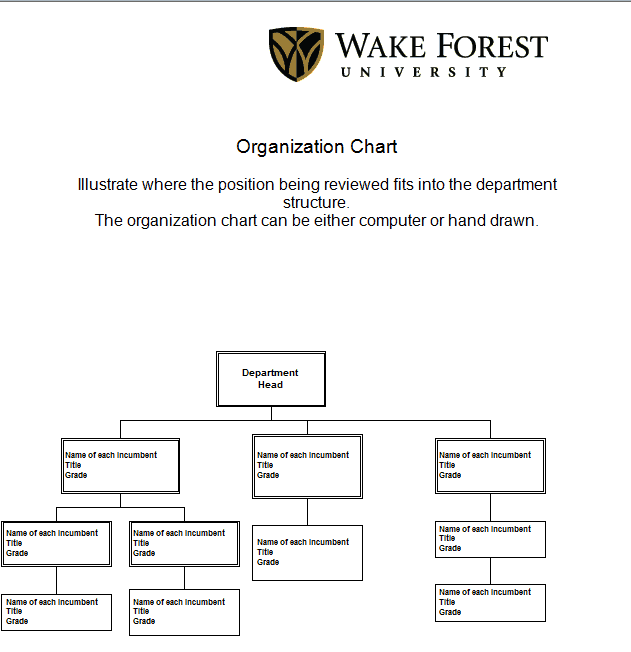
1. Organization Chart Template
This organization chart template provides a structured starting point for displaying the hierarchy of a company or organization. It can be customized with employee names, job titles, departments, managers, and reporting relationships.
It can be useful for businesses, offices, schools, nonprofits, and other organizations that need a clear visual representation of their organizational structure.

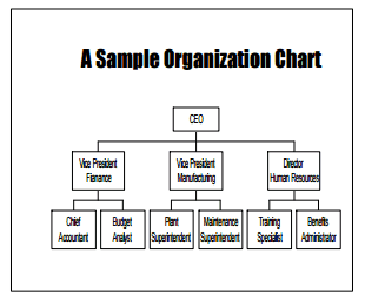
2. Organization Chart Template Example
This organization chart example provides a reference format for arranging positions and reporting relationships within an organization. It can be customized according to the actual structure of a company or department.
It can also be useful when planning a new organizational structure or documenting an existing hierarchy.
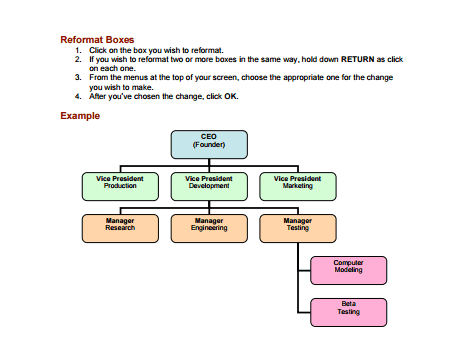
3. Organization Chart Template Format
This organization chart format provides a reusable structure for documenting managers, employees, departments, and reporting relationships.
The template can be adapted for small businesses, departments, teams, or larger organizations depending on the information that needs to be displayed.
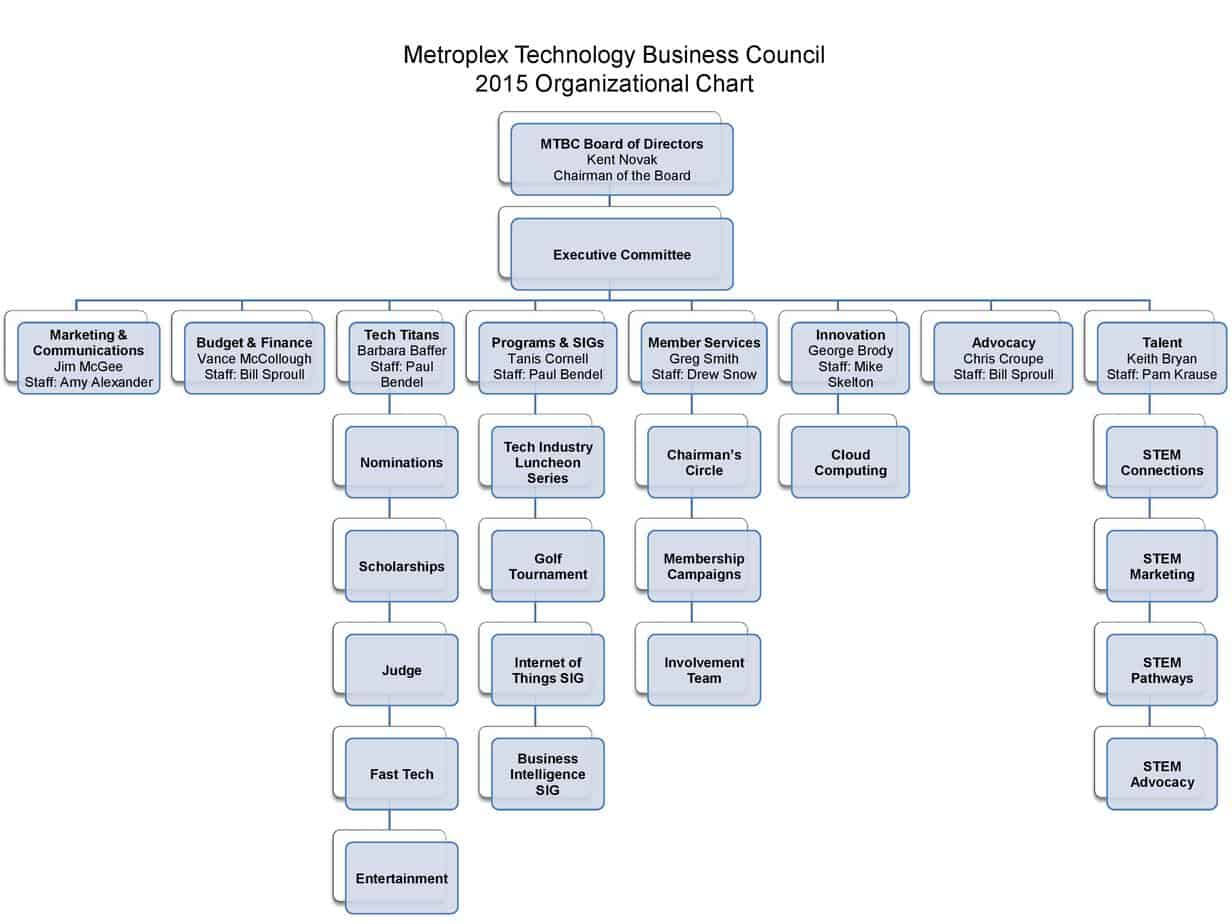
4. Organization Chart Sample
This sample provides an example of how an organizational structure can be presented visually. It can be used as a reference when creating a company or departmental org chart.
Frequently Asked Questions
1. What is an organization chart?
An organization chart is a visual diagram showing the structure of a company or organization, including departments, employees, managers, job titles, and reporting relationships.
2. What is the difference between an organization chart and an organizational chart?
There is generally no meaningful difference. Organization chart, organizational chart, org chart, organogram, and organigram are commonly used terms for a diagram showing organizational structure.
3. What should an organization chart include?
An organization chart may include employee names, job titles, departments, managers, supervisors, and reporting relationships. The information included depends on the size and structure of the organization.
4. Can I create an organization chart in Word?
Yes. A Word organization chart template can be customized with employee names, positions, departments, and reporting relationships.
5. Can I create an organization chart in Excel?
Yes. Excel can be used to organize employee and department information and create or maintain organizational charts, particularly for smaller or moderately complex organizations.
6. What are the main types of organization charts?
Common types include hierarchical, functional, matrix, divisional, and flat organization charts. The appropriate format depends on how the organization is structured.
7. Why is an organization chart important?
An organization chart helps employees understand reporting relationships, responsibilities, departments, and management structure. It can also support onboarding and organizational planning.
8. How often should an organization chart be updated?
An organization chart should be reviewed whenever there are significant changes to employees, management, departments, or reporting relationships. Keeping it current makes it more useful.



You must be logged in to post a comment.