

A shipping label is a document attached to a package, parcel, box, or shipment that provides important information needed for delivery. A typical shipping label may include the sender’s name and address, recipient’s name and destination address, contact information, package details, and other shipping information.
A shipping label template provides a ready-made format that can be customized with your shipment details. Instead of creating a label from scratch for every package, you can use a reusable template and print as many labels as needed.
TemplatesDoc provides 25+ free shipping label templates that can be used as a starting point for preparing shipping labels for businesses, online sellers, offices, and personal shipments.
What Is a Shipping Label?
A shipping label identifies a package and provides information that helps the carrier deliver it to the correct destination. Depending on the carrier and type of shipment, a label may contain:
- Sender name and address
- Recipient name and address
- Phone number
- Package or order number
- Weight
- Quantity
- Return address
- Shipping instructions
- Tracking or barcode information
The exact information and formatting requirements vary by carrier and shipping service.
Free Shipping Label Template
A free shipping label template can save time when you regularly prepare packages for delivery. You can customize the sender and recipient information and adjust the layout to suit your printer and label paper.
These templates can be useful for:
- Small businesses
- Online stores
- E-commerce sellers
- Home businesses
- Offices
- Warehouses
- Personal shipments
- Handmade-product sellers
For businesses shipping multiple orders, a standardized label format can also help make the packaging process more consistent.
Shipping Label Template in Word
A shipping label Word template is convenient for users who already work with Microsoft Word. You can enter the sender and recipient information, add your company name or logo, and adjust the page layout before printing.
Word is particularly useful for creating simple labels when you don’t need carrier-generated barcodes or specialized shipping software.
Shipping Label Template in Excel
An Excel shipping label template can be useful when you need to manage information for multiple shipments. You can maintain a spreadsheet containing customer names, addresses, order numbers, and other shipping details.
For example:
| Order No. | Recipient | City | Postal Code | Package |
|---|---|---|---|---|
| 1001 | John Smith | Lahore | 54000 | Box |
| 1002 | Sarah Khan | Karachi | 74000 | Parcel |
| 1003 | Ali Ahmed | Islamabad | 44000 | Package |
For larger shipping operations, spreadsheet data can also be combined with mail-merge or label-printing tools.
What Should a Shipping Label Include?
A basic shipping label should clearly identify the sender and recipient.
Sender information: Include the return name and address.
Recipient information: Provide the complete delivery name and address.
Contact details: Add a phone number when appropriate or required.
Order information: An order or reference number can help connect the package with the relevant customer order.
Package details: Weight, quantity, or other information may be included when needed.
If you’re using a carrier’s shipping service, always follow that carrier’s specific label requirements.
How to Create a Shipping Label
Creating a shipping label from a template is straightforward.
- Choose a template suitable for your package and printer.
- Enter sender information including the return address.
- Enter recipient information carefully.
- Add order or reference details if required.
- Add package information where appropriate.
- Check the address carefully before printing.
- Print a test label to verify alignment.
- Attach the label securely to a clean, visible area of the package.
Make sure the label is not covered by tape, folds, seams, or other materials that could make important information difficult to read.
Printable Shipping Labels
A printable shipping label should be prepared with the final paper or label-sheet size in mind. Before printing multiple copies, test one label to ensure that text and other elements are positioned correctly.
If you use adhesive label sheets, confirm that the template dimensions match the sheet layout. Incorrect dimensions can cause text to print outside the label area.
Shipping Labels for Small Business
Small businesses and online sellers can benefit from maintaining a standard shipping-label format. A reusable template can make it easier to prepare orders while keeping the business’s return information consistent.
You can also add your company name or logo, provided that doing so doesn’t interfere with required shipping information.
Shipping Label vs. Shipping Document
A shipping label is generally attached directly to the package and identifies the shipment.
Other shipping documents may provide additional information, such as invoices, packing lists, customs forms, or declarations. These documents serve different purposes and may be required separately depending on the shipment.
Download Free Shipping Label Templates
Whether you need a shipping label template, printable shipping label, shipping label Word template, shipping label Excel template, package label, mailing label, or business shipping label, a ready-made format can save time and simplify the preparation process.
Choose a template that matches your printer and label size, enter accurate sender and recipient information, and check the finished label carefully before attaching it to your package.
For commercial shipping, remember that a generic template may not replace the official label generated by a postal service, courier, marketplace, or shipping platform when that service requires a specific barcode, tracking number, or format.
Shipping Label Templates Are Downloadable Here:
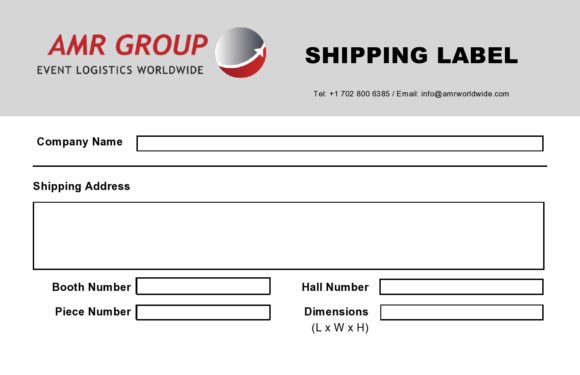
1. Shipping Label Template
This shipping label template provides a structured format for entering essential package and delivery information. It can be customized with sender details, recipient information, addresses, contact details, and other appropriate shipping information.
The template can be useful for small businesses, online sellers, offices, and individuals who need a reusable format for preparing package labels.

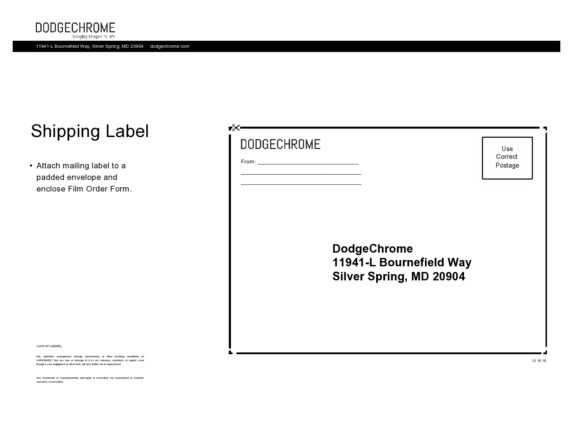
2. Printable Shipping Label Template
This printable shipping label template provides a ready-made format for creating physical labels for packages and parcels. The layout can be customized before printing on suitable paper or adhesive label sheets.
It can help users prepare consistent package labels while reducing the time required to design each label manually.
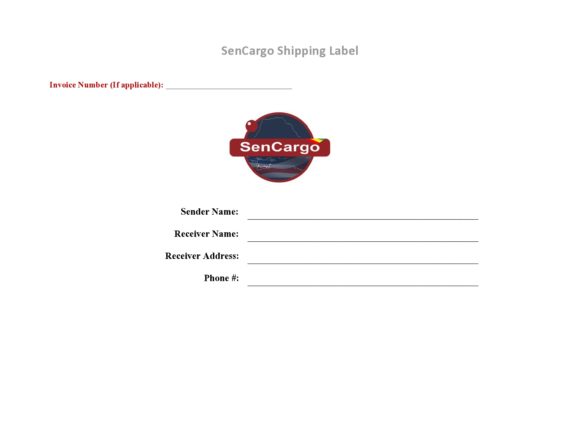
3. Business Shipping Label Template
This business shipping label template can be customized with company information, return address, recipient details, and order references.
It can be particularly useful for businesses that regularly ship products to customers and want a consistent label format.
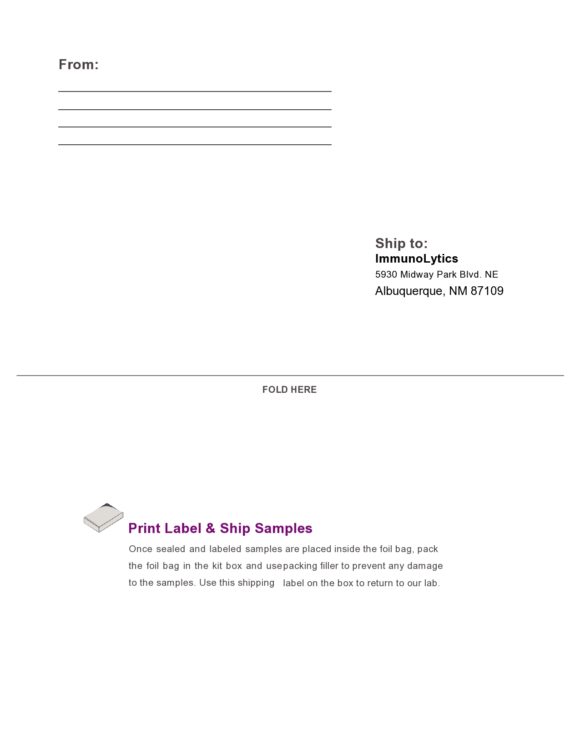
4. Shipping Label Word Template
This editable shipping label template can be customized in Microsoft Word with sender, recipient, address, and shipment information.
It provides a convenient option for users who need to create and print simple shipping labels without specialized design software.
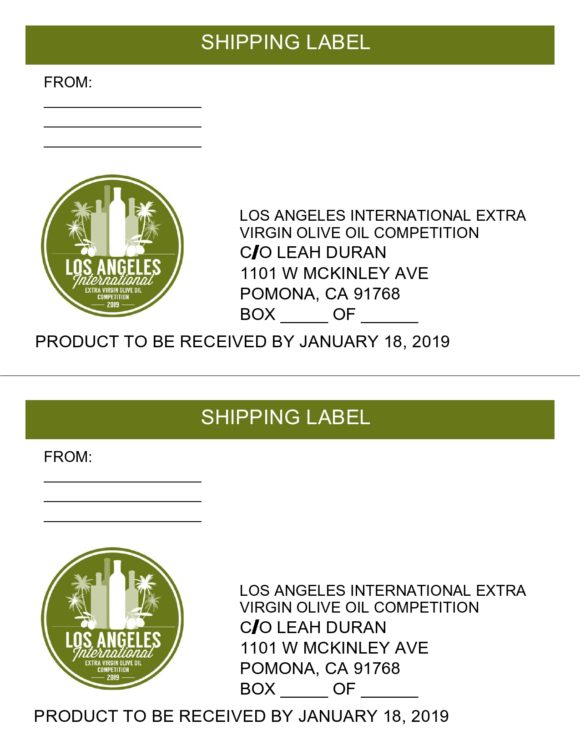
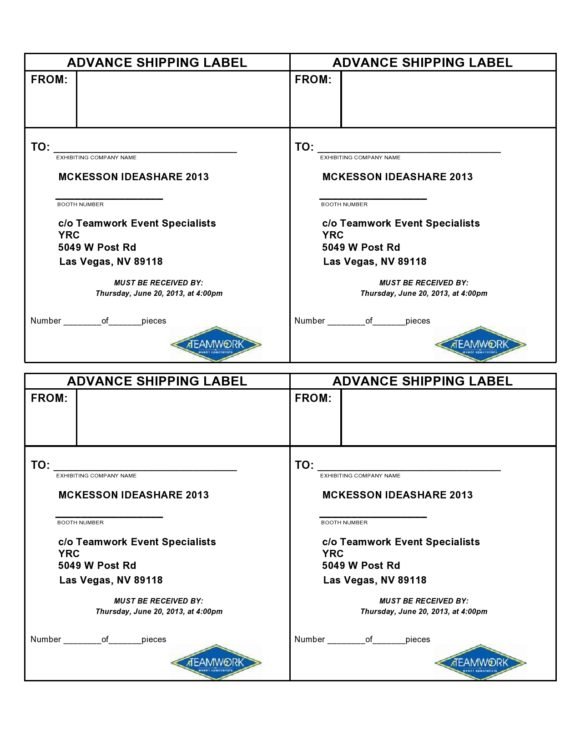
5. Shipping Label Sample
This shipping label sample demonstrates a possible format for organizing information required on a package label.
It can be used as a reference when creating a customized label for personal shipments, business orders, or other packages.
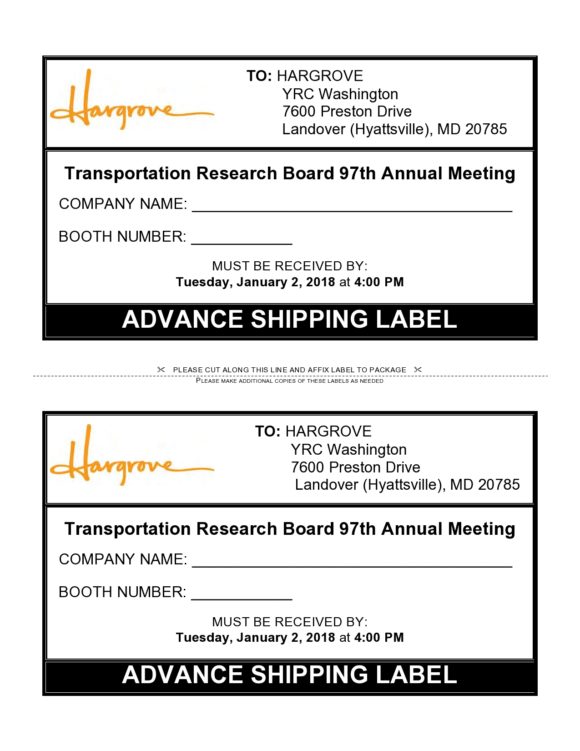
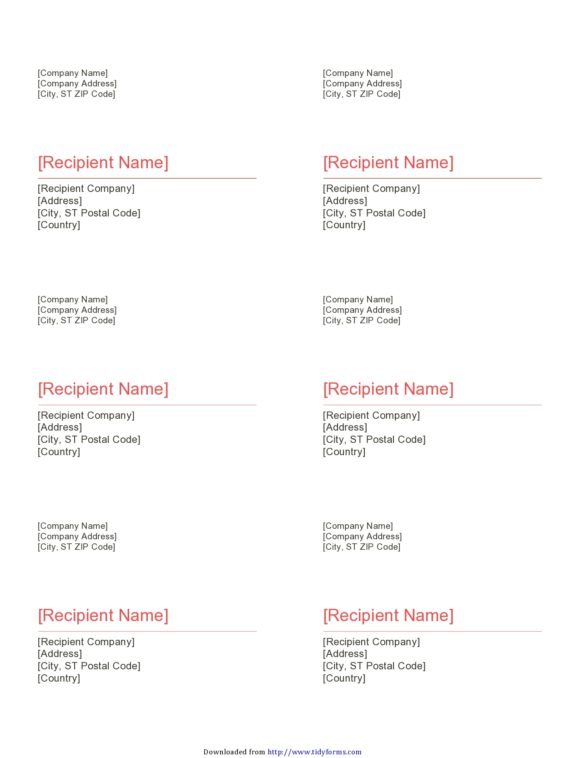
6. Shipping Label Sample
This sample provides another reference format for organizing shipping information on a package label. It can be adapted to suit the sender’s and recipient’s requirements.
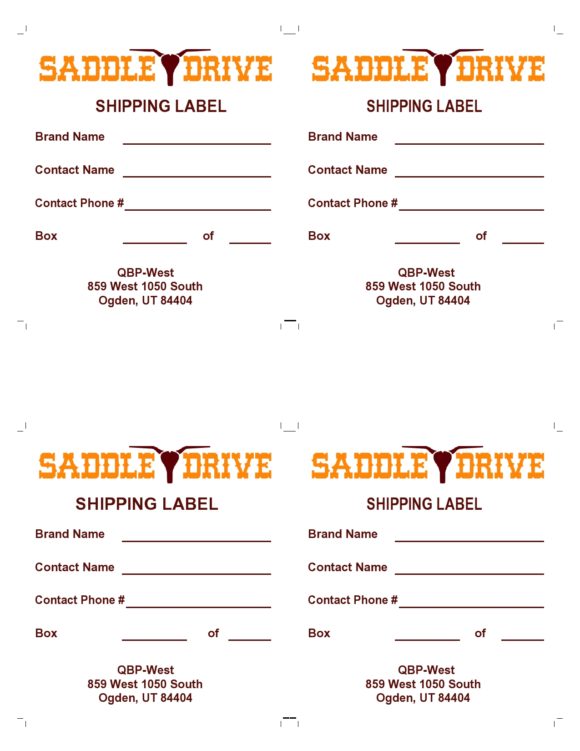
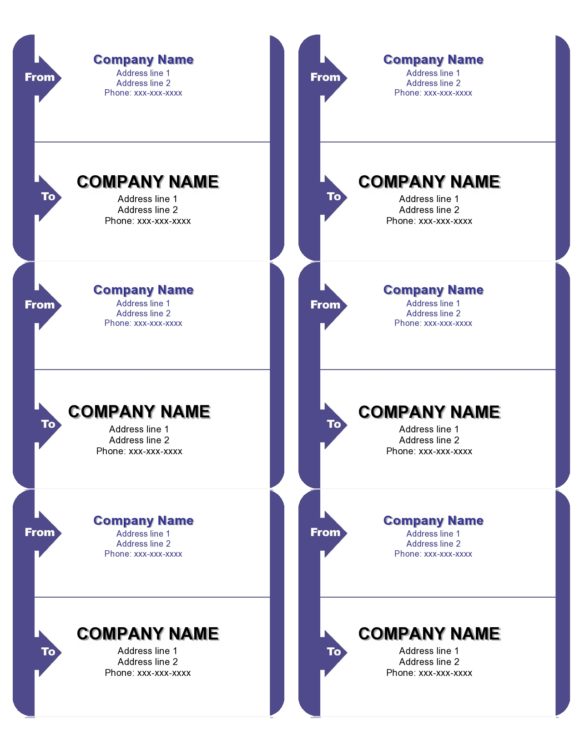
7. Shipping Label Sample
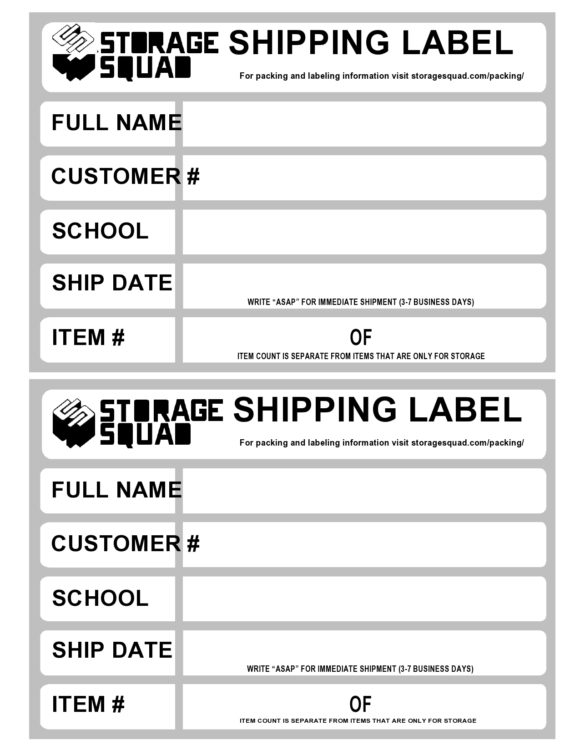
This shipping label sample provides an additional format for preparing package and recipient information.

Frequently Asked Questions
1. What is a shipping label?
A shipping label is a document attached to a package that provides information such as the sender, recipient, delivery address, and other shipment details needed for delivery.
2. What should a shipping label include?
A shipping label commonly includes the sender’s name and address, recipient’s name and address, contact details, and relevant package, order, or tracking information.
3. Can I create a shipping label in Word?
Yes. A shipping label Word template can be edited with sender and recipient information and printed on suitable paper or adhesive label sheets.
4. Can I create shipping labels in Excel?
Yes. Excel can be useful for managing multiple recipient addresses and preparing shipping information for label printing or mail merge.
5. Can I print shipping labels at home?
Yes. Simple shipping labels can be printed at home if your printer and label paper are compatible with the template. Carrier-specific labels may have additional requirements.
6. What size should a shipping label be?
There is no single universal size. Label dimensions depend on the carrier, printer, label sheets, and type of shipment. Always check the requirements for the service you are using.
7. Can I add a company logo to a shipping label?
Yes, if the label design and shipping requirements allow it. The logo should not interfere with the recipient address, barcode, tracking information, or other required details.
8. Is a shipping label the same as a packing slip?
No. A shipping label identifies the package for delivery, while a packing slip generally lists the products or items contained in the shipment.


You must be logged in to post a comment.