

A progress report is a document used to communicate how much work has been completed, what is currently in progress, what remains to be done, and whether a project or task is moving according to plan. Progress reports are commonly used by project managers, employees, supervisors, students, contractors, and businesses to keep stakeholders informed.
A progress report template provides a ready-made structure for recording accomplishments, current activities, challenges, upcoming tasks, and other important updates. Instead of creating a report from scratch, you can customize a template with your own project or work information and prepare a consistent report for daily, weekly, or monthly reporting.
Progress Report Templates
A useful progress report should give readers a quick understanding of the current situation. Depending on the purpose, it may include completed tasks, ongoing activities, milestones, percentage of completion, problems, risks, resources, and planned next steps.
The best format depends on the type of work being reported. A simple weekly employee report may require only a few sections, while a large project progress report may need detailed information about schedules, budgets, milestones, deliverables, and risks.
Progress Report Template in Word
A progress report template in Word is useful when you need an editable document that can be customized for a project, employee, department, or client. You can add headings, tables, dates, descriptions, and other information without creating the document structure yourself.
Word works particularly well for narrative progress reports where completed work and challenges need to be explained in paragraphs. Keep a blank master copy and create a separate copy for each reporting period.
Progress Report Template in Excel
An Excel progress report template is useful when progress needs to be tracked using tables, dates, percentages, quantities, or other structured information. Excel can make it easier to compare planned work with completed work.
You can include columns for task name, responsible person, start date, deadline, status, percentage complete, and notes. Filters and sorting can also help when a project contains many tasks or team members.
Project Progress Report
A project progress report provides stakeholders with an update on the current status of a project. It can summarize completed milestones, ongoing work, upcoming activities, schedule performance, budget information, risks, and issues requiring attention.
A good project report should not simply list activities. It should help managers understand whether the project is on track and whether any decisions or corrective actions are needed.
Weekly Progress Report
A weekly progress report summarizes work completed during a particular week and identifies the priorities for the following week. It is commonly used by employees, project teams, contractors, and managers.
Typical sections include completed tasks, work in progress, problems encountered, achievements, upcoming tasks, and support or resources required. Using the same format each week makes changes easier to compare over time.
Monthly Progress Report
A monthly progress report provides a broader overview of work completed during a month. It can be useful for long-term projects, departments, construction work, business activities, and other ongoing programs.
Monthly reports can include key accomplishments, milestones, performance indicators, delays, budget updates, risks, and plans for the next reporting period.
Employee Progress Report
An employee progress report can be used by managers or supervisors to document an employee’s work and progress toward assigned objectives. It may include completed responsibilities, current assignments, achievements, challenges, and upcoming priorities.
The report should focus on objective information rather than vague judgments. Where possible, describe measurable results, completed tasks, deadlines, and specific areas requiring attention.
Project Status and Progress
Progress reporting and status reporting are closely related, but a progress report generally focuses more heavily on what has been accomplished and what remains to be completed.
Including both current status and future actions gives readers a more complete picture. A concise status section can show whether work is on schedule, while the progress section explains what has actually been completed.
What to Include in a Progress Report
A progress report may include:
- Reporting period
- Project or task name
- Completed work
- Work currently in progress
- Percentage of completion
- Completed milestones
- Delays or challenges
- Risks and issues
- Resources required
- Upcoming tasks
- Planned completion dates
- Overall status
Not every report needs all of these sections. Choose the fields that provide useful information to the intended reader.
How to Write a Progress Report
Start by identifying the reporting period and the project, task, or employee being reported. List the important work completed during the period and describe any significant activities that remain in progress.
Next, explain challenges, delays, risks, or changes that could affect the expected outcome. Finish with upcoming tasks and priorities so readers understand what will happen next.
Keep the report factual and concise. Avoid filling the document with routine details that do not help the reader understand progress or make decisions.
Progress Report for Project Management
Project managers can use progress reports to compare planned activities with actual performance. Regular reporting can reveal delays, resource problems, unfinished tasks, or risks before they become larger issues.
Using a consistent template also creates a historical record of project development. Previous reports can be reviewed to understand how the project changed over time and whether corrective actions were effective.
Download Free Progress Report Templates
These free progress report templates in Word and Excel provide ready-made formats for tracking projects, employees, tasks, and ongoing work. They can be used for daily, weekly, or monthly reporting and customized according to the requirements of the project or organization.
Choose a template that fits your reporting needs, add accurate information about completed and upcoming work, and maintain the same format for future reports. A clear progress report can make project communication easier and help managers, clients, and team members understand what has been accomplished and what needs attention next.
Downloadable Progress Report Templates:
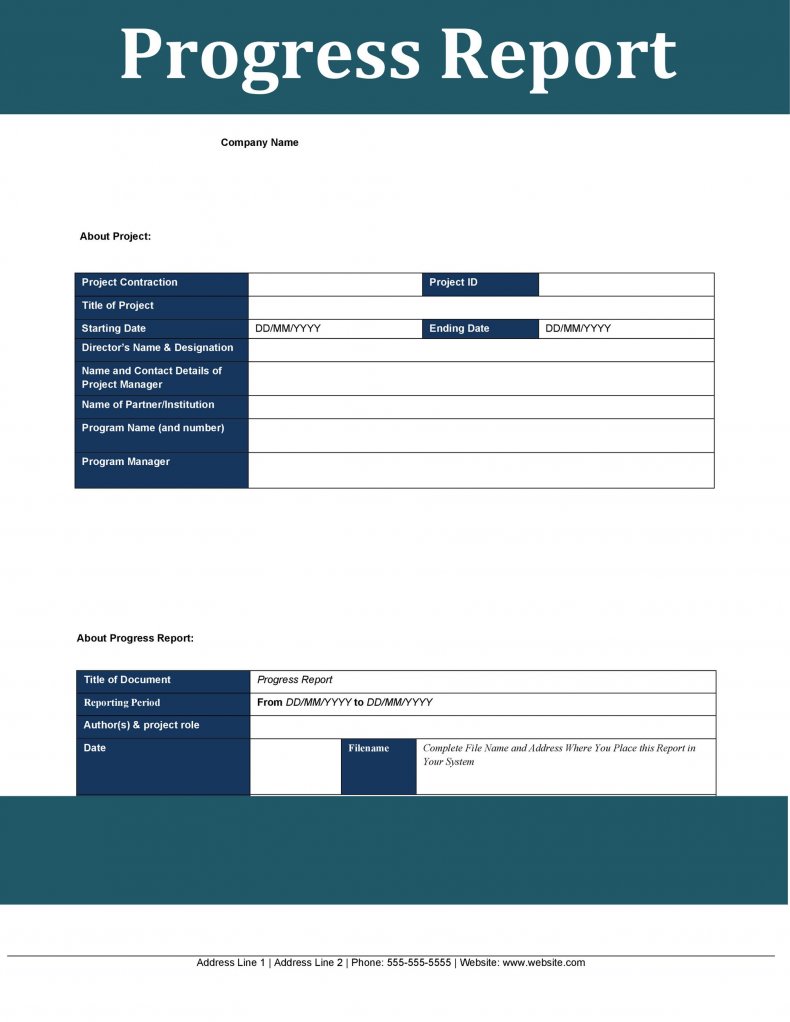

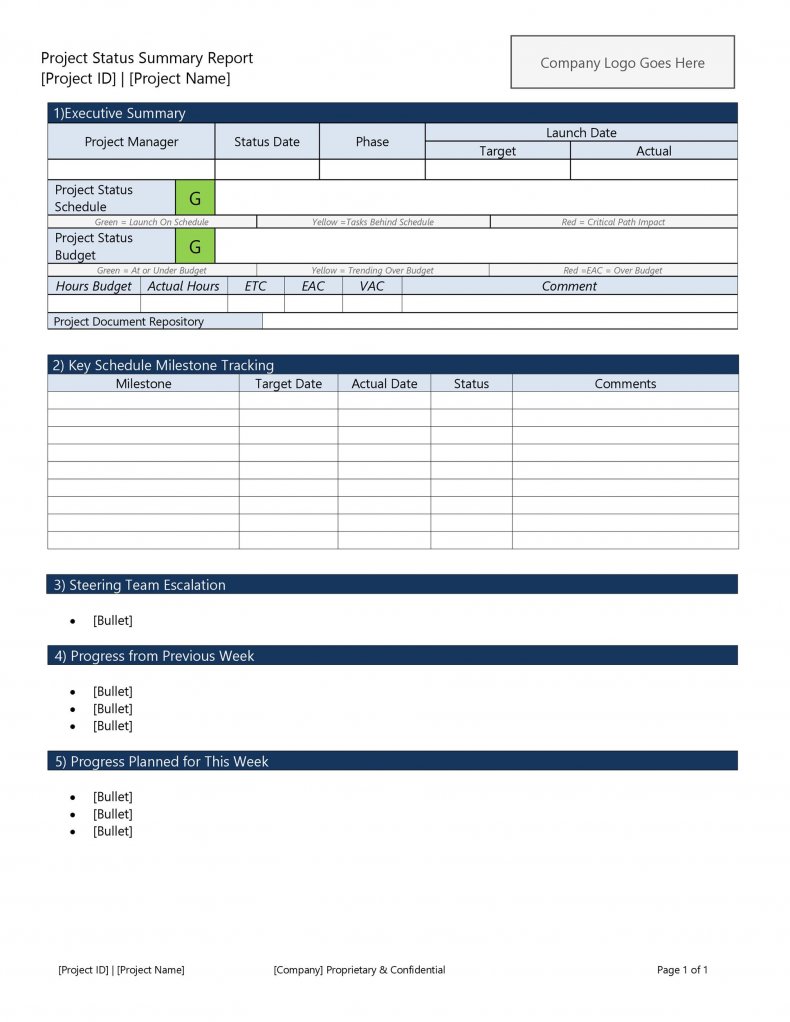
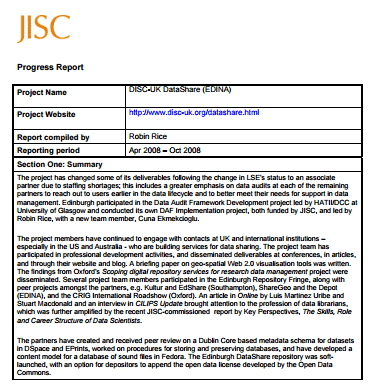
This progress report template provides a structured format for documenting completed work, ongoing activities, and remaining tasks during a reporting period. It can be adapted for projects, employees, departments, or other work activities.
Customize the template with the project name, reporting dates, task information, progress details, challenges, and upcoming activities. Using the same structure for each reporting period can make progress easier to compare.
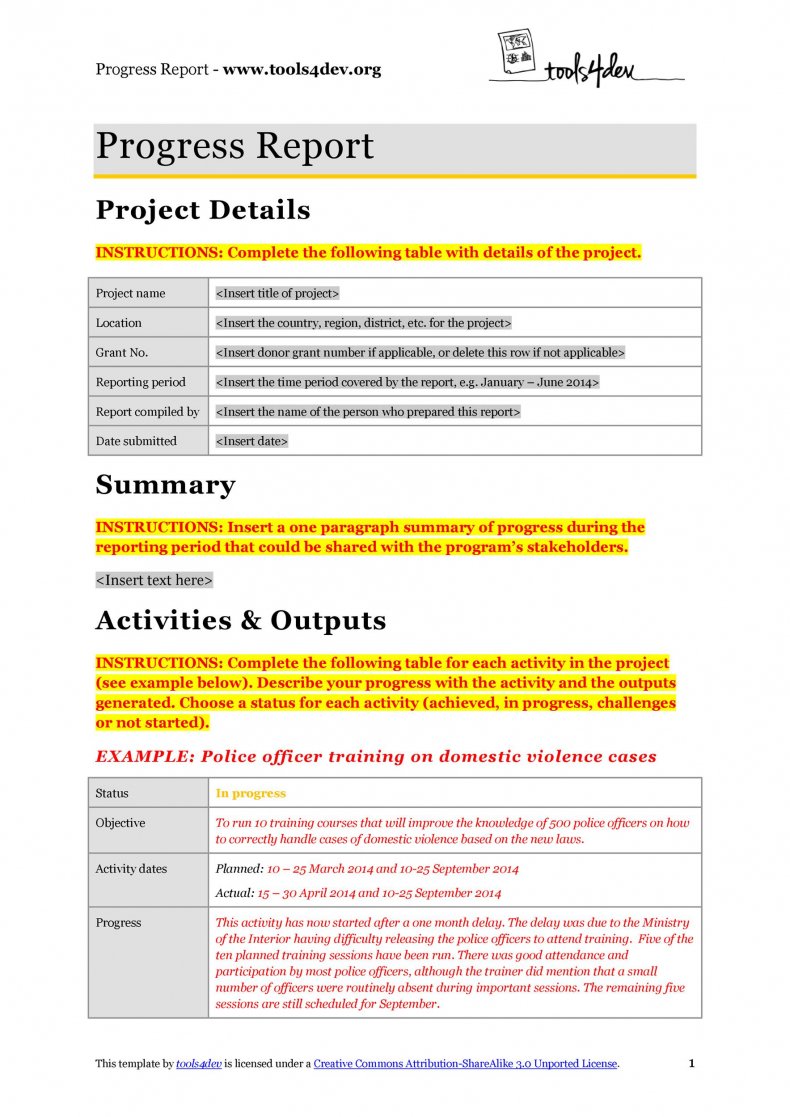
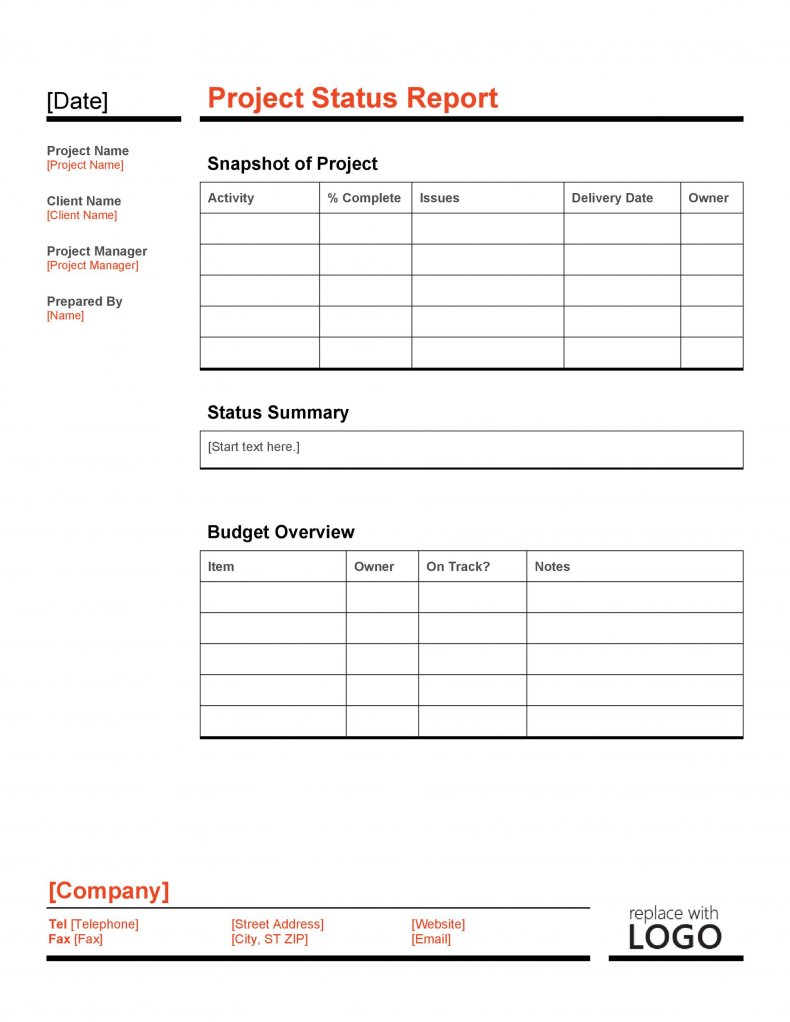
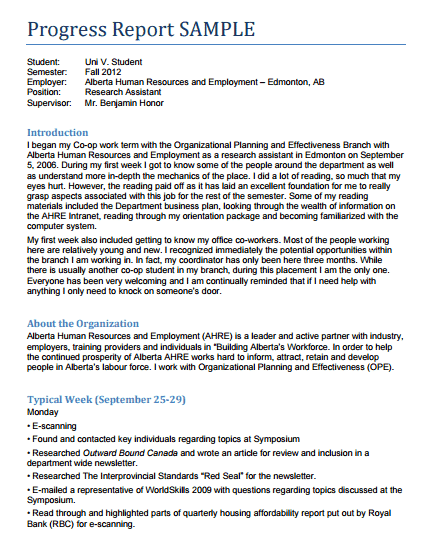
This progress report template offers another practical format for communicating project or work progress. It can be customized with information about completed tasks, milestones, current activities, and planned next steps.
Use concise descriptions and focus on information that helps managers, clients, or team members understand the current situation. Add dates and responsible persons where they improve accountability.
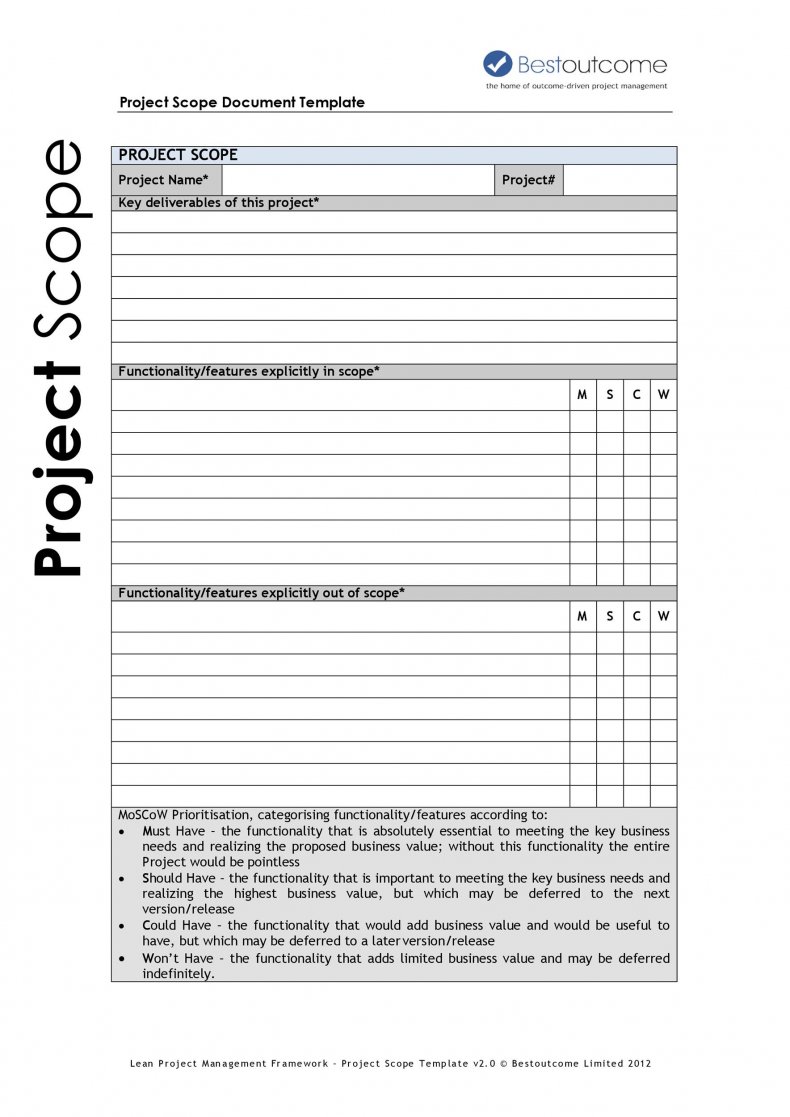
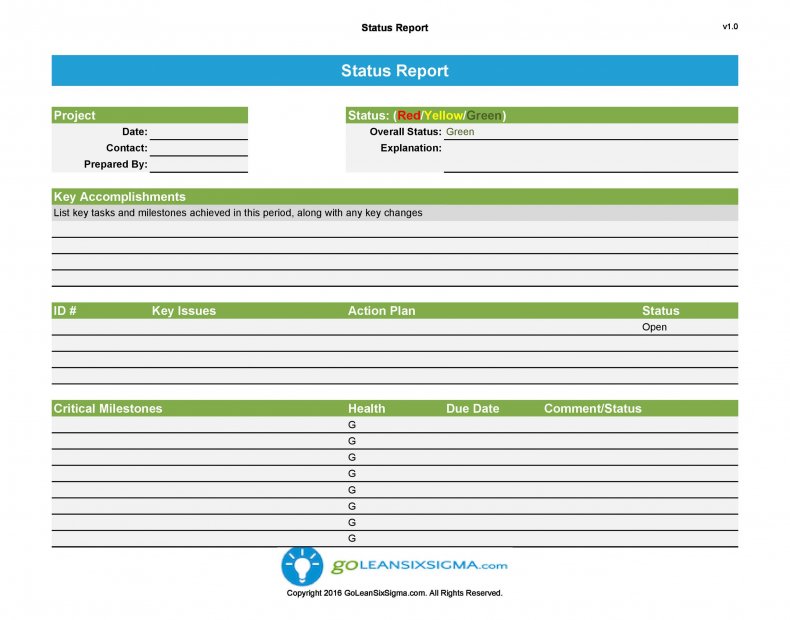
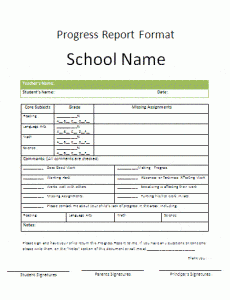
This progress report template provides a ready-made structure for recording work completed during a specific reporting period. It can be used for weekly, monthly, or other recurring progress updates.
Include important accomplishments, current challenges, delays, and upcoming priorities. Keep the information factual and consistent so reports can be compared over time.
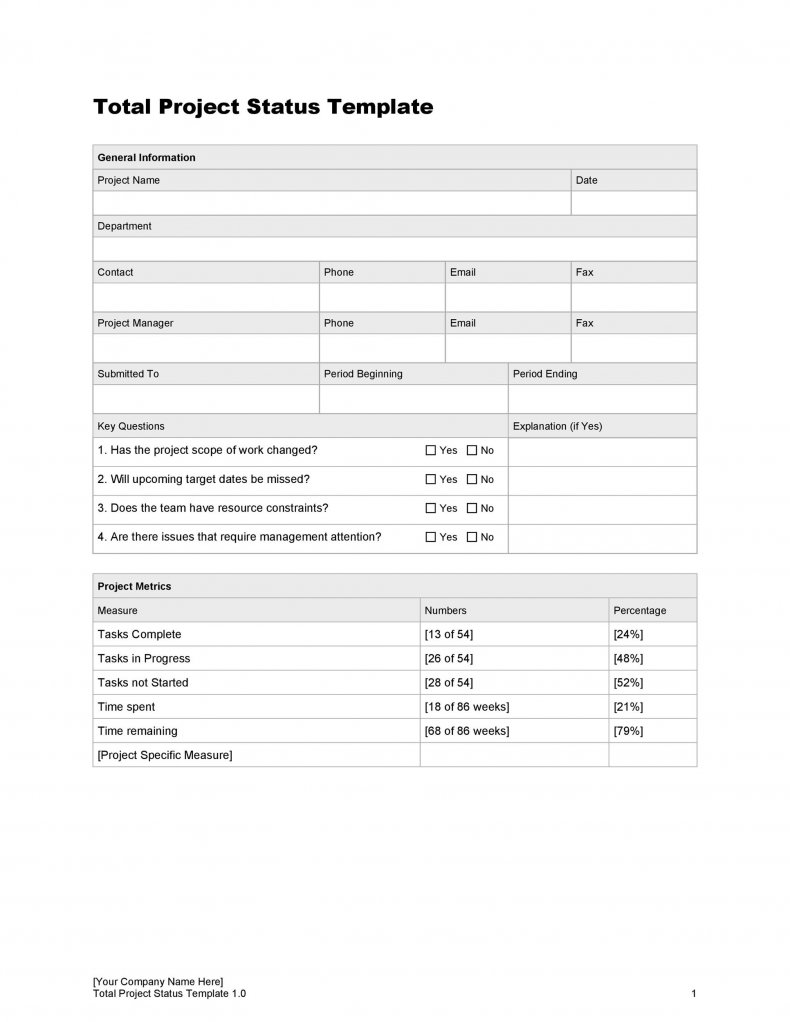
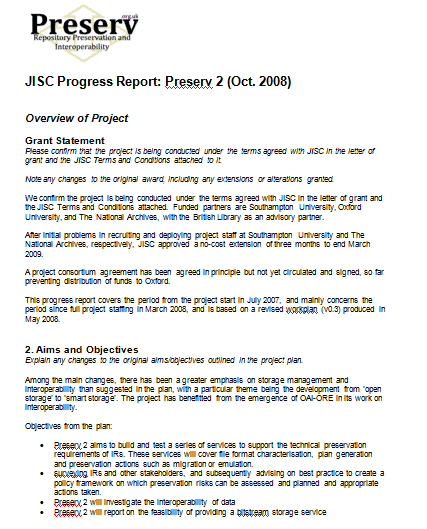
This progress report template provides another format for summarizing project or employee progress. It can help organize completed activities, current status, remaining work, and planned actions.
Customize the fields to match your reporting process and save a clean master copy for future reports. A consistent format can make regular project communication faster and easier.
FAQs
1. What is a progress report?
A progress report is a document that explains what work has been completed, what is currently in progress, what remains, and whether the work is on schedule.
2. Can I create a progress report in Word?
Yes. A Word progress report template can be customized with project details, completed tasks, challenges, milestones, and upcoming work.
3. Can I create a progress report in Excel?
Yes. Excel is useful for tracking tasks, deadlines, percentages, milestones, and other structured project information.
4. What should a progress report include?
It may include completed work, current activities, percentage of completion, milestones, challenges, risks, upcoming tasks, and expected deadlines.
5. How often should a progress report be prepared?
It depends on the project. Progress reports may be prepared daily, weekly, monthly, or at specific project milestones.
6. What is a weekly progress report?
A weekly progress report summarizes work completed during a week and usually identifies current issues and priorities for the following week.
7. Who uses progress reports?
Project managers, employees, supervisors, contractors, students, businesses, and other teams can use progress reports to communicate work status and achievements.
8. Why are progress reports important?
They help stakeholders understand project performance, identify delays or problems, plan remaining work, and make informed decisions.



You must be logged in to post a comment.