A binder cover is a simple way to organize and identify the contents of a folder or three-ring binder. A well-designed cover can show the subject, project name, department, school course, business information, or other details at a glance.
A binder cover template provides a ready-made design that you can customize instead of creating a cover from a blank page. You can add a title, name, subject, date, organization, logo, or other information and then print the finished cover. These templates can be used for school binders, office files, project folders, lesson plans, personal records, and home organization.
Binder Cover Templates
A binder cover should make the contents easy to identify while keeping the design clean and readable. The amount of information needed depends on how the binder will be used.
For a school binder, you might include the student’s name, subject, grade, teacher, and school year. For an office binder, the cover might include a project name, department, client, reporting period, or company logo.
Binder Cover Template in Word
A binder cover template in Word is easy to edit and customize. You can change the title, add your name or company information, insert an image or logo, and modify fonts or other elements to match your preferences.
Word is also useful when you need to create several covers with the same layout. Save the original template separately and make a copy whenever you need a new binder cover.
Printable Binder Covers
A printable binder cover can be printed at home or through a professional printing service. Choose paper that is suitable for the type of binder and the amount of handling the cover will receive.
Before printing, check the page size, margins, title placement, and orientation. If the cover will be inserted into a clear binder sleeve, make sure the design fits comfortably within the available space.
School Binder Cover Templates
Students can use school binder cover templates to organize subjects such as mathematics, science, English, history, computer studies, and other classes. A separate cover for each subject can make it easier to identify notebooks and course materials.
You can include the student’s name, class, subject, teacher, school year, and a simple graphic related to the subject. For younger students, colorful designs can make organization more engaging.
Office Binder Cover Templates
An office binder cover template can be used for business records, reports, procedures, meeting documents, projects, invoices, employee information, or other workplace files.
Adding a company logo and clear title can make physical records easier to identify on a shelf. You can also include a reporting period, department name, project number, or responsible team where appropriate.
Project Binder Cover
A project binder cover helps identify documents associated with a particular project. It can include the project name, client, project manager, department, start date, completion date, and other useful information.
Using a consistent cover design across multiple project binders can create a more organized filing system. Add only the information that helps users identify the contents quickly.
Custom Binder Cover
A custom binder cover can be designed for almost any organizational purpose. You can change the title, colors, images, fonts, and other editable elements to create a cover that fits your needs.
For business use, consider following your organization’s existing branding. For personal or school binders, choose a design that makes the subject easy to recognize without making the title difficult to read.
Binder Spine and Label
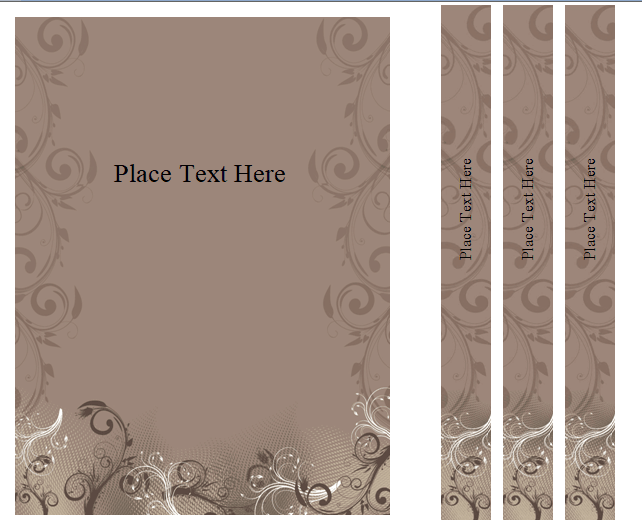
The front cover is only one part of an organized binder. A binder spine label can be particularly useful when multiple binders are stored together on a shelf.
Use a short title that can be read from a distance and include a year, project name, department, or subject when necessary. Matching the spine label with the front cover can create a consistent filing system.
How to Make a Binder Cover
Start by choosing a binder cover template that matches the purpose of your binder. Add the main title and any identification details you need, such as your name, subject, company, project, or date.
Add a logo or suitable image if desired, then check the layout at actual print size. Make sure important text is not too close to the edges and that the finished cover fits the binder sleeve or cover dimensions.
Binder Covers for Organization
Binder covers can make physical filing systems easier to manage. Instead of opening every binder to determine what it contains, a clear cover provides immediate identification.
Consider using consistent titles and categories across your filing system. You can organize binders by subject, department, project, year, client, document type, or another system that makes sense for your needs.
Download Free Binder Cover Templates
These free binder cover templates in Word provide a convenient starting point for creating attractive and practical covers. They can be customized for school subjects, office files, project documentation, personal records, lesson plans, and other organizational needs.
Choose a design, add your title and identifying information, customize the appearance if needed, and print the finished cover. A simple, clearly labeled binder cover can make both physical filing and document organization much easier.
Downloadable Binder Cover Templates And Formats:
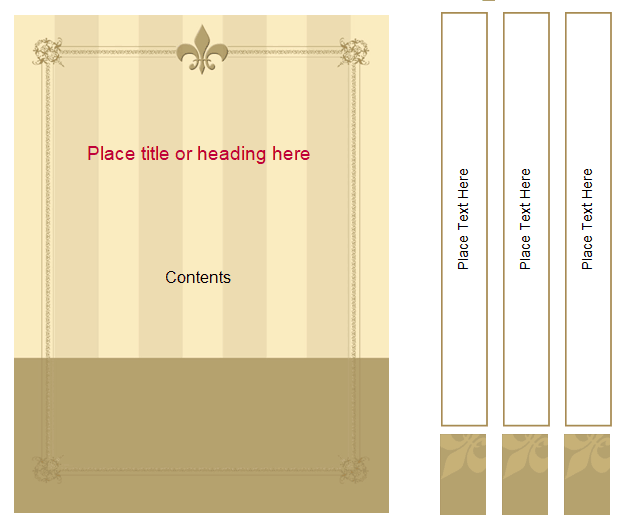
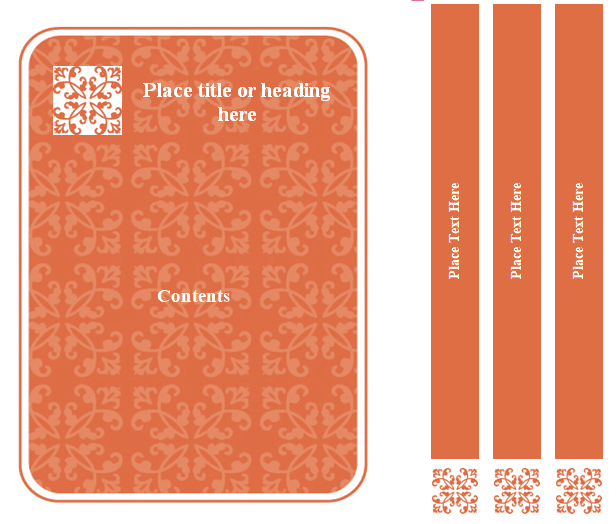
This binder cover template provides a ready-made format for labeling and organizing a binder. It can be customized with a title, name, subject, project, company information, school year, or other details that identify the contents.
The template can be used for school, office, business, project, or personal organization. Customize the text and visual elements to match the purpose of the binder, then print the finished cover for insertion into a binder sleeve.
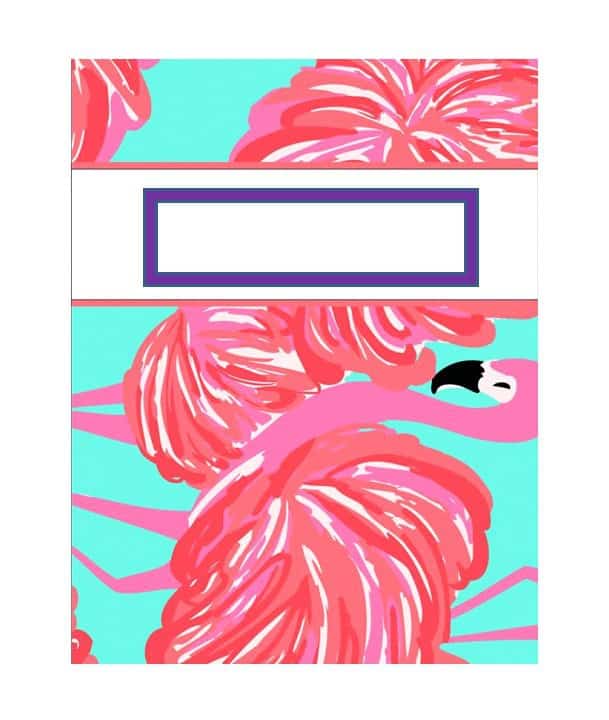

Printable Binder Cover Template
This printable binder cover template provides an easy way to create a customized front cover for a physical binder. It can be edited with a title, name, subject, project information, or other identifying details before printing.
Use a suitable paper size and check the margins before printing. A clear title and simple layout can make the binder easy to identify when several binders are stored together.
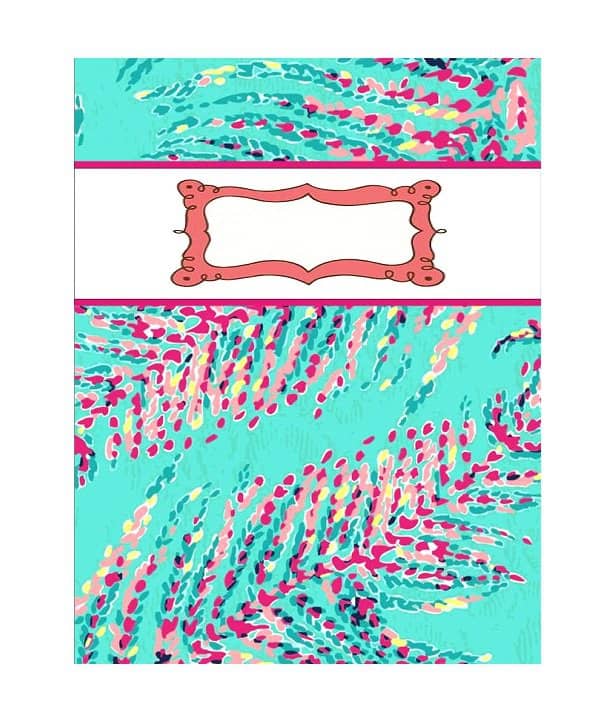
Editable Binder Cover Template
This editable binder cover template allows users to personalize the cover with their own information. You can change the title, colors, fonts, images, and other editable elements according to your needs.
The template can be reused for multiple binders by keeping a clean master copy. Create a separate copy for each subject, project, department, or category.

School Binder Cover Template
This school binder cover template provides a practical way for students to identify class materials. It can include the student’s name, subject, grade, teacher, school year, and other useful information.
Create separate covers for different subjects to make school binders easier to organize. Adding a simple subject-related graphic can also help distinguish one binder from another.
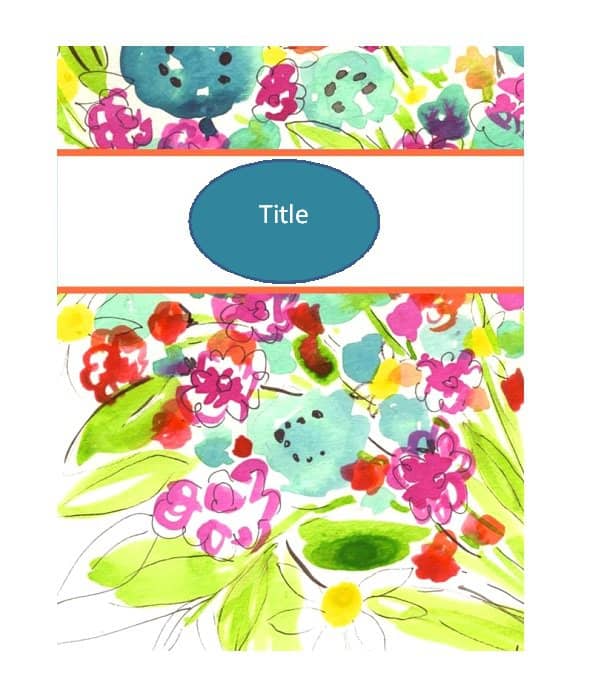
Office Binder Cover Template
This office binder cover template provides a professional format for organizing workplace documents. It can be customized with a company name, department, project title, reporting period, or document category.
Use consistent covers across multiple office binders to create a more organized filing system. Adding a company logo can also provide clear visual identification.
Project Binder Cover Template
This project binder cover template provides a clear way to identify project documentation. It can include the project name, client, project manager, department, dates, or other information relevant to the project.
A consistent project cover can make physical project files easier to locate and manage. Keep the title prominent so the binder can be identified quickly on a shelf.
FAQs
1. What is a binder cover?
A binder cover is a front page used to identify and organize the contents of a binder or folder.
2. Can I edit a binder cover template in Word?
Yes. A Word binder cover template can be customized with titles, names, subjects, logos, images, dates, and other information.
3. Can I print binder covers at home?
Yes. Printable binder covers can be printed on standard paper or heavier paper, depending on how the cover will be used.
4. What should I put on a binder cover?
You can include a title, name, subject, project, department, school year, date, company logo, or other information that identifies the binder.
5. Can students use binder cover templates?
Yes. Students can use them for school subjects, projects, assignments, lesson materials, and class notes.
6. Can businesses use binder cover templates?
Yes. Businesses can use binder covers for project files, reports, procedures, client documents, financial records, and office filing.
7. What is a binder spine label?
A binder spine label identifies the contents of a binder when it is stored vertically on a shelf. It usually contains a short title or category.
8. How do I make a custom binder cover?
Choose an editable template, add your title and identifying information, customize the design, check the page dimensions, and print it to fit your binder.