

A user manual is a document that explains how to use, install, operate, maintain, or troubleshoot a product, device, software application, or service. A clear manual helps users understand important features and complete common tasks without needing assistance every time.
A user manual template provides a ready-made structure for organizing instructions and product information. Instead of designing a manual from a blank document, you can customize a template with your product name, features, setup instructions, operating procedures, safety information, troubleshooting steps, and contact details. These templates can be useful for businesses, manufacturers, software developers, service providers, and organizations.
User Manual Templates
A useful user manual should be organized around the questions a user is likely to have. Depending on the product, this may include an introduction, product overview, installation instructions, setup, operating procedures, maintenance, troubleshooting, and frequently asked questions.
The level of detail should match the complexity of the product. A simple device may need only a short instruction guide, while technical equipment or software may require a more comprehensive manual with screenshots, diagrams, warnings, and detailed procedures.
User Manual Template in Word
A user manual template in Word is convenient for creating an editable instruction document. You can add headings, numbered instructions, tables, images, screenshots, diagrams, warnings, and other information without specialized documentation software.
Word is particularly useful for small businesses and product teams that need a professional manual but do not require a complex publishing system. Save the original template separately so future revisions can be made without losing the master format.
Product User Manual
A product user manual explains how customers should install, operate, maintain, and troubleshoot a physical product. It may be included with the product packaging or provided digitally through the company’s website.
Useful sections can include product specifications, components, initial setup, operating instructions, maintenance requirements, safety warnings, troubleshooting, warranty information, and customer support details.
Software User Manual
A software user manual or software user guide explains how to install and use an application or computer program. It can introduce the interface, explain major features, and provide step-by-step instructions for common tasks.
Screenshots can be particularly helpful in software documentation because they show users exactly where buttons, menus, settings, and other controls are located. Keep screenshots current when the software interface changes.
Equipment User Manual
An equipment user manual provides operating and maintenance information for machinery, tools, appliances, or other equipment. It can explain setup, controls, operating procedures, cleaning, maintenance, troubleshooting, and safety precautions.
Technical equipment manuals should use clear instructions and appropriate warnings. Follow applicable safety, regulatory, and technical requirements when preparing documentation for equipment.
User Guide vs. User Manual
The terms user guide and user manual are often used interchangeably, although organizations may use them differently. A user guide may provide a shorter introduction to common tasks, while a user manual can contain more comprehensive technical and operating information.
The best format depends on the audience and product. If users need detailed instructions, troubleshooting information, specifications, and maintenance procedures, a more comprehensive manual may be appropriate.
What to Include in a User Manual
A user manual may include:
- Product or software overview
- Getting started instructions
- Installation and setup
- Operating instructions
- Features and functions
- Safety warnings
- Maintenance information
- Troubleshooting
- Technical specifications
- Frequently asked questions
- Warranty information
- Customer support details
Not every manual requires every section. Include the information users actually need to operate the product safely and effectively.
How to Write a User Manual
Start by identifying the intended users and the tasks they need to perform. Organize the manual in the same logical sequence that users are likely to follow when setting up and using the product.
Use short sections, descriptive headings, numbered steps, tables, screenshots, and diagrams where they improve understanding. Avoid unnecessary technical language unless the audience is expected to understand it.
Test the instructions before publishing the manual. Someone who was not involved in creating the product should ideally be able to follow the instructions successfully.
User Manual for Customers
A customer user manual should be written from the user’s perspective rather than the manufacturer’s perspective. Focus on practical questions such as how to get started, how to perform common tasks, what to do when something goes wrong, and where to obtain support.
Make important warnings and limitations easy to find. Include contact information or links to support resources when customers may need additional assistance.
Digital and Printable User Manuals
User manuals can be provided as printed documents, PDFs, web pages, help centers, or other digital formats. A printable manual may be useful when users need instructions near the product, while a digital manual is easier to update and distribute.
For digital manuals, use searchable headings and descriptive links. For printable versions, check page breaks, image quality, margins, and readability before publishing.
Download Free User Manual Templates
These free user manual templates in Word provide ready-made structures for creating product manuals, software guides, equipment instructions, and customer documentation. The page includes downloadable user manual formats and additional examples that can provide ideas for organizing your own manual.
Choose a template that fits your product and audience, then customize the sections with accurate instructions, images, specifications, safety information, and support details. A clear and well-tested user manual can reduce confusion and help customers use a product more effectively.
Downloadable User Manual Templates And Formats
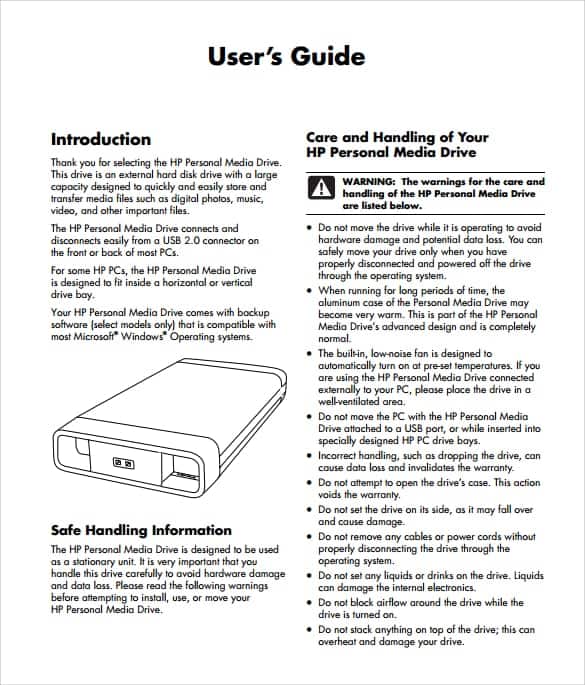
This user manual template provides a structured starting point for creating instructions for a product, device, software application, or service. It can organize introductory information, setup procedures, operating instructions, and other important guidance.
Customize the template with the product name, company information, instructions, images, warnings, and support details. Keep the document organized with clear headings so users can quickly find the information they need.
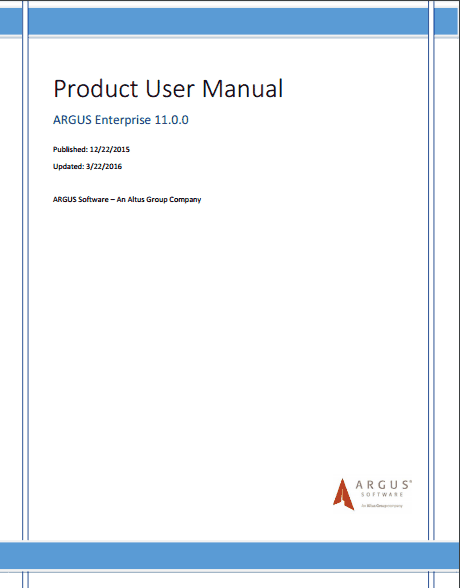

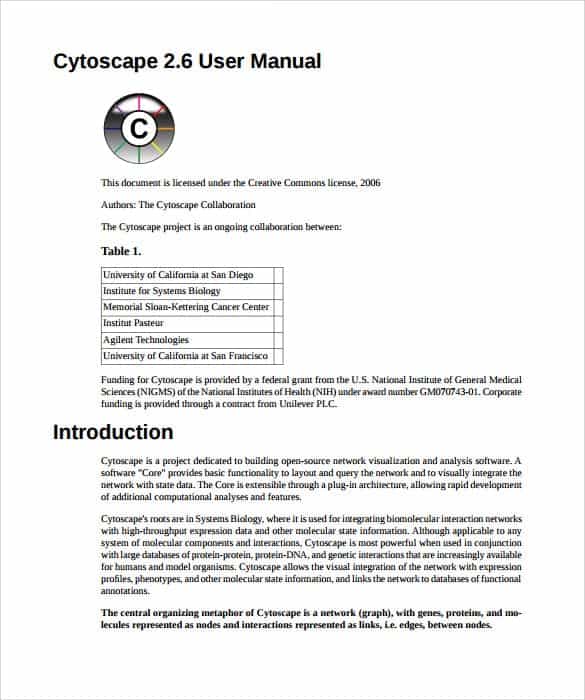
This user manual template provides another editable structure for documenting product or software instructions. It can be adapted for installation guides, operating procedures, customer instructions, or technical documentation.
Use numbered steps for procedures that must be completed in sequence. Add screenshots or diagrams where visual information can make an instruction easier to understand.

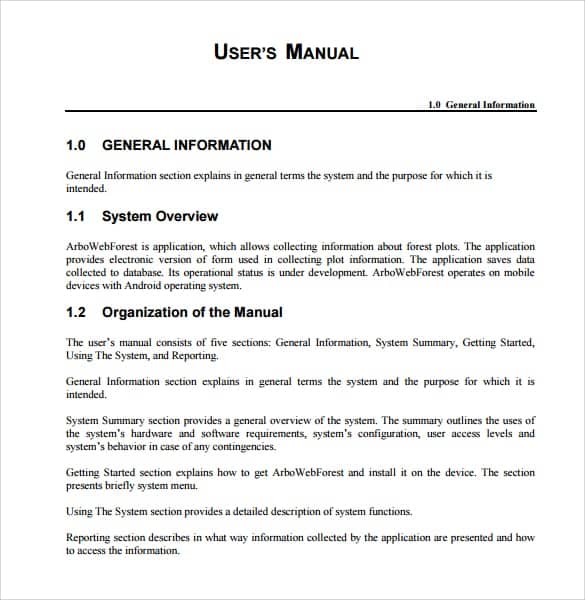
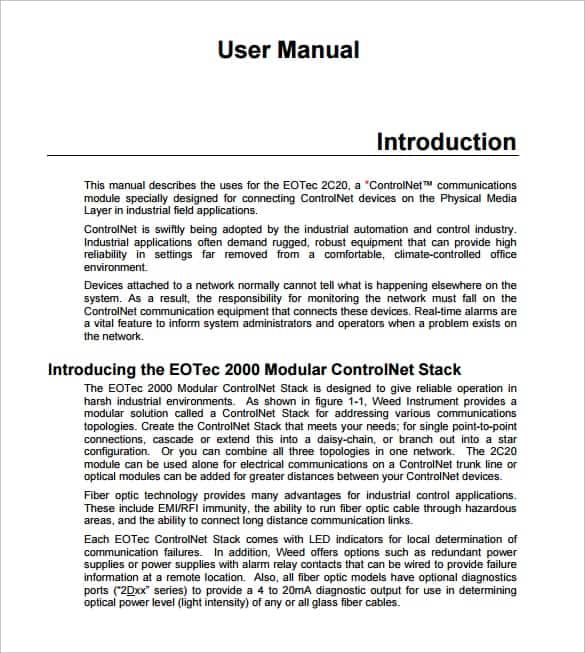
This user manual template offers a practical format for explaining how a product or system works. It can include sections for features, setup, operation, maintenance, and troubleshooting.
Customize the headings to match the product and intended audience. Test every procedure before publishing to ensure users can follow the instructions successfully.
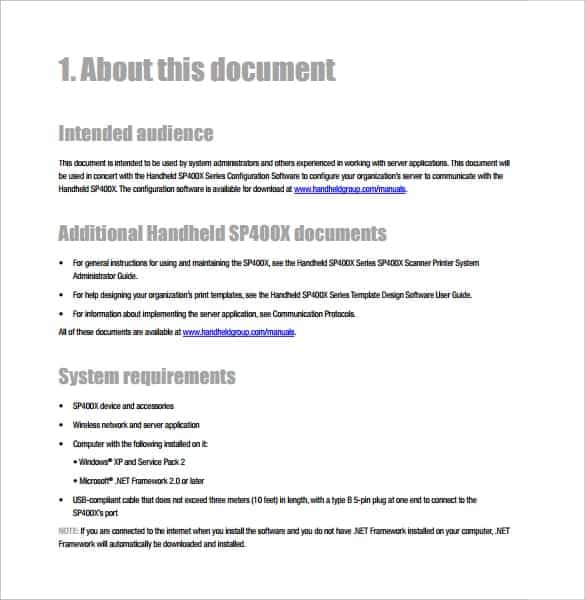
This user manual template provides a professional layout for creating customer-facing documentation. It can be used by manufacturers, software companies, service providers, and other organizations.
Add company branding, product images, specifications, safety information, and support contacts where appropriate. Keep the most frequently needed instructions easy to locate.
This user manual template provides an organized format for documenting product features and operating instructions. It can be customized for different products and technical requirements.
Use concise language and divide complex procedures into manageable steps. Tables and diagrams can be added when they improve clarity.
This user manual template offers another format for creating detailed product or equipment documentation. It can include setup, operation, maintenance, safety, and troubleshooting sections.
Customize the document according to the equipment and user requirements. Make safety warnings prominent and follow applicable technical documentation requirements.
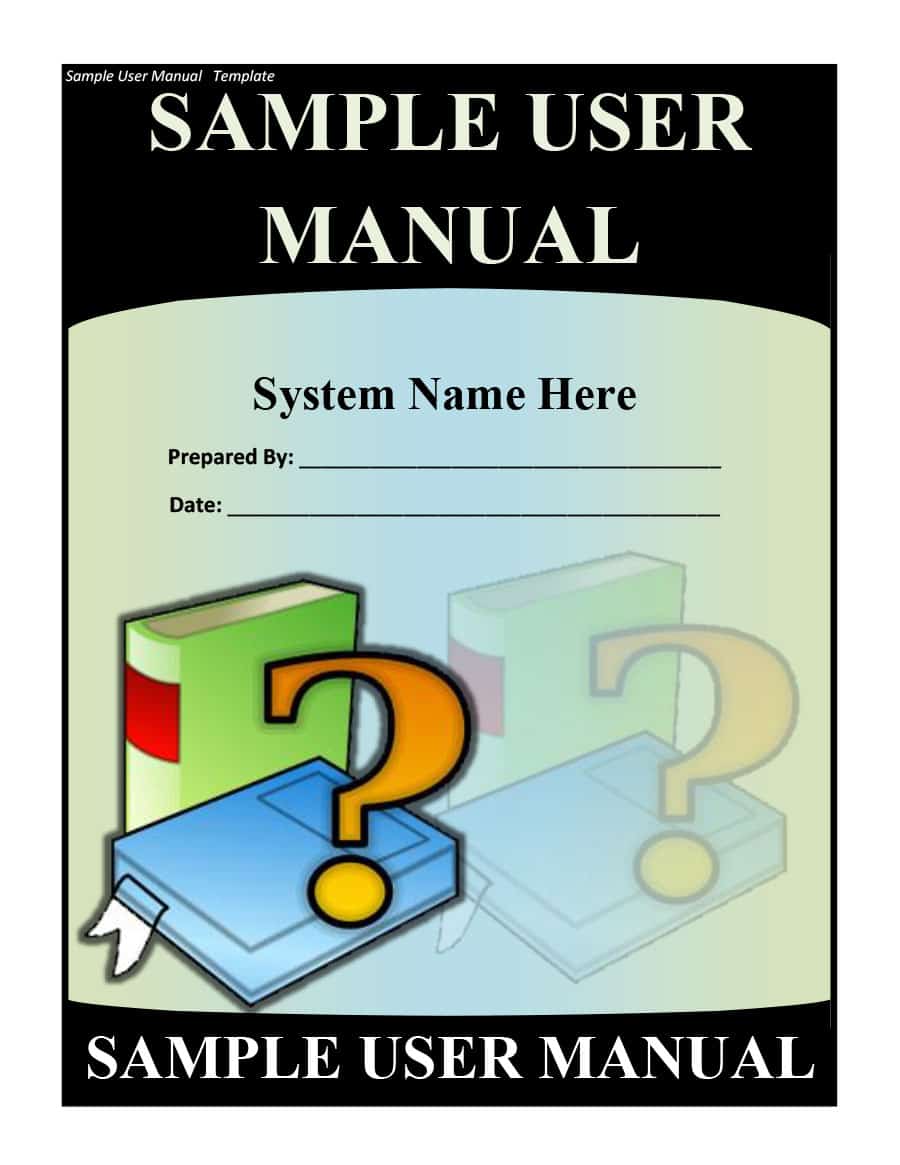
This user manual template provides a reusable format for businesses that need to prepare instructions for customers. It can be adapted for physical products, software, equipment, or services.
Maintain a clean master copy and update the manual whenever the product, interface, features, or operating procedures change.
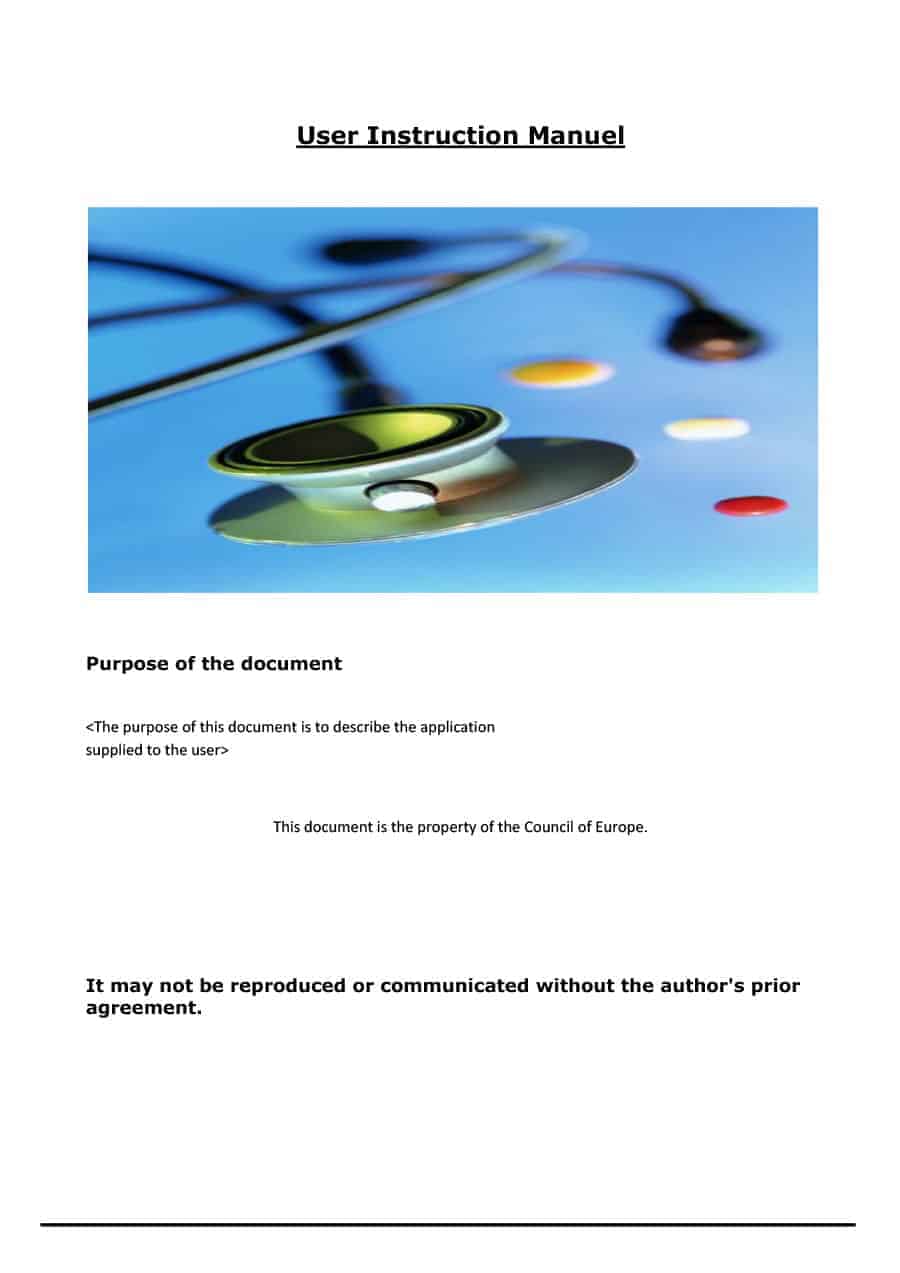
This user manual template provides a structured format for organizing detailed operating information. It can help separate introductory information, procedures, warnings, troubleshooting, and support details.
Use descriptive headings and consistent formatting throughout the document. This makes longer manuals easier for users to navigate.
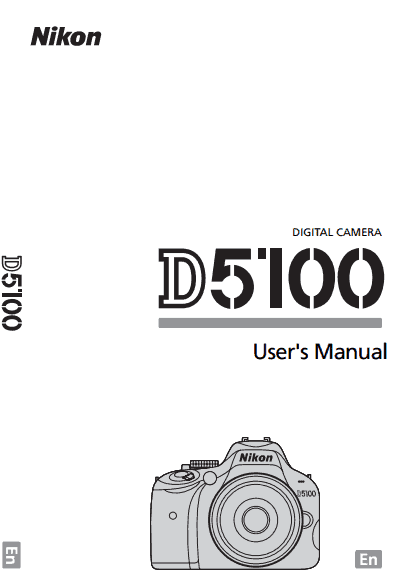
This user manual sample provides a visual reference for organizing product instructions and user information. It can help demonstrate how different sections of a manual may be arranged.
Use the sample for design inspiration and replace example information with accurate product-specific content. Review the completed manual from a user’s perspective before publishing.
FAQs
1. What is a user manual?
A user manual is a document that explains how to install, operate, use, maintain, or troubleshoot a product, device, software application, or service.
2. Can I create a user manual in Word?
Yes. Word is useful for creating editable user manuals with headings, numbered instructions, tables, screenshots, and images.
3. What should a user manual include?
It may include an introduction, setup instructions, operating procedures, safety information, troubleshooting, maintenance, specifications, and customer support details.
4. What is the difference between a user guide and user manual?
The terms are often interchangeable. A user guide may be shorter and task-focused, while a user manual may provide more comprehensive product information and instructions.
5. Can I use a user manual template for software?
Yes. Software manuals can explain installation, interface features, settings, common tasks, troubleshooting, and other functions.
6. Why are screenshots useful in user manuals?
Screenshots can show users where buttons, menus, settings, and other interface elements are located, making software instructions easier to follow.
7. How long should a user manual be?
There is no fixed length. It should contain enough information for the intended users to safely and effectively operate the product or complete relevant tasks.
8. Can I provide a user manual as a PDF?
Yes. PDF is a common format for distributing digital user manuals because it preserves formatting across devices and can be printed when needed.



You must be logged in to post a comment.