

Use these postcard templates to create promotional, travel and event postcards. Compare 5 downloads below, then choose the file that fits your task.
Choose a Download
| Resource | Format | Download |
|---|---|---|
| Business Promotion Postcard Template | Word | Download Business Promotion Postcard Template |
| Travel Postcard Template | Word | Download Travel Postcard Template |
| Just Listed Real Estate Postcard | Word | Download Just Listed Real Estate Postcard |
| Save the Date Postcard Template | Word | Download Save the Date Postcard Template |
| Holiday Greeting Postcard Template | Word | Download Holiday Greeting Postcard Template |
For the next step, compare word brochure templates.
What Is a Postcard?
A postcard is a single, unfolded card with a picture or message on the front and space on the back for a short note, the recipient’s address and a stamp. Postcards are used for travel greetings, holiday wishes and save the dates, and businesses use them for direct mail promotions, real estate listings and customer reminders. A postcard template provides the front and back layout ready to personalize and print.
More about postcard template
Postcard is a small card usually sent through the mail at a lesser postage rate than a sealed envelope because these are sent without envelops. Most of people also use them as greeting cards to convey message of best wishes or good luck with a beautiful photograph or image. Nowadays, business organizations and companies are using postcards as a great marketing tool to promote their products, services and business events. These are also used to spread information and details about different historical places and destinations around the world along with an attractive image.
Whatever the size of your business and whatever business you are in to, postcards can help you a lot to greet your customers during a special occasion or to promote new products offered. Beautifully designed postcard template is available here for free that can give your cards a more personal touch that’ll be sure to make a great impression. The template is useful for both personal and professional purposes which means anyone can use it to design personalized postcards at home or in office. One can easily add personal or favorite photographs in the card to give it a creative look.
Free Printable Postcard Templates in Word
The five free Word postcard templates on this page each have two pages, one for the fronts and one for the backs:
- Business Promotion Postcard Template: Word (.docx), 2 pages.
- Travel Postcard Template: Word (.docx), 2 pages.
- Just Listed Real Estate Postcard: Word (.docx), 2 pages.
- Save the Date Postcard Template: Word (.docx), 2 pages.
- Holiday Greeting Postcard Template: Word (.docx), 2 pages.
Edit the text and photos, print the front page, then turn the sheet over and print the back, and cut along the guides.
Postcard Uses for Business and Personal Mail
- Promotions: special offers, discount codes and new product announcements.
- Real estate: just listed and just sold cards, home valuation offers.
- Events: save the dates, invitations and reminders.
- Holidays: season’s greetings to friends, family or clients.
- Travel: greetings from a trip or a souvenir-style card.
- Appointments: reminders from dentists, salons or service businesses.
What to Put on a Postcard
Front: one strong image and a short headline, such as the offer, the event name or “Greetings from…”. Keep it bold and simple so it is noticed in a pile of mail.
Back: a short message or key details, a call to action and your contact information on the left side, with the right side kept clear for the recipient’s address and the stamp or postage area. Leave enough clear space for postal markings.
Postcard Wording Ideas
Keep postcard messages short. A promotion might read: “Save on your next visit — show this card for a discount through the end of the month.” A travel card: “Wish you were here! The beaches are beautiful and the food is even better.” A save the date: “Save the date for our wedding — formal invitation to follow.” A holiday card: “Warmest wishes for a joyful season and a happy new year.”
How to Print Postcards at Home
Use card stock or postcard paper that your printer can handle. Print a test copy on plain paper, hold the two pages together against the light and check that the fronts and backs line up. Print the fronts, flip the sheet as your printer requires and print the backs. Cut carefully with a paper trimmer for straight edges.
Before mailing, check your postal service’s size and thickness rules for postcards and the correct postage, as these vary by country.
Tips for Effective Direct Mail Postcards
- Lead with one clear offer or message.
- Include a deadline to encourage a response.
- Add a website, phone number or QR code.
- Use high-quality photos.
- Mail to a targeted, up-to-date address list.
Downloadable Postcard Templates And Formats
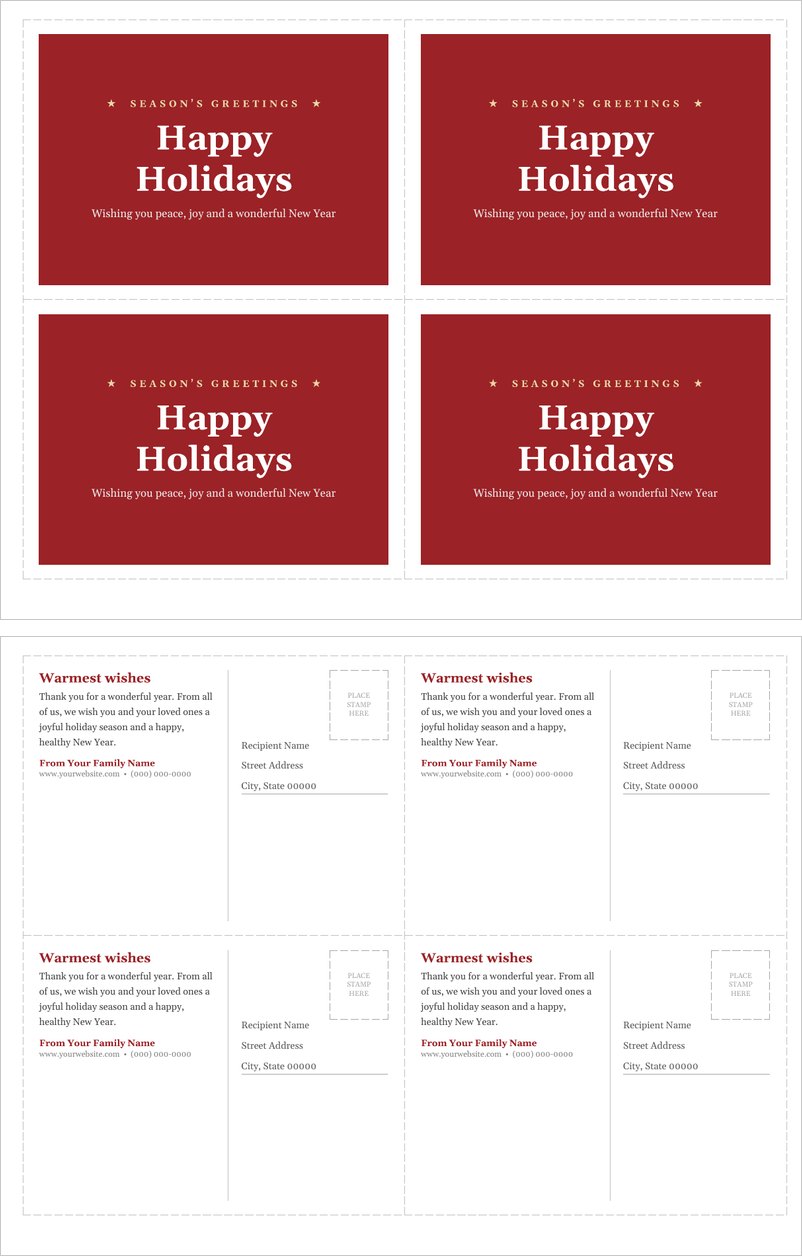
Download these original postcard templates for Microsoft Word. Each file prints four postcards per sheet: page 1 is the front and page 2 is the back.
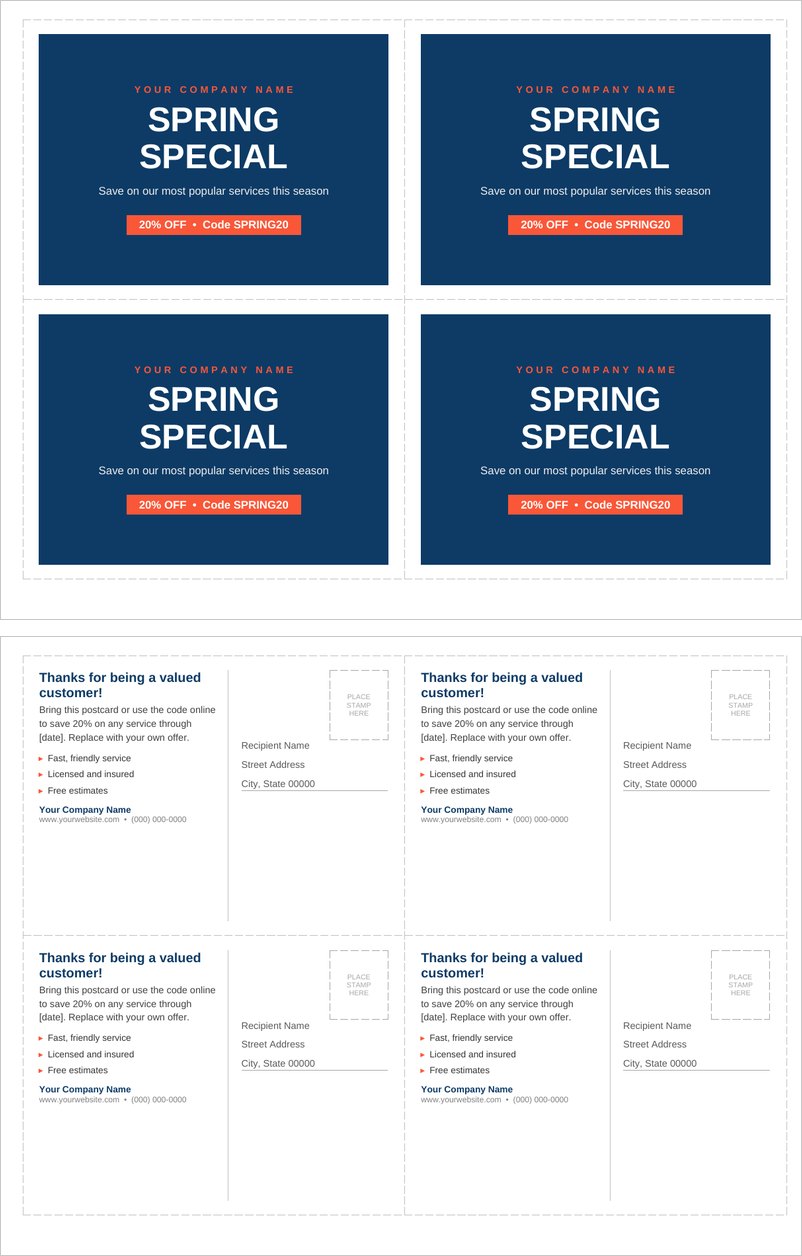
Business Promotion Postcard Template (Word)
A direct-mail promotional postcard, four per page, with a bold offer front, discount code badge and a back with message, benefits and mailing address.
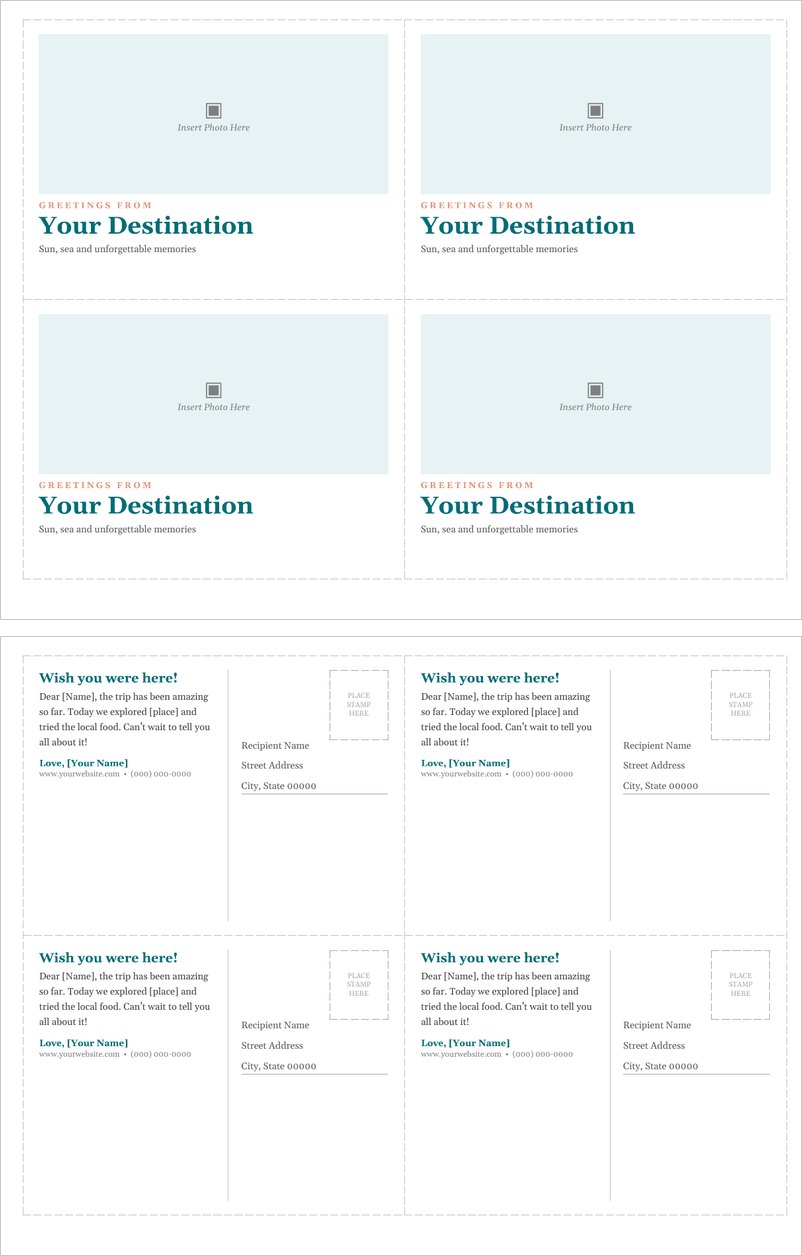
Travel Postcard Template (Word)
A classic travel postcard template with a photo front, greetings-from headline and a handwritten-style back with message area, stamp box and address lines.
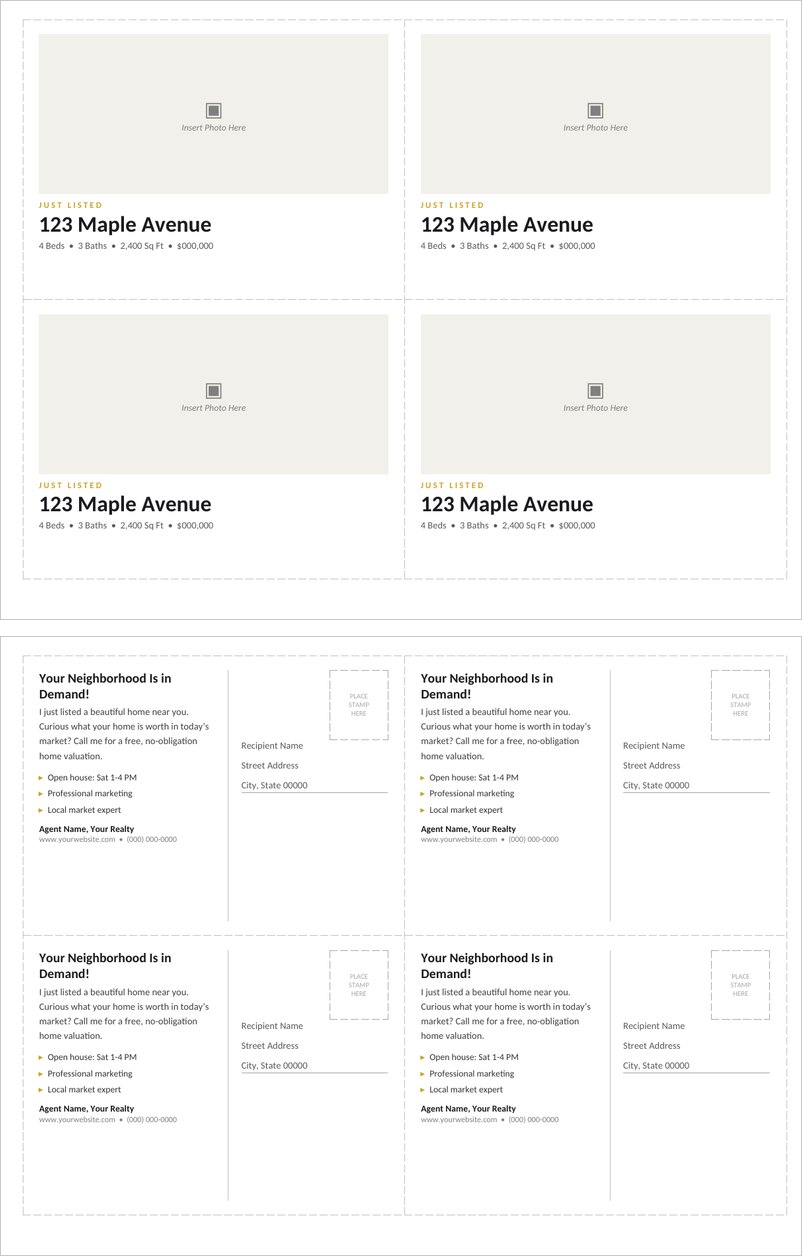
Just Listed Real Estate Postcard (Word)
A just listed postcard for real estate agents with property photo, address and features on the front, and a home valuation offer on the back.
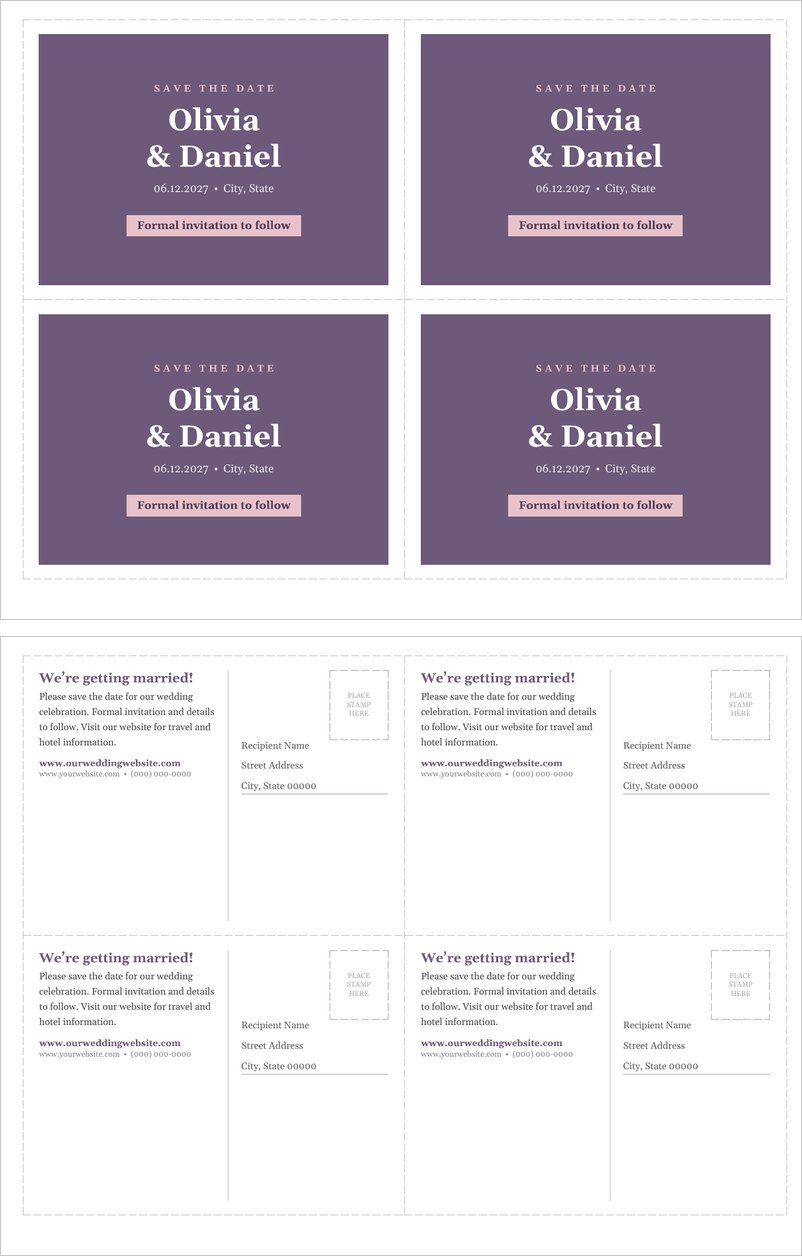
Save the Date Postcard Template (Word)
An elegant save the date postcard for weddings and events with names and date on the front and details, website and address lines on the back.
Holiday Greeting Postcard Template (Word)
A festive holiday greeting postcard in red and cream, four per page, with season’s greetings on the front and a warm message on the back.
Frequently Asked Questions
What is a postcard template?
It is a ready-made front and back postcard layout that you can personalize with your own text, images and address, then print.
How many postcards print per page?
Several of these templates, such as the business promotion and holiday postcards, print four postcards per page.
What paper should I use for postcards?
Card stock or postcard paper that is thick enough to mail and compatible with your printer.
What goes on the back of a postcard?
A short message on the left and the recipient’s address and stamp area on the right.
Can businesses use postcards for marketing?
Yes. Postcards are popular for promotions, real estate listings, event invitations and reminders.

You must be logged in to post a comment.