

Choose a template that matches the number of labels on your sheet and the size of each label. The downloads include 30- and 14-per-sheet mailing labels, 80-per-sheet return address labels, and larger 10- and 2-per-sheet shipping layouts.
Word address label templates by sheet layout
Compare 5 free downloads by format.
| Resource | Format | Download |
|---|---|---|
| Address Labels 30 per Sheet Template | Word | Download Address Labels 30 per Sheet Template |
| Shipping Address Labels 10 per Sheet | Word | Download Shipping Address Labels 10 per Sheet |
| Address Labels 14 per Sheet Template | Word | Download Address Labels 14 per Sheet Template |
| Return Address Labels 80 per Sheet | Word | Download Return Address Labels 80 per Sheet |
| Shipping Labels 2 per Sheet Template | Word | Download Shipping Labels 2 per Sheet Template |
These layouts print mailing and return addresses. For personalized batches, prepare a recipient list and use a mail merge workflow.
For the next step, compare shipping label templates and contact list templates.
Check the fit before printing
Compare the label width and height, margins, spacing and paper size against the packaging. A matching label count alone can still give you the wrong alignment. Print one page at actual size on plain paper and hold it against the label sheet to compare the edges.
What Is an Address Label?
An address label, often called a mailing label, is a small printed sticker with the recipient’s name and address, and sometimes the sender’s details, that you attach to envelopes, packages and mailers. Labels are usually supplied on adhesive sheets with a set number of labels per page. An address label template matches that layout, so the text prints neatly inside each label instead of across the gaps.
Free Address Label Templates in Word
The five free Word address label templates on this page cover the most popular sheet layouts:
- Address Labels 30 per Sheet Template: Word (.docx), 1 page.
- Shipping Address Labels 10 per Sheet: Word (.docx), 1 page.
- Address Labels 14 per Sheet Template: Word (.docx), 1 page.
- Return Address Labels 80 per Sheet: Word (.docx), 1 page.
- Shipping Labels 2 per Sheet Template: Word (.docx), 1 page.
Each template is sized for its label layout. Before buying labels, compare the label size and number per sheet with the template so they match.
Mailing Labels for Business and Personal Use
Address and mailing labels save a great deal of time when you send post in bulk. Businesses use them for invoices, catalogs, product shipments and customer mailings, while at home they are handy for holiday cards, wedding invitations, party invitations and family newsletters. Instead of writing every address by hand, you type the details once and print a full sheet.
Because every element of a Word label template is editable, you can also make your labels look personal or on-brand: choose a favorite font, add colors, include your company logo or a small icon, and add your return address so undeliverable mail comes back to you.
Types of Address Labels
- Standard address labels for envelopes and letters.
- Return address labels: small labels with your own name and address.
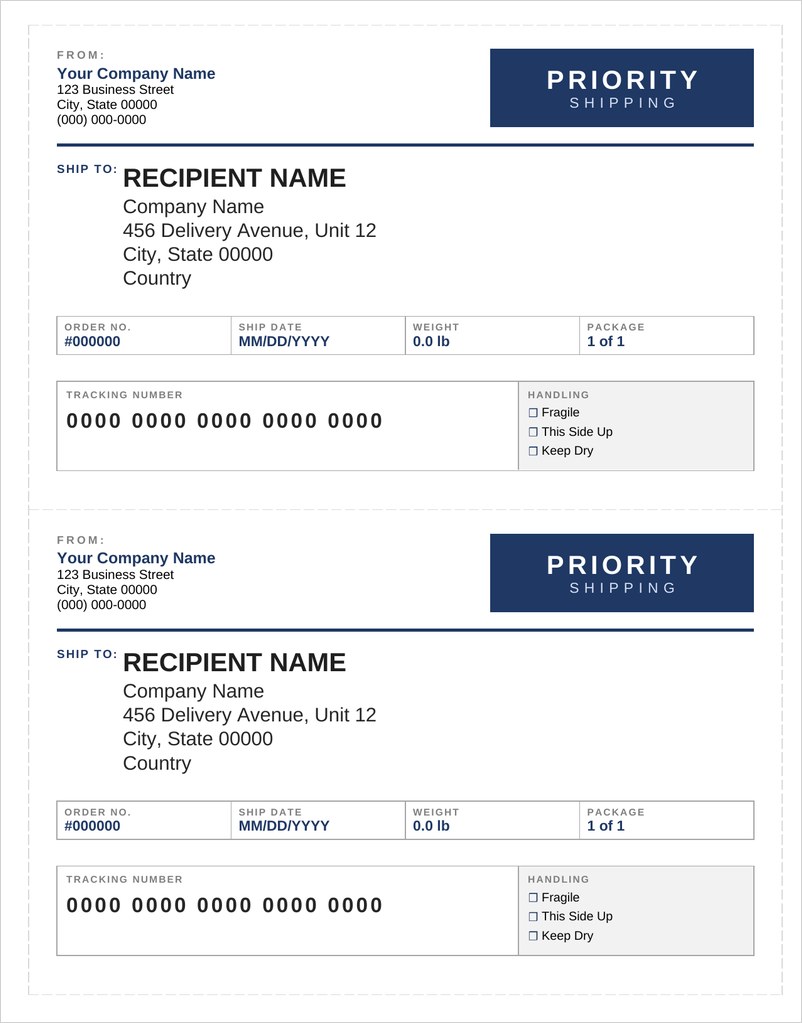
- Shipping labels: larger labels with FROM and SHIP TO blocks for boxes.
- Half-sheet labels for parcels that need order numbers or weight.
- Decorative labels for invitations and holiday cards.
How to Print Address Labels in Word
Open the template that matches your label sheet and type the names and addresses into each label. For many addresses, you can use Word’s mail merge feature to pull names from a spreadsheet or contact list into the labels automatically.
Always print a test page on plain paper first. Hold it against a label sheet up to the light to check the alignment, and adjust margins if needed. In the print settings, choose actual size rather than fit to page, and select the label or heavy paper setting if your printer has one. Load the sheet the right way up, and print a few sheets at a time to avoid jams.
Tips for Clear, Deliverable Labels
- Use a clear, readable font at a sensible size.
- Follow your postal service’s address format and include postcodes.
- Keep enough white space around the text.
- Use matte labels if you plan to write on them.
- Store label sheets flat so they feed smoothly.
Find Address Label Templates Below
Download these original address label templates for Microsoft Word. Each layout matches a common label sheet size; type your address once and copy it to every label.
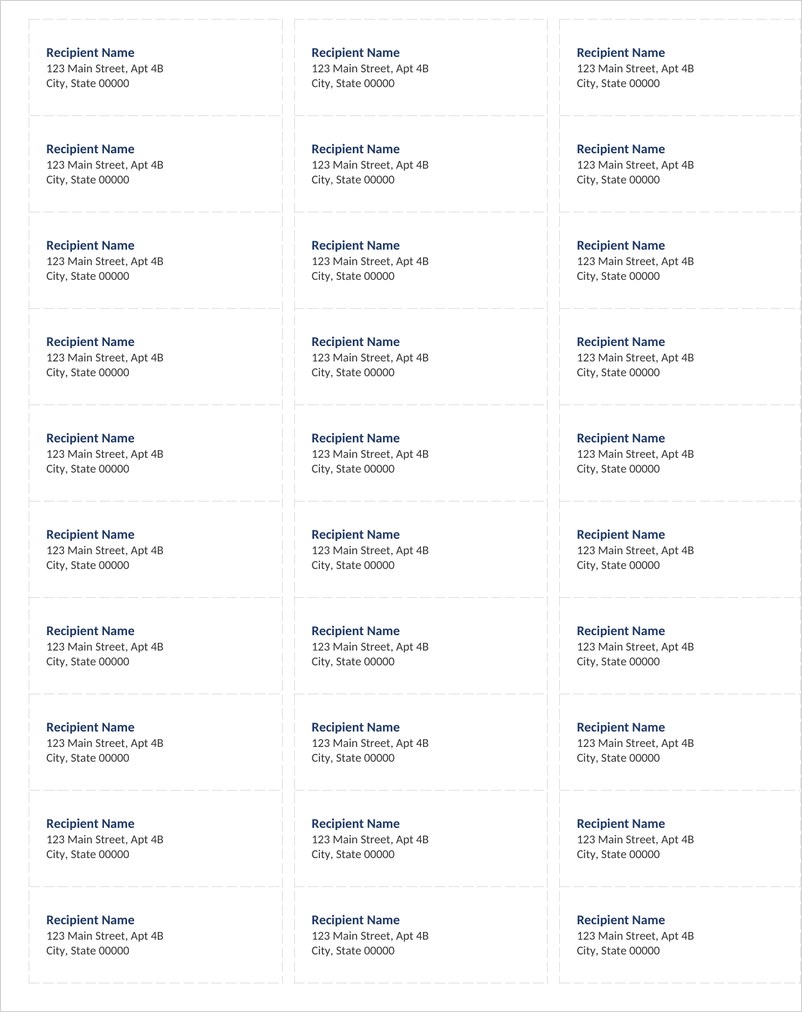
Address Labels 30 per Sheet Template (Word)
A Word address label sheet with 30 labels sized 2-5/8 x 1 inch, matching common 3-across label sheets for mailing envelopes and invitations.
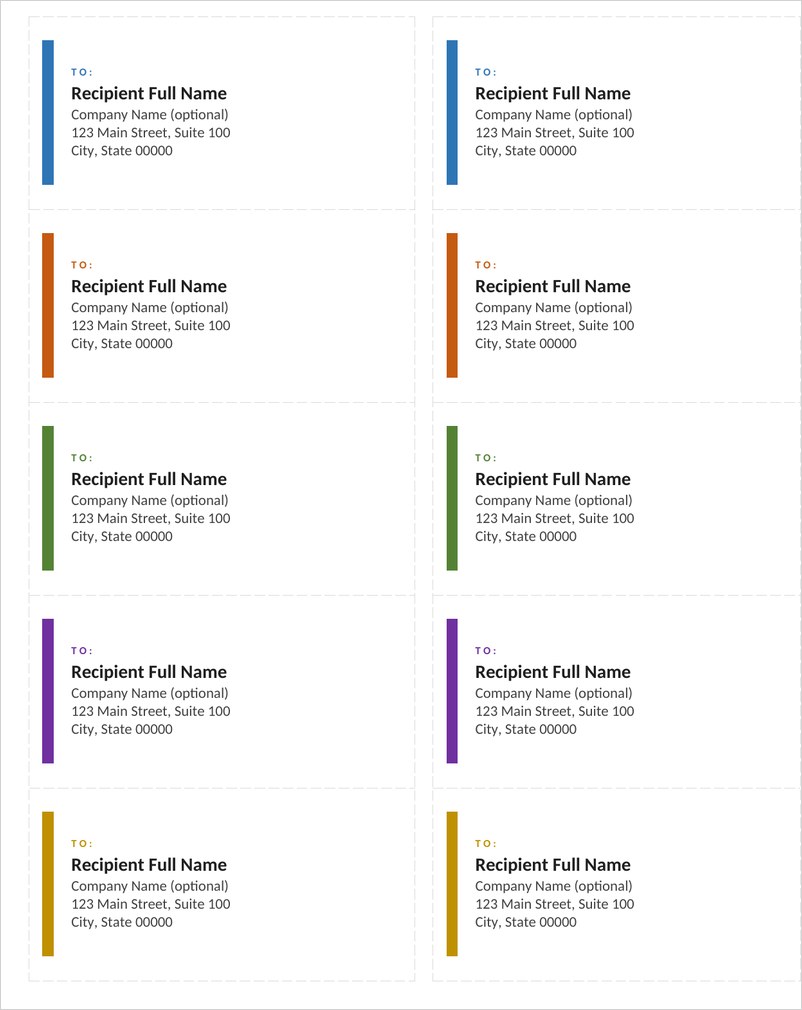
Shipping Address Labels 10 per Sheet (Word)
Large 4 x 2 inch shipping address labels, 10 per sheet, with a colored accent bar and clear TO block for boxes, packages and mailers.
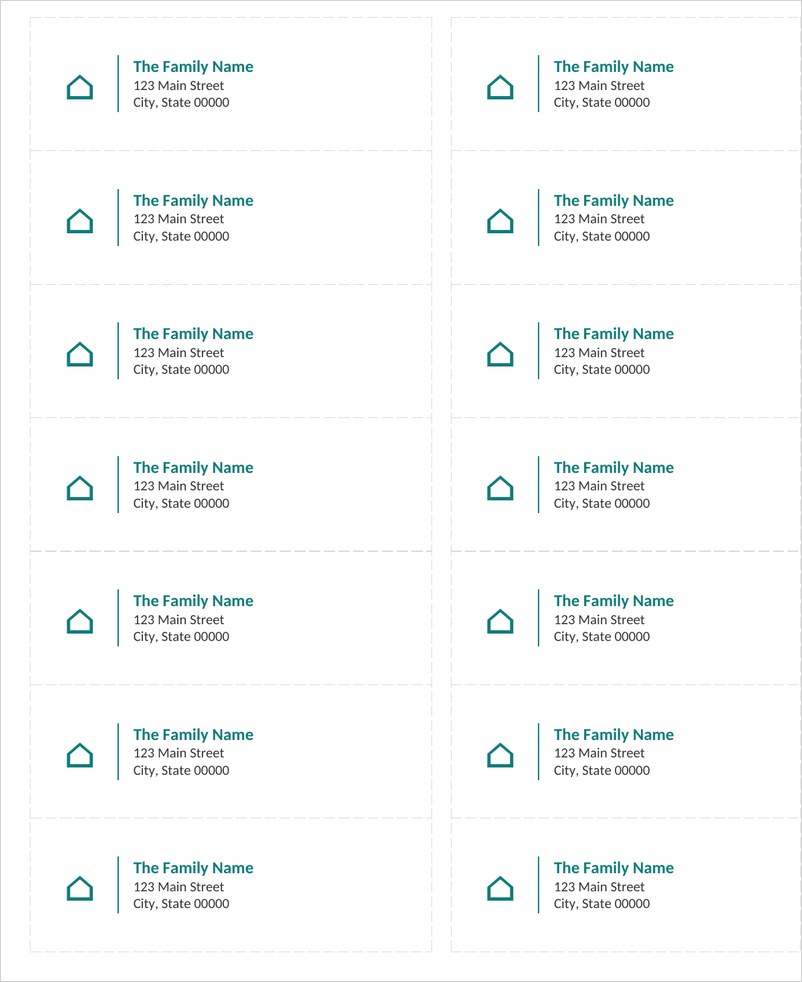
Address Labels 14 per Sheet Template (Word)
A 14-per-sheet address label layout with 4 x 1-1/3 inch labels and a home icon, ideal for family mailings, holiday cards and wedding envelopes.
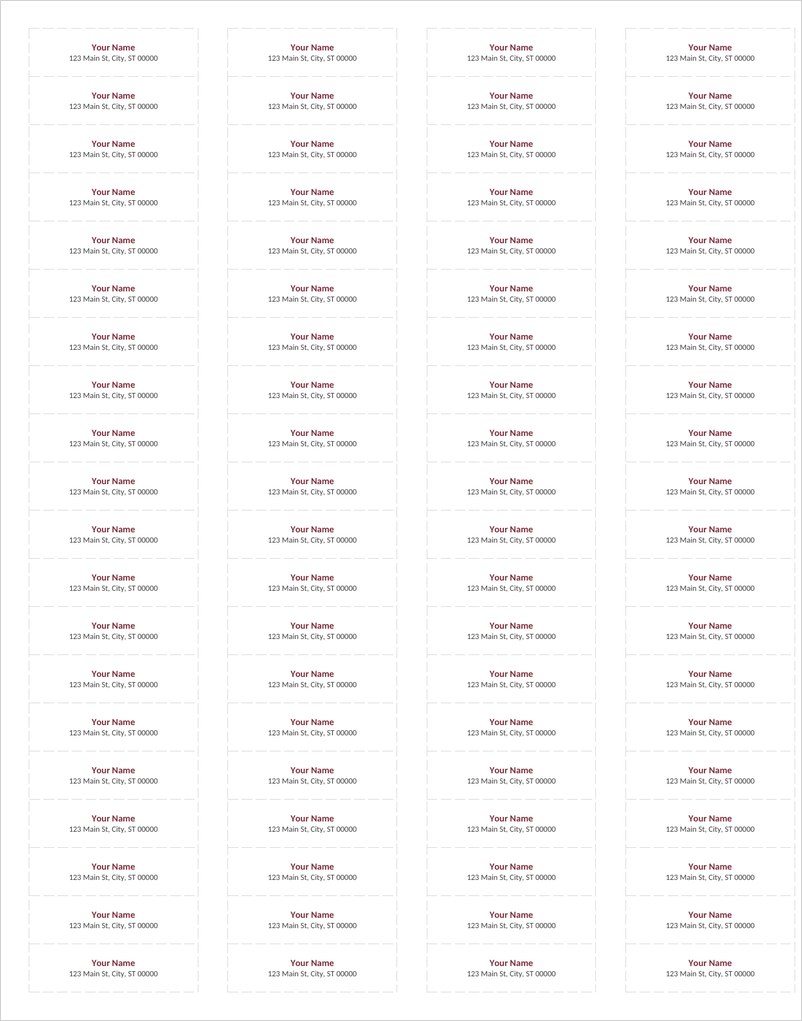
Return Address Labels 80 per Sheet (Word)
Small 1-3/4 x 1/2 inch return address labels, 80 per sheet, laid out 4 across so you can print your name and address for every envelope.
Shipping Labels 2 per Sheet Template (Word)
A half-sheet shipping label template with two large half-page labels per letter sheet, including FROM and SHIP TO blocks, order number, date and weight.
Frequently Asked Questions
How do I choose the right address label template?
Match the template to your label sheet by label size and number of labels per sheet, such as 30, 14, 10 or 80 per sheet.
Can I print address labels from a spreadsheet?
Yes. Use mail merge in Word to pull names and addresses from a spreadsheet or contact list into the label layout.
How do I fix a label sheet that drifts out of alignment?
Check that the printer uses the same paper size as the document, turn off page scaling, and compare both the top and bottom rows on a plain-paper test.
What is the difference between an address label and a return address label?
An address label shows the recipient’s details. A return address label is smaller and shows the sender’s details.
What is a mailing label?
A mailing label is another name for an address label: an adhesive label with address details for mail and packages.



You must be logged in to post a comment.